Tag

multitasking

How to Split Screen on Android Tablet: Step-by-Step Guide

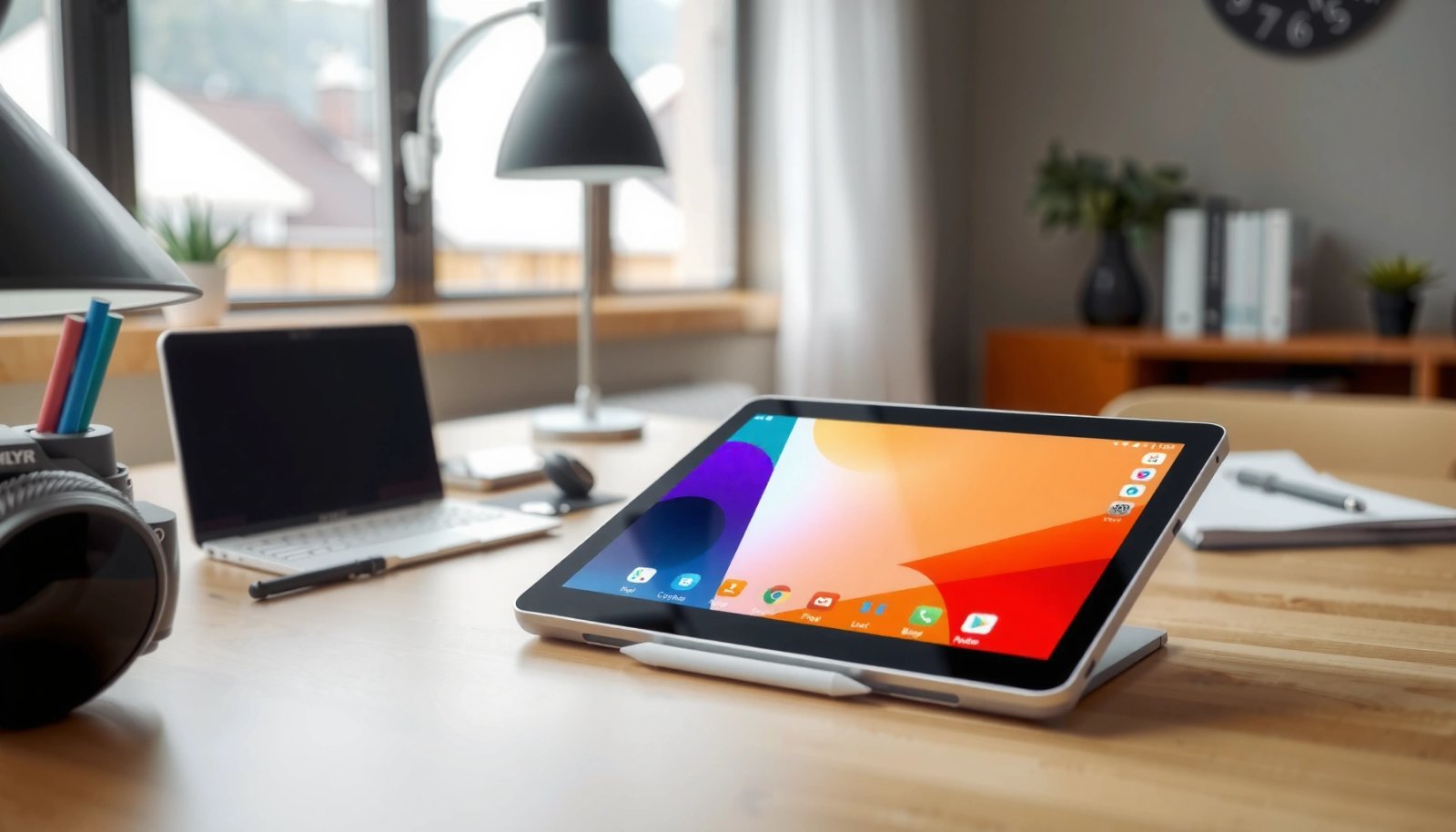
Want to split screen on your Android tablet? This step-by-step guide walks you through the quickest way to enable split screen, with the exact taps to put two apps side by side. If your tablet doesn’t show the split-screen option, you’ll also get the fastest fix so the feature works right away. Split screen on...


How to Play Music in Background on Android: Simple Steps

Want to play music in the background on Android without interruptions? This guide shows the simple, reliable steps to keep audio running while you lock your screen, switch apps, or use other features. You’ll get the exact settings and player behavior to use so background playback works consistently on modern Android versions. To play music...

How Do You Close Apps on an Android Phone?

To close apps on an Android phone, you should use the app switcher and swipe the app away—this reliably stops the app and frees resources without risky steps. This is the fastest, most dependable method whether you’re using gestures or the Android navigation buttons. If you’re still seeing an app keep running, we’ll show the...

How to Close All Tabs on Android: Quick Steps

Need to close all tabs on Android fast? The quickest method is to use your browser’s built-in “Clear all tabs” or “Close all” option from the tab overview screen. If you don’t see that control, switch to “Recent tabs” and select “Close all,” which works across most Android browsers. Follow the steps that match your...