Tag

mobile tethering

Where Is Hotspot on Android? Find and Turn On Mobile Hotspot

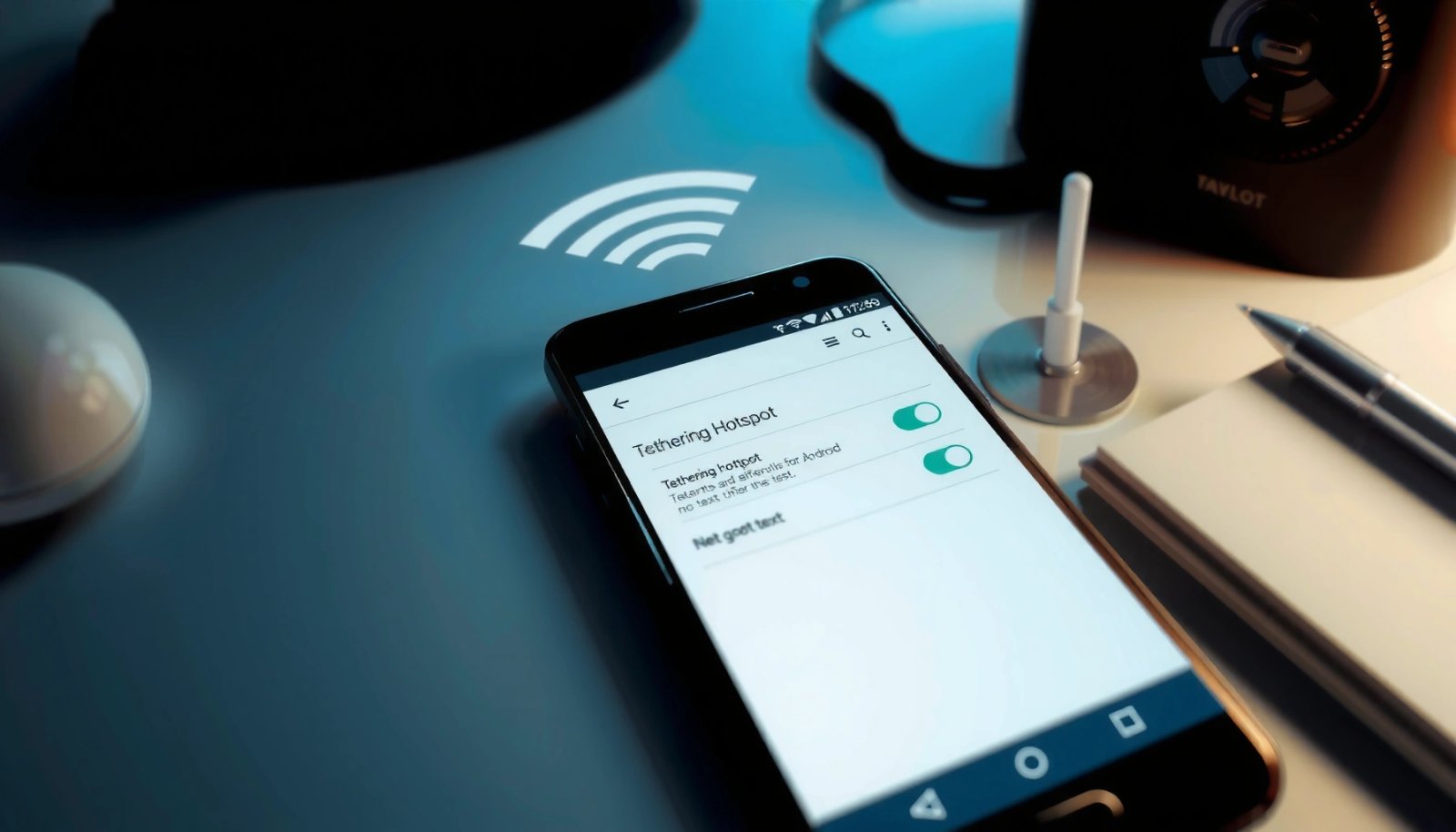
Hotspot on Android usually lives in Settings under “Network & internet” → “Hotspot & tethering,” and this guide will show you exactly where it is on your phone. If you want the fastest way to get other devices online, you’ll also learn the quickest steps to turn on Mobile Hotspot—right from the correct screen. Follow...
How to Join Hotspot on Android: Step-by-Step Guide

Want to join a hotspot on Android fast? Follow this step-by-step guide to connect your phone to the hotspot reliably, whether it’s a Wi‑Fi hotspot you’ve been given or one you’re trying to access for the first time. You’ll learn exactly where to tap in Android settings, how to enter the hotspot password, and what...

How to Connect Hotspot to Another Android Phone

You can connect an Android hotspot to another Android phone quickly, and the best method depends on whether the second phone can scan Wi‑Fi networks or needs a direct pairing. If your other Android phone has Wi‑Fi turned on, use the hotspot’s network name and password to join—this is the fastest, most reliable option. If...

How to Use Hotspot in Android Phone: Step-by-Step

Learn how to use Hotspot on your Android phone step by step—so your devices connect fast with minimal setup. Follow the exact on-screen path to turn on Mobile Hotspot, set a secure name and password, and confirm which settings matter. If you want reliable Wi‑Fi sharing without guesswork, this guide gives you the quickest, no-fail...