Tag

Mobile network

Can an iPhone SIM Card Go Into an Android?

Yes—you can often put an iPhone SIM card into an Android phone, and the connection may work immediately if both devices use the same SIM type and the iPhone is carrier-unlocked. If your iPhone is locked to a specific carrier or uses a different SIM format (for example, eSIM vs physical SIM, or differences in...

What Is the SIM Toolkit Application Android? Explained Simply

The SIM Toolkit application on Android is the built-in SIM-based menu that lets your mobile network, not your apps, trigger on-screen services like balance checks, carrier alerts, and guided actions. If you’re trying to understand what the “SIM Toolkit” entry actually does, what it depends on, and why it may show up on your phone,...

How to Turn Off Mobile Data on Android

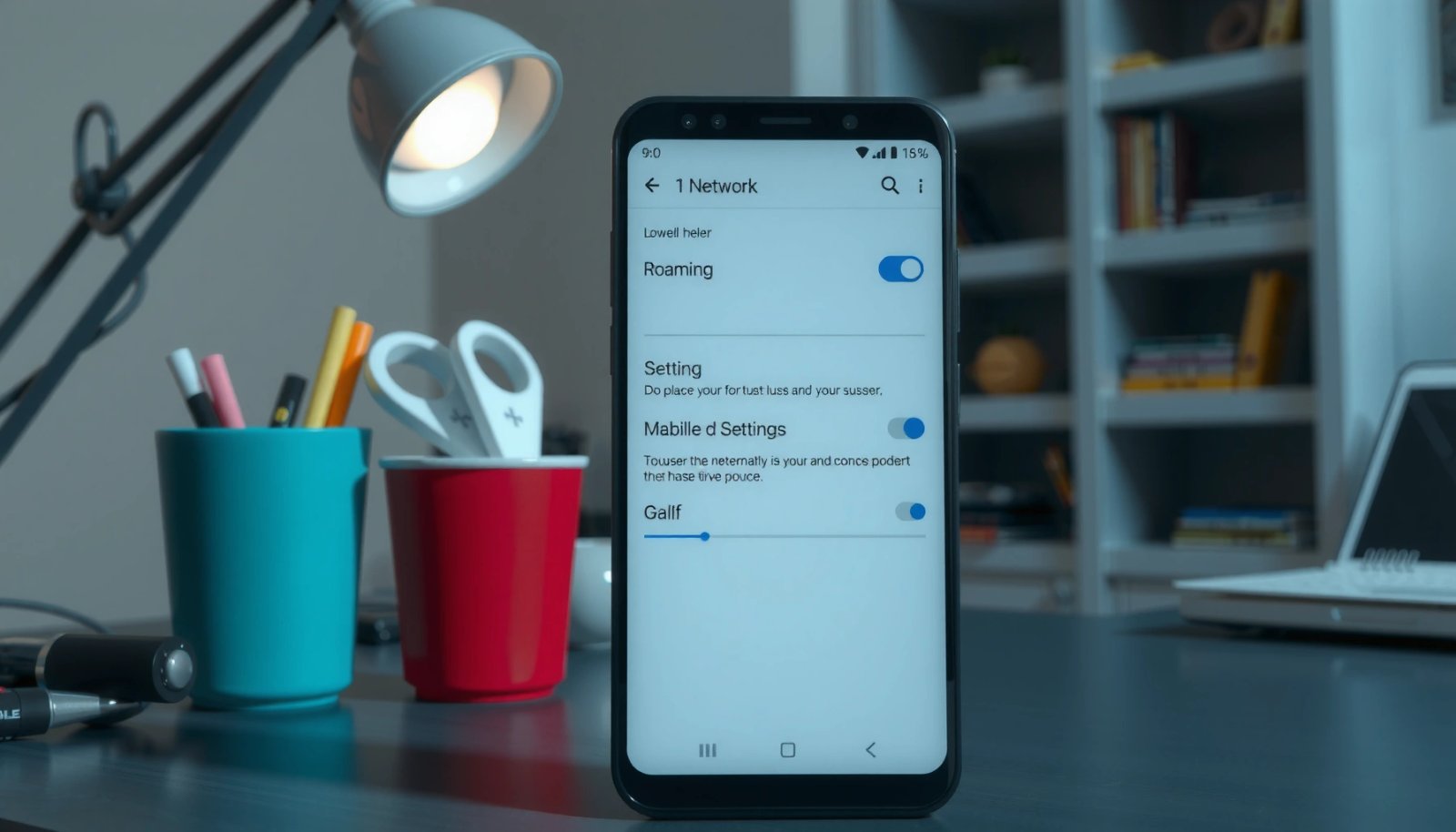
Want to know how to turn off mobile data on Android—and stop apps from using cellular data instantly? This guide shows the quickest path to switch off mobile data using your Android Settings, plus the most reliable way to confirm it’s actually off. In minutes, you’ll prevent background data charges without guessing. Turning off mobile...

How to Transfer eSIM from Android to Android

You can transfer an eSIM from one Android phone to another smoothly—if both devices and your carrier support eSIM transfers through your carrier’s app or QR/SIM profile flow. This guide tells you the fastest, most reliable method to move your eSIM to a new Android, step by step, without losing service longer than necessary. You’ll...

What Does a Restricted Call Mean on Android?

A restricted call on Android means your phone is blocking caller identification, so the recipient sees a limited or unavailable caller ID instead of your number. If you’re trying to figure out whether this is a privacy setting you can control—or an issue with your carrier or phone service—the next sections will tell you exactly...

What Is a Carrier Hub on My Android Phone?

A carrier hub on your Android phone is the built-in app/service your mobile provider uses to manage network features, SIM/eSIM tools, and account-related settings from one place. It’s worth using when your carrier needs you to handle activation, device provisioning, or carrier-specific updates right on your handset. If you don’t see any carrier prompts or...

What Is Carrier Hub Android? Key Meaning and How It Works

Carrier Hub on Android is the built-in app your mobile carrier uses to manage key account and network services, like device provisioning, service settings, and updates. If you want the direct answer to what it is and why it shows up on your phone, this guide explains exactly how Carrier Hub works and what triggers...

What Is Call Barring on Android? Meaning, Types, and How to Use

Call barring on Android is a network-based feature that blocks certain incoming or outgoing calls, so you can control who can reach you and what numbers you can call. This guide explains the meaning of call barring, breaks down the main types (incoming, outgoing, and specific call categories), and shows you exactly how to enable...

How to Find ICCID on Android: Quick Methods

Need to find the ICCID on Android fast? Use the fastest route first: check your SIM card details in Android’s Settings or pull it up through your carrier/phone app for an instant match. If that doesn’t show it, the quickest backup is reading the ICCID from the SIM status screen or a diagnostic query in...

How to Boost Signal on Android Phone: Faster, Stronger Reception

Want to boost signal on your Android phone for faster, stronger reception? The fastest way is to use the right in-phone fixes first—switching network mode, enabling the right connectivity settings, and improving your carrier connection—before you spend time on vague “signal booster” tricks. If you follow the steps for your exact situation (weak coverage vs....