Tag

messaging settings

How to Unblock Text Messages on Android: Quick Fix Steps

Need to unblock text messages on Android fast? Follow these quick fix steps to stop your number or conversation from staying blocked and get your SMS alerts working again. If you can’t receive texts, the solution is usually in your Messages app block list or your device’s call/text filtering settings. If your Android text messages...

How to Change Text Message Bubble Color on Android

Want to change your Android text message bubble color? The steps are straightforward: you’ll adjust the app-specific settings and, if your phone and messaging app don’t support it, switch to a compatible messaging app that offers bubble color themes. You’ll know exactly where to tap and what’s required for the change to actually show up...

How to Change Read Receipts on Android: Step-by-Step

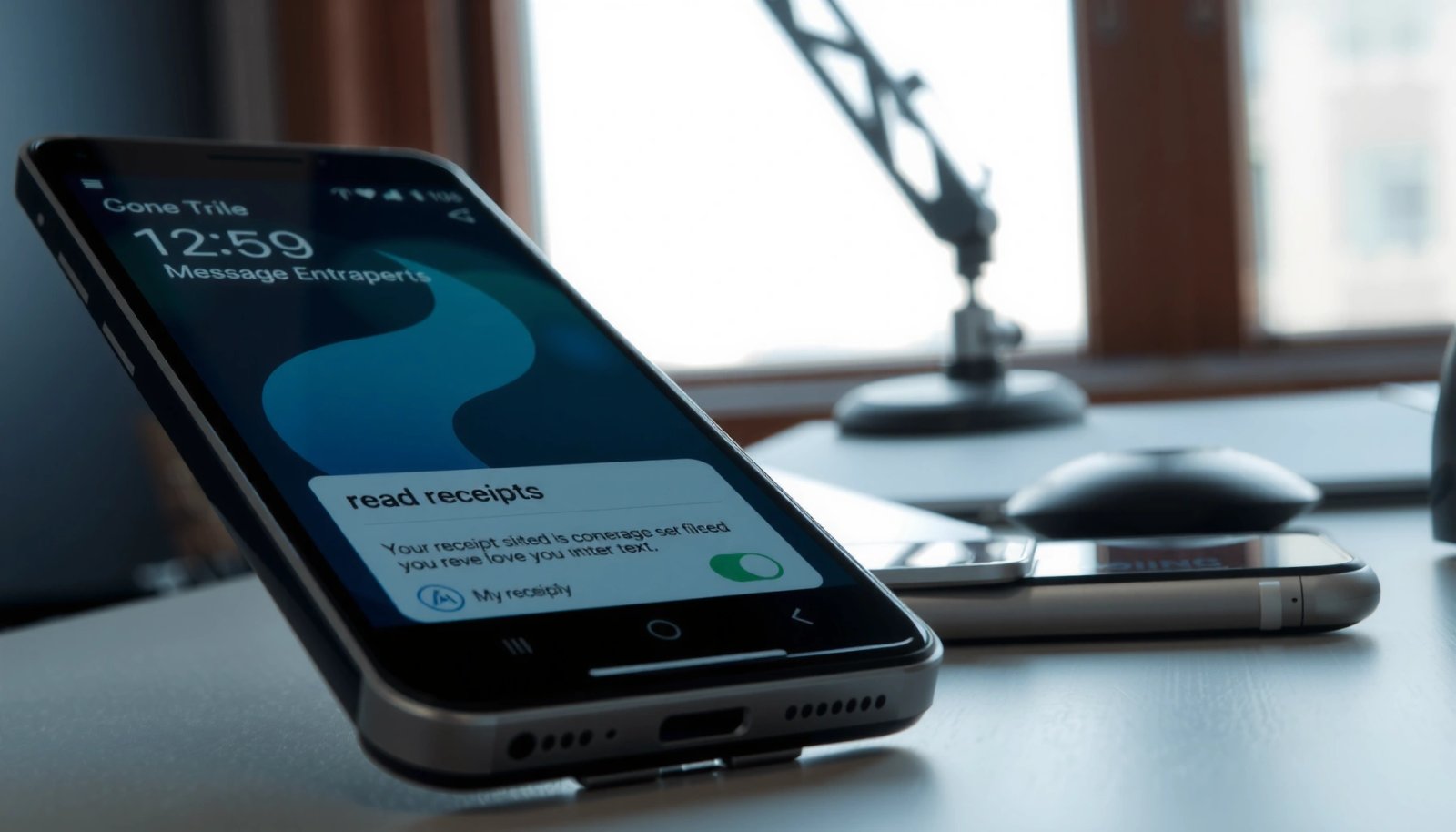
Learn exactly how to change read receipts on Android, so you control what others see after you open their messages. Follow the step-by-step instructions to switch read receipts on or off in your messaging app without guesswork. If you want a clean, reliable result across common Android messaging setups, this is the fastest path. You...

Why Am I Not Getting Texts on My Android? Troubleshooting Guide

Not getting texts on your Android usually comes down to a few fixable settings—this guide shows the fastest path to restore SMS delivery. You’ll get a clear, step-by-step troubleshooting checklist for the most common causes, from messaging app and notifications to carrier blocks and SIM/account issues. Follow it in order to identify exactly why your...

How to Automatically Forward Text Messages to Another Phone (Android)

Want to automatically forward text messages to another phone on Android? The fastest, most reliable way is to use Google Messages (or your carrier’s SMS tools) to set forwarding from your messaging app, then verify the target number for delivery. If you can’t forward natively, a task-based automation app like Tasker with SMS interception becomes...

Don’t Send Read Confirmation on Android: How to Turn It Off

Stop Android from sending read confirmation: here’s how to turn it off so messages aren’t marked as “read” on the other side. If your goal is privacy and you’re tired of receipts appearing after you open a chat, these settings give you the direct control you need. We’ll walk you through the exact switches that...

How to Turn Off Read Receipts on Android

Want to turn off read receipts on Android? The fastest, most reliable route is through the messaging app’s privacy or chat settings, where you can disable “Read receipts” (and sometimes “Delivery/Seen” indicators) with a couple of taps. If you’re not seeing the option, the article shows the key alternatives based on your app and Android...

How Do I Like a Text Message on Android?

Want to like a text message on Android? If your goal is to “like” a specific message inside Google Messages, you can only do it by reacting with available emoji reactions—tap and hold the message, then choose the reaction. If you don’t see that option, your app or carrier settings don’t support message reactions, and...