Tag

location services

What Is Samsung Visit in App on Android? Explained

Samsung Visit in app on Android is the app-side feature Samsung provides to help you check in, schedule, or manage location-based “visit” experiences from within Samsung services. If you want a clear answer to what it does, when it appears, and whether it’s safe and useful to keep enabled, this guide gives you the verdict....
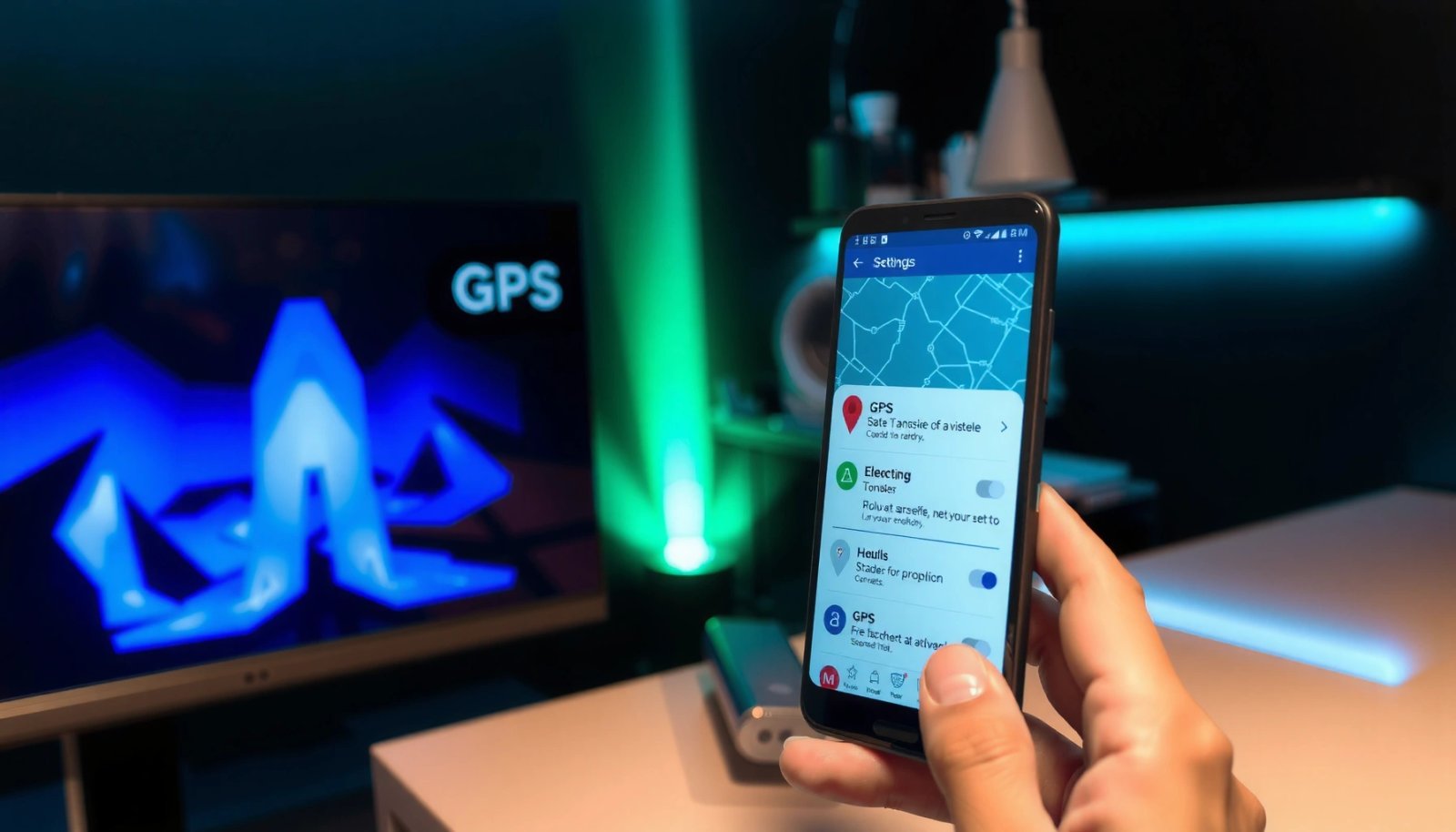

How to Enable GPS in Android: Step-by-Step Setup

Learn how to enable GPS in Android with a step-by-step setup that gets your location working fast. Follow the exact toggles in Location settings and quick settings, confirm the right location mode, and verify GPS is actually being used. You’ll know what to change when it fails—so your device starts getting accurate location indoors and...

How to Block My Phone From Being Tracked on Android

Want to block your Android phone from being tracked? This guide delivers the fastest, most reliable checklist for stopping location tracking from Google services, installed apps, and suspicious device permissions. Follow the steps and you’ll see exactly which settings to change to reduce tracking and regain control. You can stop most Android tracking by turning...

How Do You Turn Off GPS on Android? (Quick Steps)

Want to know how to turn off GPS on Android in seconds? Follow the quickest route: disable Location services or switch off GPS/location permissions for the apps using it. This walkthrough shows the exact taps to stop GPS tracking immediately, not just reduce it. You can turn off GPS on Android by switching Location services...

Why Does the Location Icon Come on Randomly on Android?

That random location icon on Android isn’t a mystery—it’s almost always triggered by an app using Location services in the background, sometimes after a recent permission change or system update. This explains exactly why the indicator appears when it does and what signals to look for so you can identify the app responsible. You’ll also...