Tag

launcher settings

How to Change a Launcher on Android: Step-by-Step

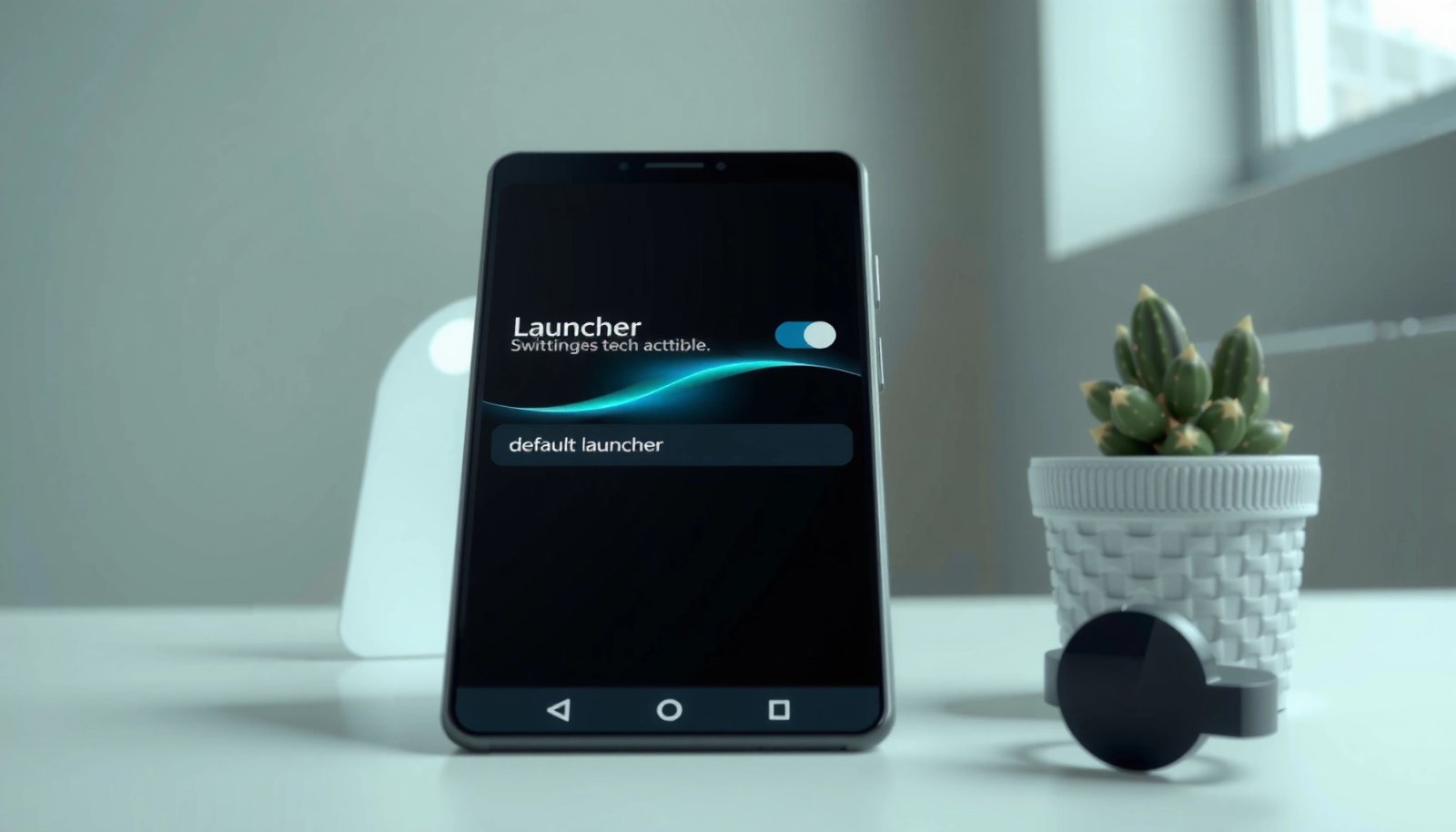
Want to change a launcher on Android? This step-by-step guide shows the exact taps to switch to a new launcher—whether you’re replacing your home screen permanently or just testing one. You’ll learn how to enable the launcher, set it as default, and fix the common issues that block the change. To change a launcher on...

How to Remove Duplicate Icons in Android: Quick Fix Steps

If you’re trying to remove duplicate icons on Android, the fastest fix is to clear the launcher’s icon cache and force the affected app’s shortcuts to refresh. This works best when duplicates come from a launcher glitch, app updates, or stale shortcut data. Follow the quick steps and the duplicate icons should disappear without uninstalling...

How to Show Notification Number on App Icon in Android

Want to show a notification number on your Android app icon? The fastest, most reliable way is to use the Android notification badge APIs (where supported) or an established badge implementation backed by your notification updates. This guide tells you exactly what to enable and how to wire your notification count so the number appears...

How to Restore Missing App Icon on Android: Quick Fix Steps

Missing an app icon on Android? This quick-fix guide shows the fastest way to restore a missing app icon—usually in minutes—using the most reliable steps first. If your icon disappeared after updates, a layout change, or accidental hiding, follow these exact instructions to get it back to your home screen. Your app icon usually disappears...

How to Make an Android Look Like an iPhone

Want to make an Android look like an iPhone—without guessing where to start? If your goal is a convincing iPhone-style home screen, icons, widgets, and UI behavior, this guide delivers the fastest, most reliable setup with clear settings you can copy. You’ll also learn what’s worth keeping on Android so the result looks “iPhone,” not...

How to Switch Launchers on Android: Step-by-Step Guide

Switching launchers on Android is easy if you follow the right path—and this step-by-step guide shows the fastest, most reliable way to do it. You’ll learn exactly how to change your home app from settings, set the new launcher as default, and troubleshoot common issues when it won’t switch. By the end, you’ll know what...

How Can I Find Hidden Apps on Android? (Quick Steps)

If you’re wondering how can I find hidden apps on Android, the quickest route is to check your app drawer settings, your device’s “Hidden apps”/“App lock” area, and any launcher features that conceal apps. For most phones, enabling and reviewing those built-in hidden app sections reveals what’s been hiding fast. If nothing appears, you’ll still...

What Is Quickstep on Android? A Simple Explanation

Quickstep on Android is Google’s fast, gesture-based home launcher designed to deliver smoother animations and quicker access to your apps. If you want to know what Quickstep changes, when it appears on your phone, and whether it improves responsiveness versus older launcher behavior, this is the simple, no-nonsense breakdown. By the end, you’ll know exactly...

How to Change Android Launcher: Step-by-Step Guide

Want to change your Android launcher and get a new home screen up and running fast? This step-by-step guide tells you exactly how to switch launchers—whether you’re replacing your default launcher with a custom one from the Play Store or fixing common setup problems afterward. If you follow the steps, you’ll know which launcher to...

How to Change Launcher Android: Step-by-Step Guide

Want to change the launcher Android uses on your phone? This step-by-step guide shows exactly how to switch to a new launcher—right from enabling the option to setting it as your default home screen. You’ll follow the process safely on common Android versions, with clear actions for every screen. You can change your Android launcher...