Tag

keyboard settings

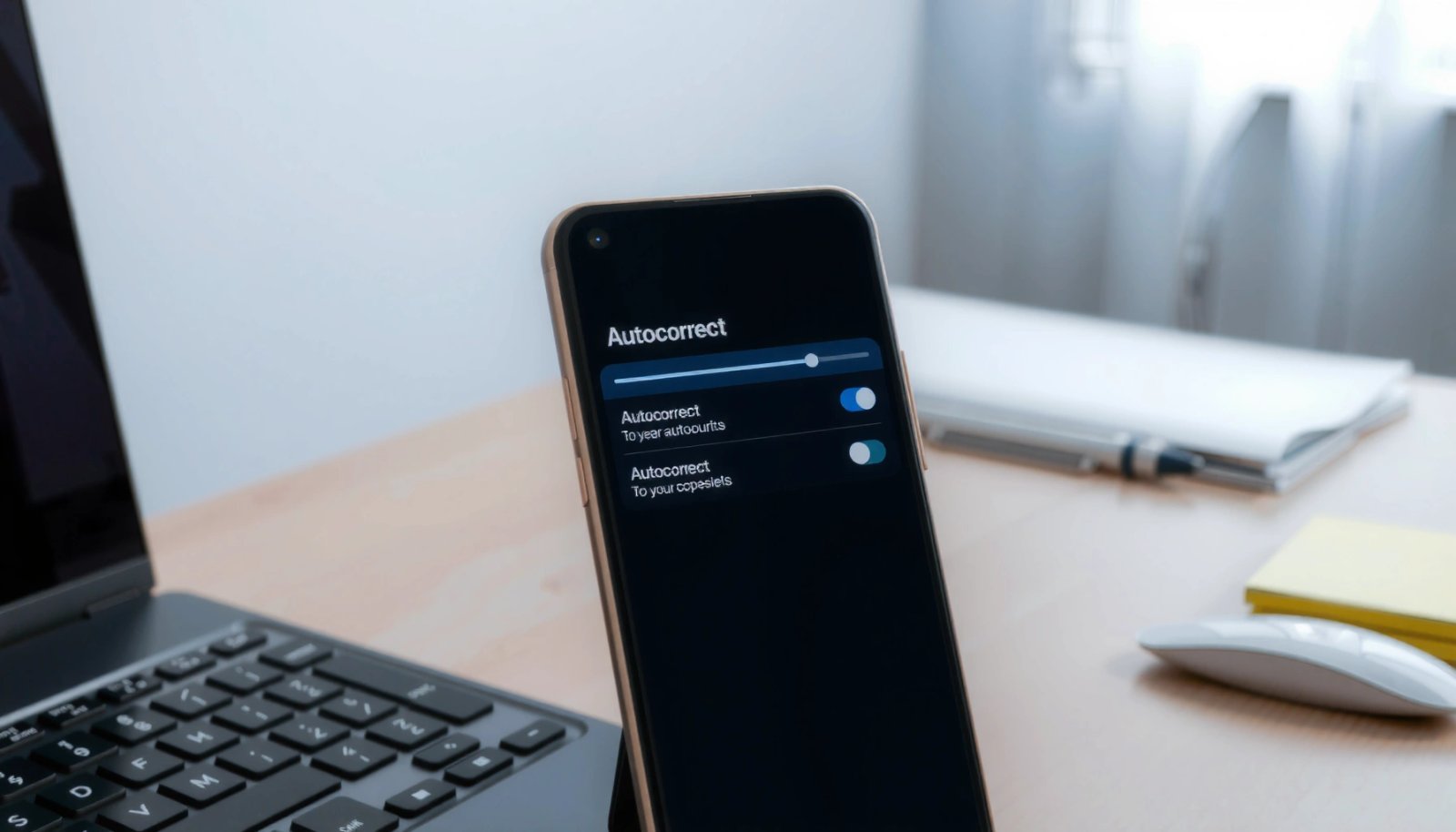
How to Edit Autocorrect on Android: Change Words and Settings

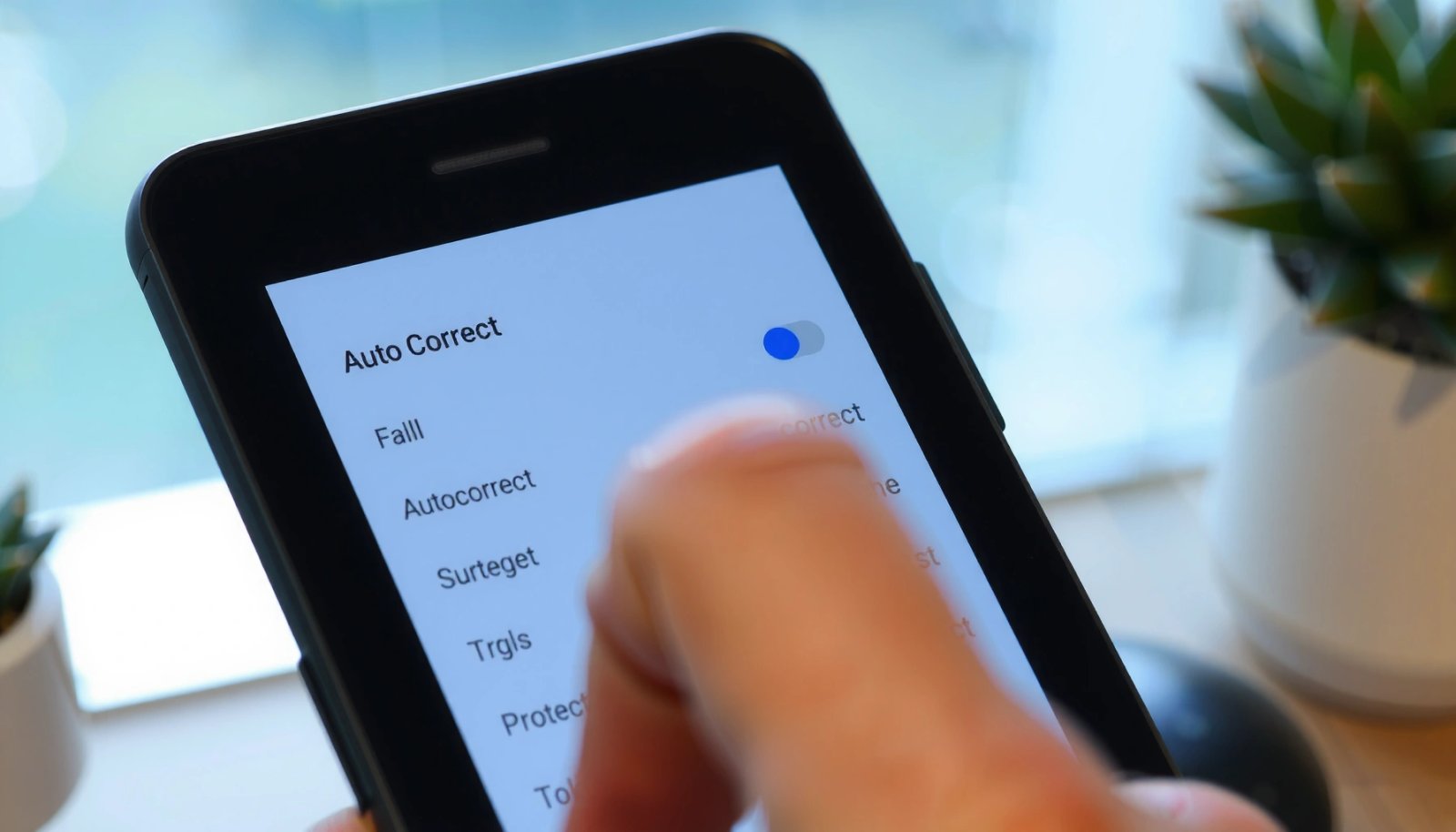
Learn how to edit Autocorrect on Android to change specific words and fine-tune when it kicks in. If you want the fastest fix, Android’s built-in keyboard settings let you add, remove, and manage replacement suggestions without rooting your phone. This guide shows exactly where to go and what to tap so your keyboard stops “helping”...

How to Turn Autocorrect On Android

Turn autocorrect on Android in minutes by following the quickest path to the right keyboard settings for your device and preferred keyboard. This guide walks you directly to the Autocorrect toggle in Gboard and other common keyboards, so you know exactly what to tap. By the end, you’ll have autocorrect enabled and working the way...

How to Connect a Keyboard to an Android Tablet

Want to connect a keyboard to an Android tablet quickly and make it actually work? This guide gives you the fastest path—whether you’re using Bluetooth or a USB-C/OTG adapter—so you’ll know what to pair, how to fix common connection failures, and how to confirm it’s functioning. Follow the steps and you’ll be typing in minutes,...

Why Is My Autocorrect Not Working on Android? Quick Fixes

If your autocorrect isn’t working on Android, the fix is usually one of three settings: the keyboard’s language/dictionary, your keyboard app being disabled or misconfigured, or system-level text correction options turned off. This quick guide answers why autocorrect fails on Android and gets it working again fast. Start with the most common culprit—your keyboard settings—then...

How to Change Color of Keyboard on Android: Easy Steps

Want to change the color of your keyboard on Android? The quickest, most reliable method is to switch to a keyboard app that supports theme color changes, then apply a new color scheme in its settings. Follow these steps and you’ll get the exact keyboard look you want without guesswork or extra trial-and-error. You can...

How to Stop Spell Check on Android: Quick Steps

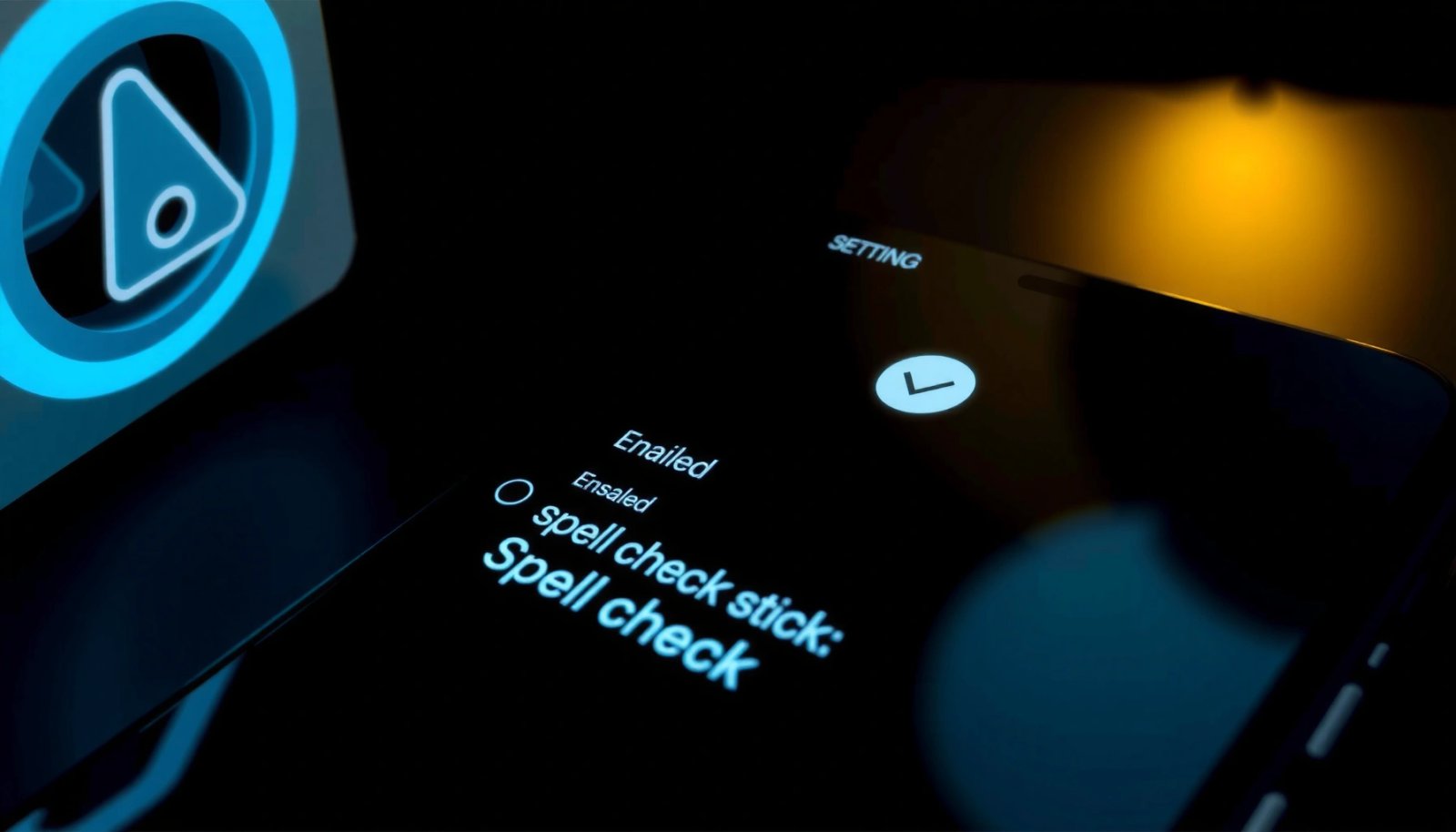
Want to stop spell check on Android fast? If you just want it gone, the quickest route is to turn off spell check in Gboard or your keyboard settings. Follow the steps below to disable suggestions and underline corrections systemwide in minutes—without hunting through unrelated options. To stop spell check on Android, switch off spell-check/correction...

How to Add Language to Android Keyboard: Step-by-Step Guide

Want to add language to your Android keyboard and start typing in a new language fast? This step-by-step guide walks you through changing keyboard languages in the right settings, with clear actions for popular Android versions and keyboards. If you follow the steps, you’ll have the new language available immediately—no guesswork, no missing menus. To...