Tag

haptic feedback

How to Turn Off Vibrate Android: Step-by-Step Settings Guide

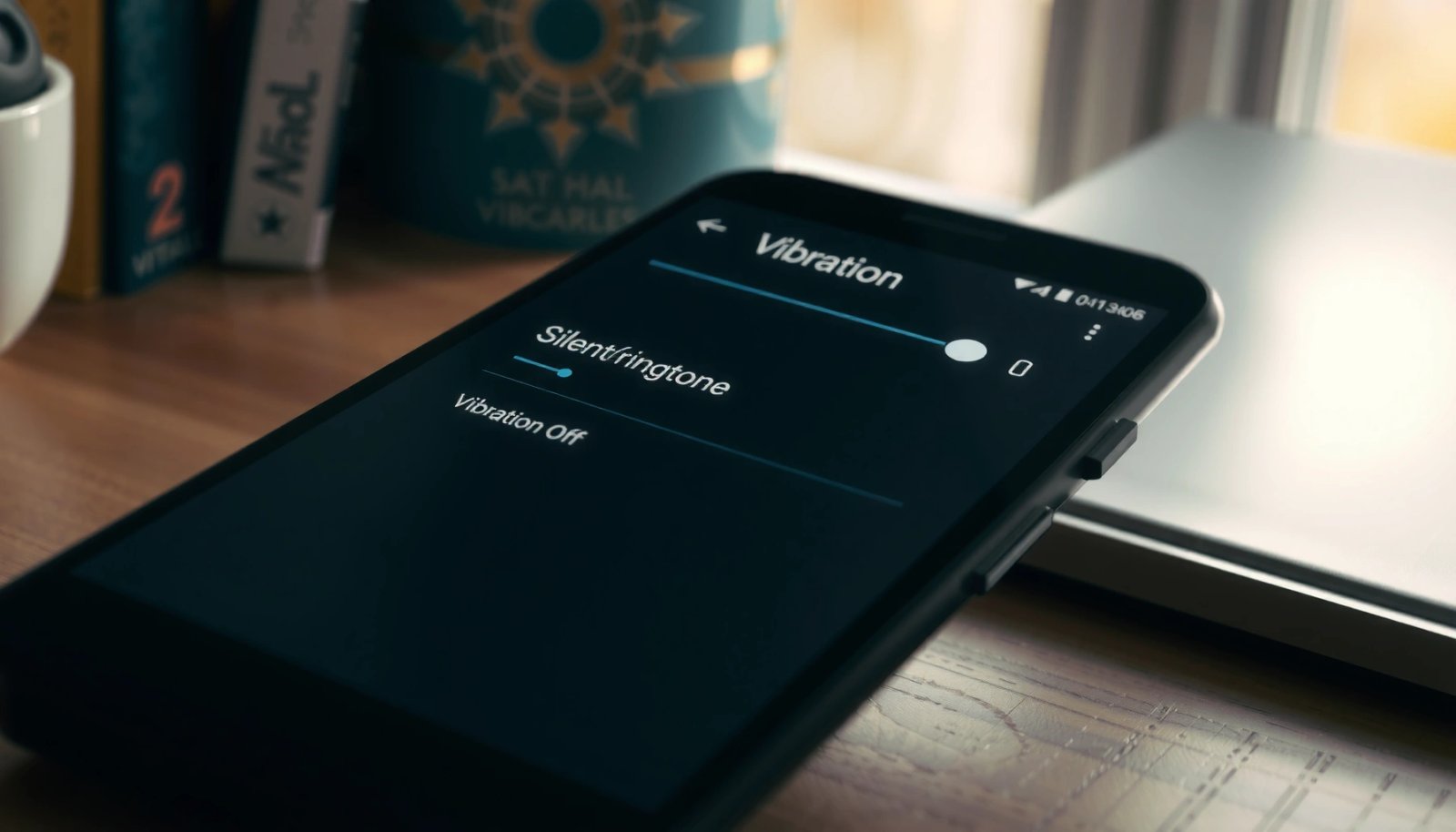
Want to turn off vibrate Android? This step-by-step settings guide shows you the exact taps to disable vibration for calls, notifications, and touch feedback so your phone stops buzzing on command. Follow it once and you’ll get a clear, predictable result—silent alerts without losing notification functionality. To turn off vibrate on Android, open Settings and...

How to Change Keyboard Sound in Android

Want to change the keyboard sound in Android? You’ll get the fastest way to switch keypress tones on and off and pick the right sound for your Gboard or Samsung keyboard. Follow the exact steps for your Android version and keyboard app, and you’ll hear the change immediately—no guesswork. To change the keyboard sound in...

Does Haptic Feedback Drain Battery on Android?

Yes—haptic feedback can drain battery on Android, but the real impact is usually small unless you crank up intensity, enable continuous haptics, or use them heavily throughout the day. This article answers whether vibration-based haptic feedback is a measurable drain, what settings matter most, and how to tell if you’re paying a power tax for...

How to Turn Keyboard Sounds Off Android

Want to turn keyboard sounds off on Android? You can silence the on-screen typing clicks in a few taps by changing the system sound and keyboard settings. This guide gets you a clear outcome—no more audible keypresses—whether you’re using Gboard, Samsung Keyboard, or another default keyboard. Turning off keyboard sounds on Android is usually a...