Tag

Google keyboard

How to Stop Spell Check on Android: Quick Steps

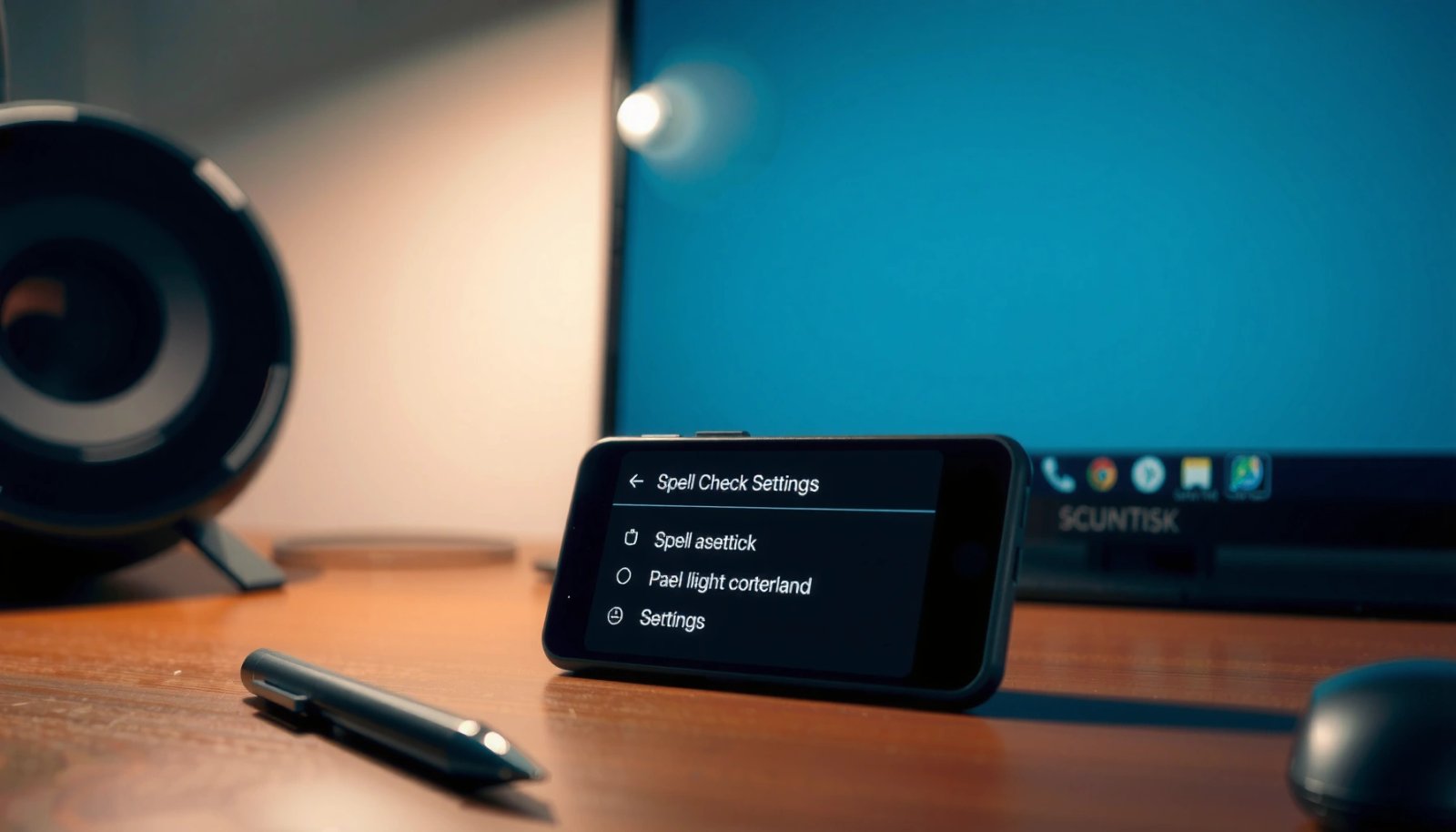
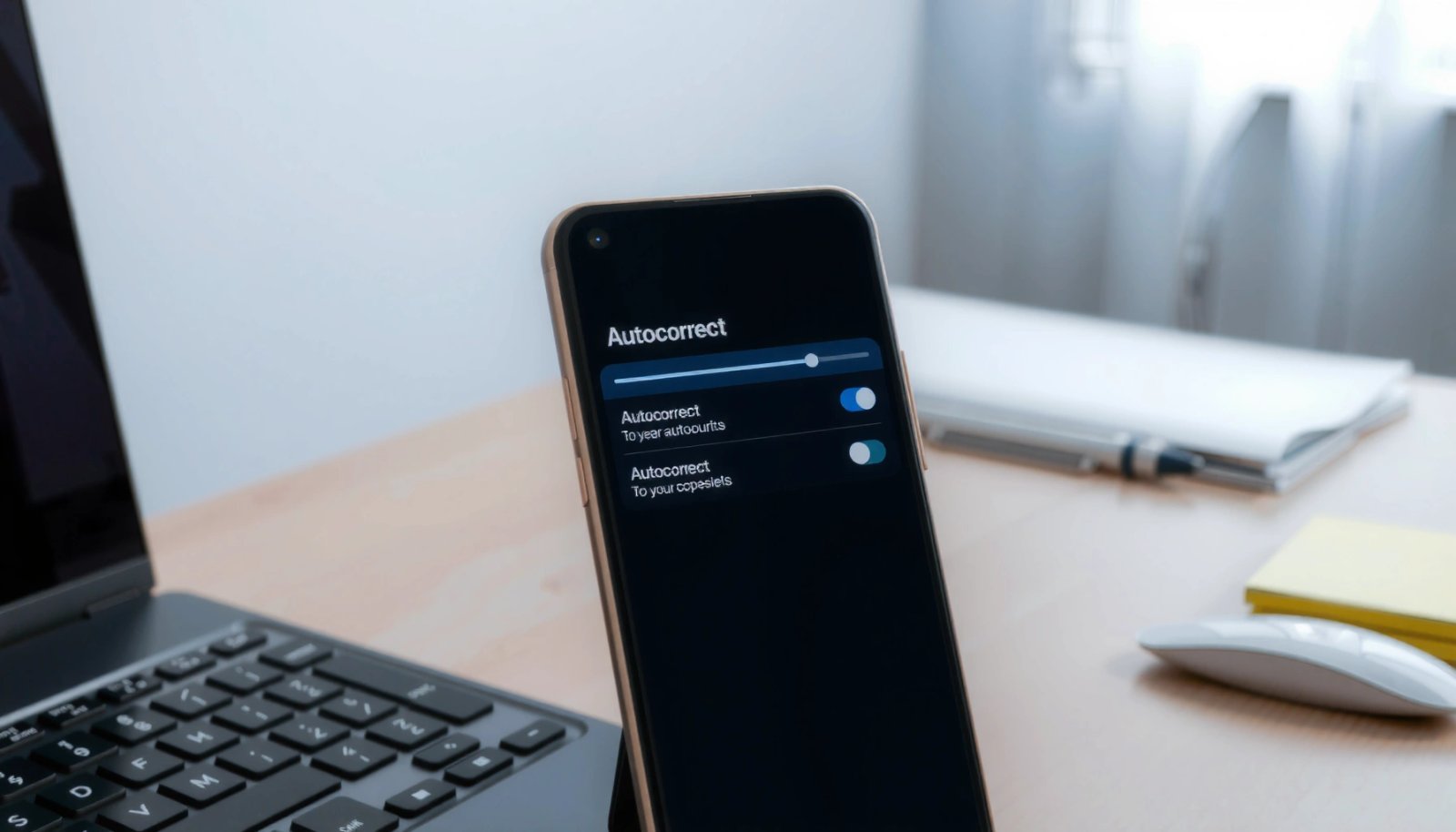
Want to stop spell check on Android fast? If you just want it gone, the quickest route is to turn off spell check in Gboard or your keyboard settings. Follow the steps below to disable suggestions and underline corrections systemwide in minutes—without hunting through unrelated options. To stop spell check on Android, switch off spell-check/correction...

How Do I Get New Emojis on Android? (Quick Steps)

Want to know how to get new emojis on Android? The fastest way is to install an Android system update (or switch to the latest compatible keyboard and app) so your device receives the newest emoji set. If that doesn’t update your options, we’ll show the quick fixes that force the change and verify the...

How to Turn on Spell Check on Android Phone

Need to turn on spell check on your Android phone? In most cases, you can enable it in your keyboard settings (Gboard or Samsung Keyboard) and get instant underlines for misspellings right away. Follow these steps to switch spell check on and confirm it’s working when you type. Spell check on Android is usually a...