Tag

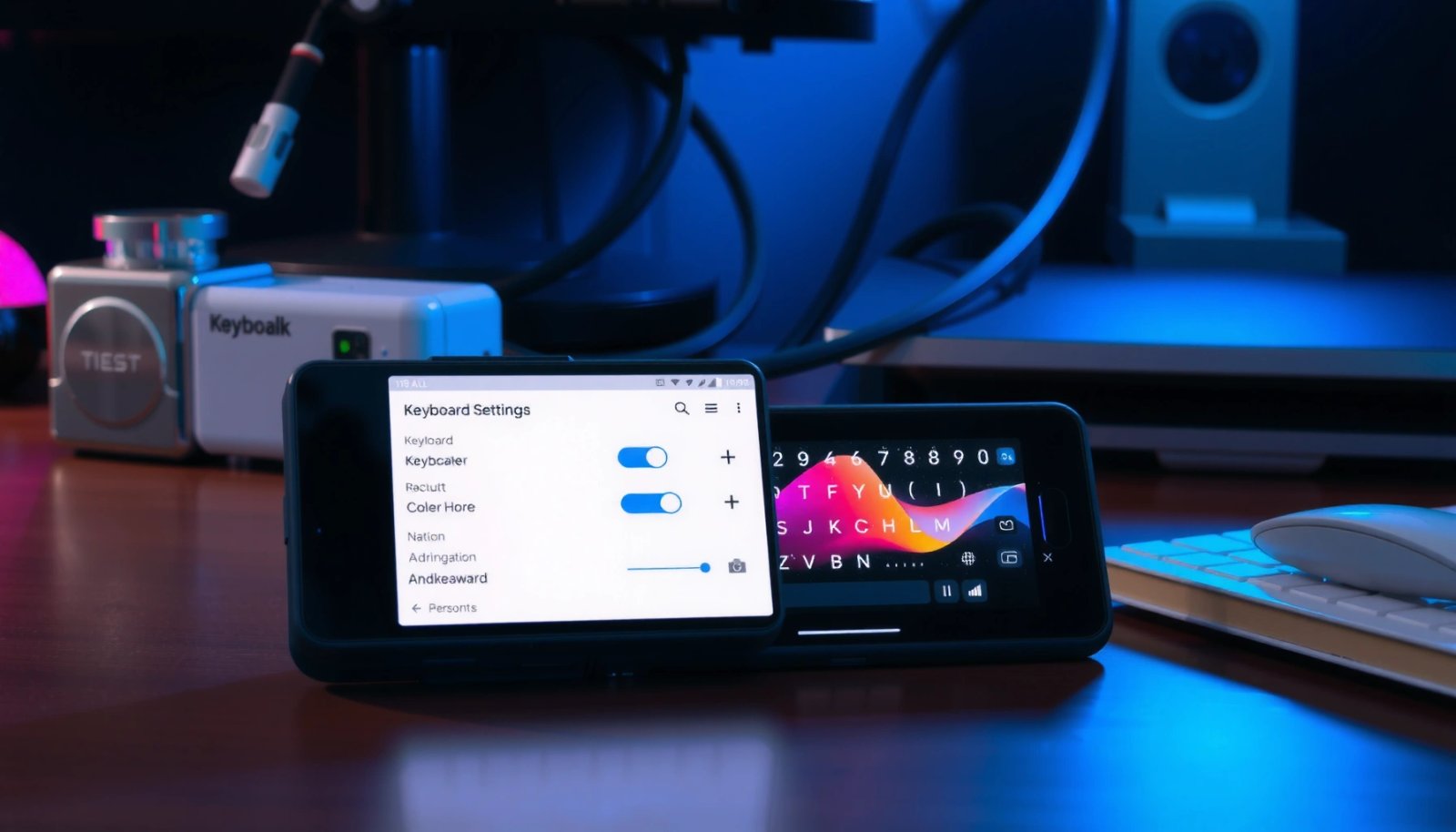
Gboard settings

How to Change Keyboard Color on Android: Step-by-Step

Want to change the keyboard color on Android? This step-by-step guide shows the fastest way to switch your keyboard theme, with clear taps to follow so you can see the change immediately. If your keyboard supports custom themes, you’ll finish in minutes; if it doesn’t, you’ll know exactly what to do next. Change your Android...

How to Change Emoji Skin Color on Android

Want to change emoji skin color on Android? This guide shows the fastest method that actually works on today’s Android keyboards and emoji sets, so you can pick your default shade and update any emoji instantly. If your phone supports skin tone modifiers, you’ll know exactly where to tap—if it doesn’t, you’ll quickly see the...

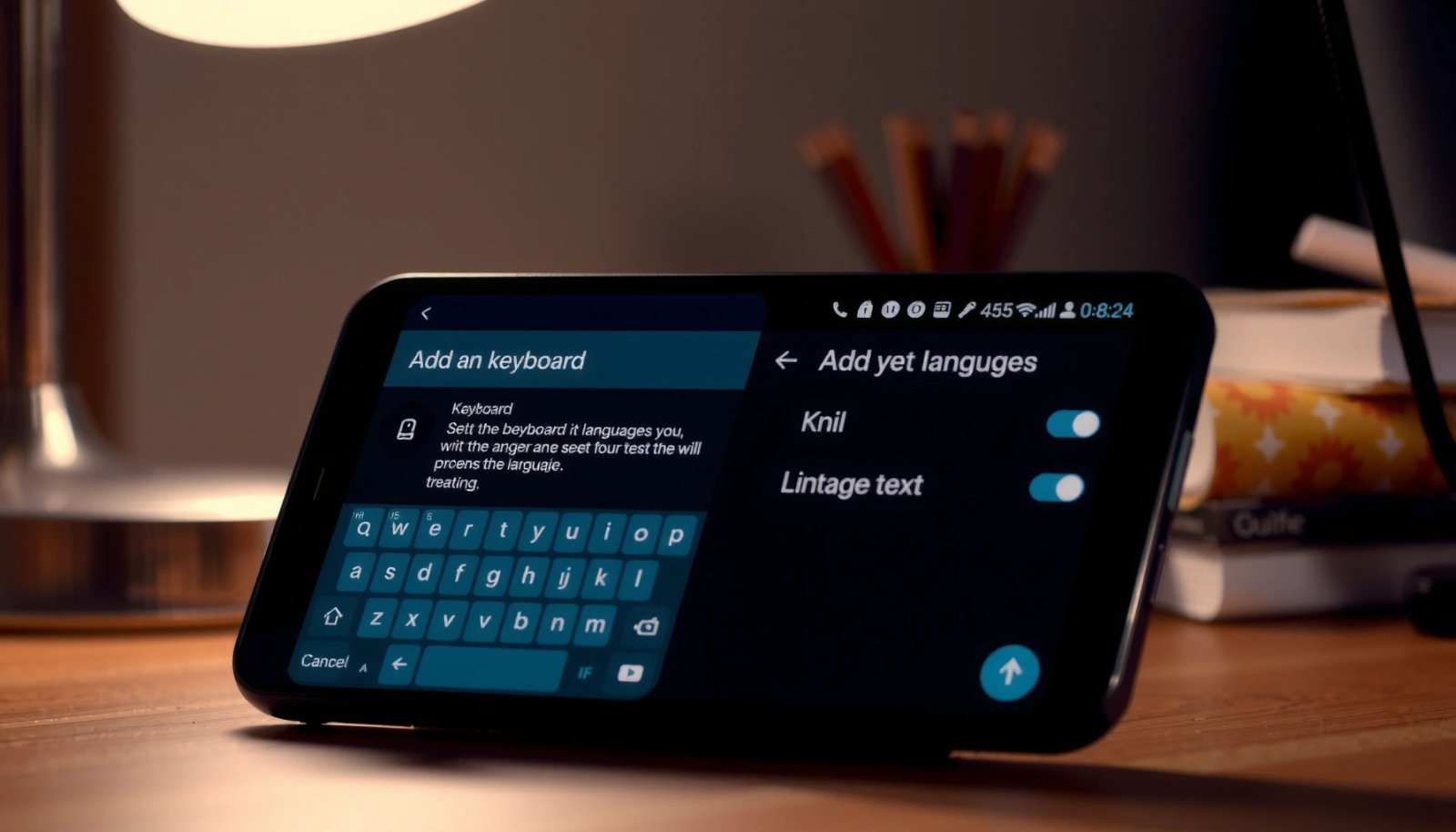
How to Add Language to Keyboard Android: Step-by-Step

Need to add a new language to your Android keyboard? You can do it in minutes by changing the keyboard’s input languages and enabling the exact language you want. This step-by-step guide takes you from the settings screen to a working keyboard, fast. To add a language to your Android keyboard, open your keyboard’s Languages...

How to Add a Language to Android Keyboard

Want to know how to add a language to your Android keyboard? The fastest method is to open your keyboard’s language settings in Android (or the Gboard/SwiftKey app) and enable the exact language pack you need, then switch keyboards from the typing toolbar. If you don’t see the language after adding it, the fix is...