Tag

emoji keyboard

How to Change My Emojis on Android: Step-by-Step Guide

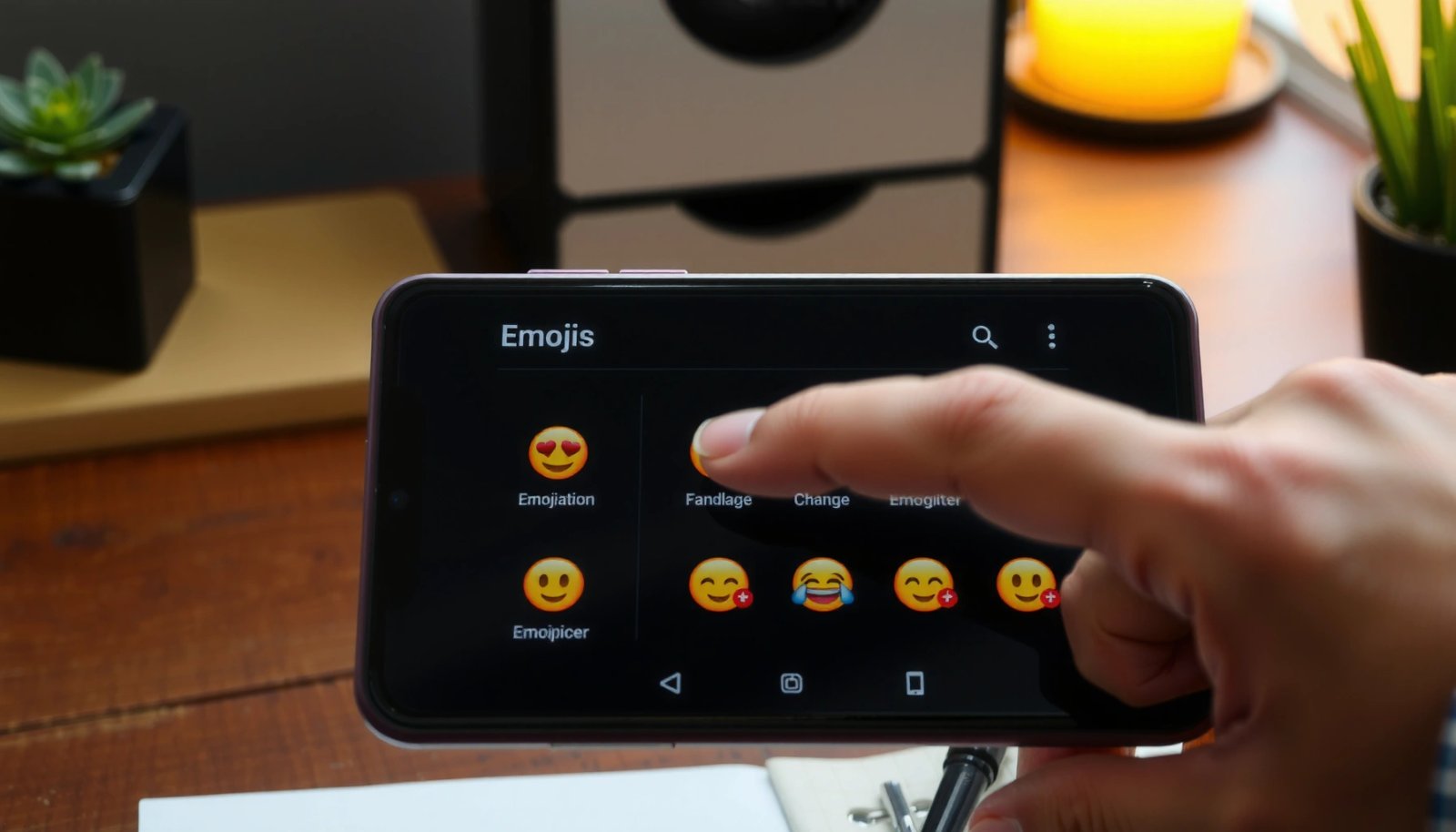
Changing your emojis on Android is straightforward once you know which keyboard controls the emoji set and where to switch it. Follow these step-by-step instructions to replace the emojis you see in messages—whether you’re using Gboard, Samsung Keyboard, or a third-party keyboard. By the end, you’ll know exactly what to tap to get the emoji...

How to Add Emojis to Android: Quick Steps & Tips

Want to add emojis to Android fast? This guide shows the quickest way to insert emojis in any app—using Gboard or your keyboard’s built-in emoji picker. You’ll also get practical tips to find emojis instantly, enable the ones you use most, and avoid the most common formatting issues. You can add emojis to Android quickly...

How to Add Emoji to Text on Android: Simple Steps

Want to add emoji to text on Android fast? This guide shows the simplest way to insert emojis into your messages and notes—no extra apps required. If you can type with your keyboard, you can tap, pick, and send emoji in minutes. Add emoji to text on Android in seconds by opening your keyboard’s emoji...

How Do You Get New Emojis on Android? (Easy Steps)

Want to know how to get new emojis on Android? The fastest path depends on your phone’s Android version, but the winner in most cases is updating to the latest system software so your keyboard pulls the newest emoji set automatically. If an update isn’t an option, you’ll still be able to add modern emojis...

How Do You Get iOS Emojis on Android?

Want to get iOS emojis on Android? You can’t directly install Apple’s emoji set, but you can get an iPhone-style look by switching to an Android font/keyboard that supports Apple-like emoji rendering. This guide shows the fastest working method for your device and what will (and won’t) carry over from iOS. Get iOS-style emojis on...

How Do You Get Apple Emojis on Android?

Want to get Apple emojis on Android? You can, but the only reliable way is to install a compatible emoji font and messaging app support that forces your device to render iOS-style glyphs. If you need the cleanest “Apple” look across chats, this guide tells you exactly what to install and how to set it...

How Do I Update Emojis on Android? Step-by-Step Guide

To update emojis on Android, the fastest path is updating your Google system app and then switching to the latest emoji font bundled with your Android version. This step-by-step guide walks you through the exact checks and settings to get new emojis showing up in the keyboard and in messaging apps. If you’re on the...

How Do I Get New Emojis on Android? (Quick Steps)

Want to know how to get new emojis on Android? The fastest way is to install an Android system update (or switch to the latest compatible keyboard and app) so your device receives the newest emoji set. If that doesn’t update your options, we’ll show the quick fixes that force the change and verify the...