Tag

display settings

Why Is My Android Black and White? Common Fixes

If your Android screen is black and white, the fix is usually just a toggle you can turn off in seconds. This guide tells you the most common causes—like Accessibility color settings or a display mode—and the fastest path to return your screen to full color. Follow these steps in order, and you’ll know whether...
How to Get Apps on Home Screen Android

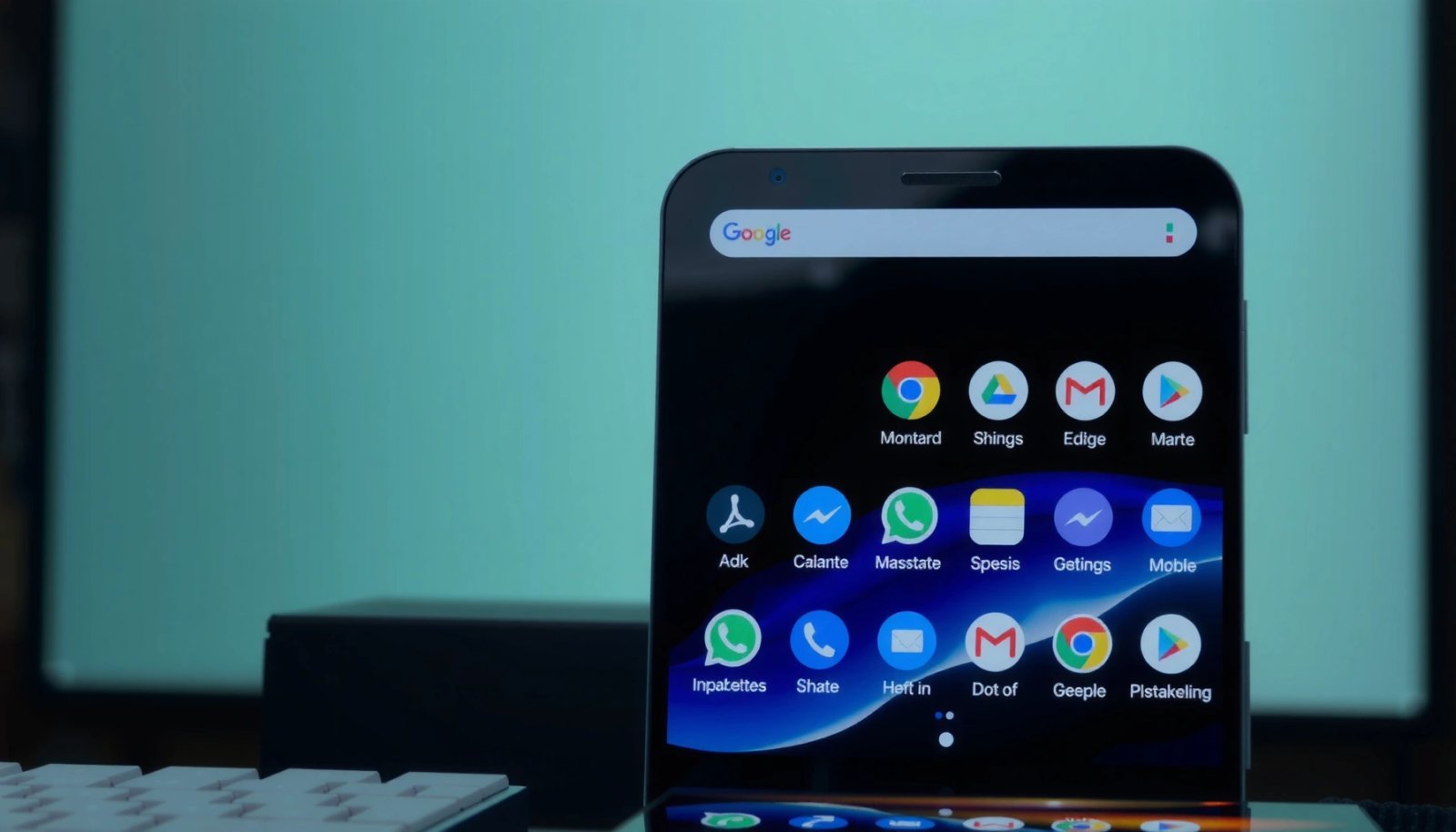
Want to get apps on your Android home screen fast? This guide shows the quickest way to add any app icon to your home screen, using the app drawer or long-press shortcuts. If you’re aiming for a specific layout, you’ll also learn how to place, move, and remove icons without losing them. To get apps...

How to Set Screen Timeout on Android: Step-by-Step Guide

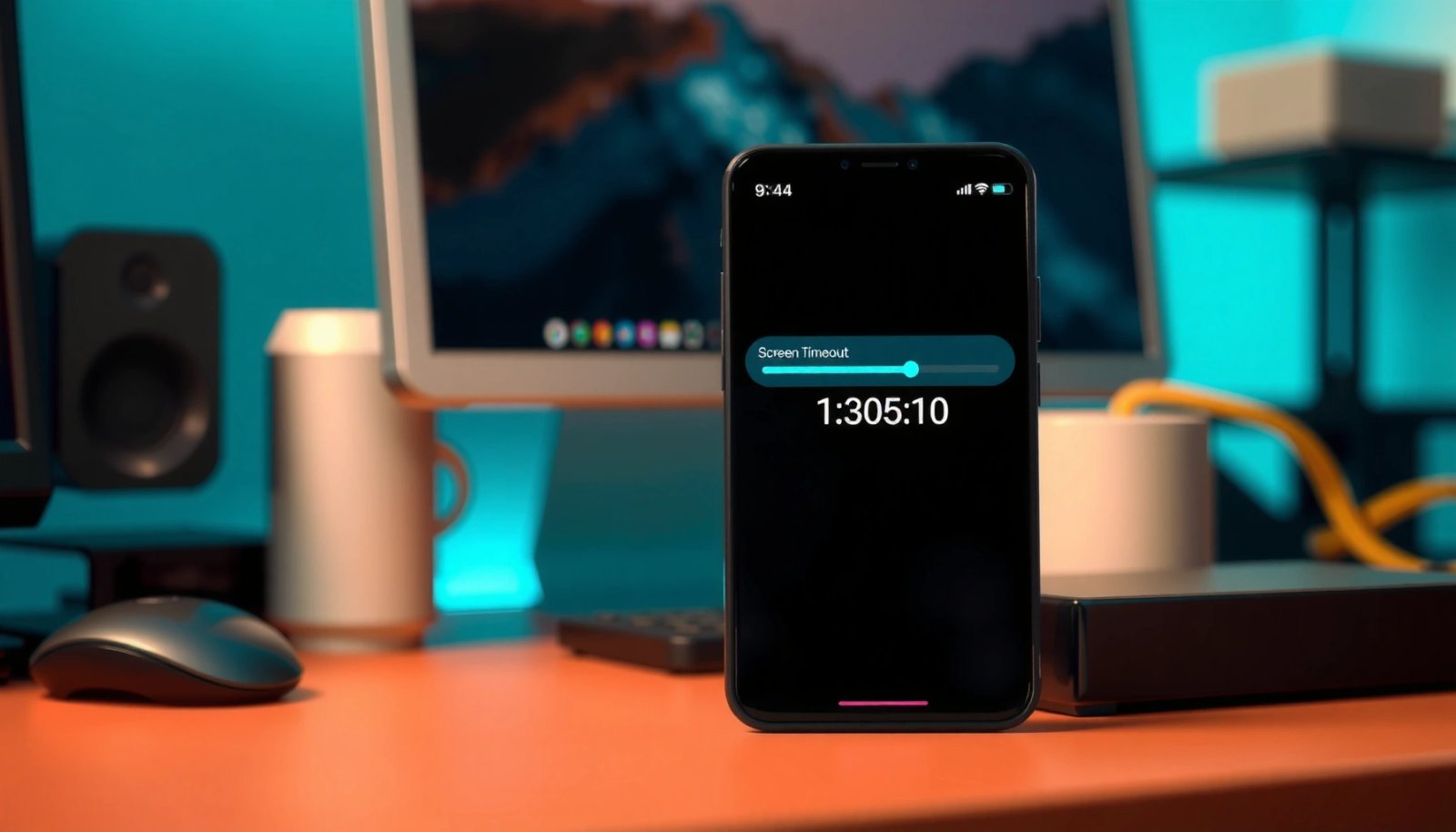
Set your Android screen timeout in minutes by following a clear, step-by-step process that shows exactly where the setting lives and what to tap. This guide answers how to set screen timeout on Android—so your display turns off sooner to save battery or stays on longer for uninterrupted use. If you want the fastest route...

How to Make Icons Bigger on Android: Simple Steps

Want to know how to make icons bigger on Android without guesswork? You can instantly enlarge your home-screen icons using the built-in Display or Home settings on most Android phones, and the steps take only a minute. If your device doesn’t offer icon sizing directly, resizing your display zoom is the fastest reliable workaround. Make...

How to Increase Screen Timeout in Android: Simple Steps

Want to increase screen timeout in Android? You can change how long your display stays on by adjusting the Screen timeout setting in Display settings, then tailoring it for your device’s menus. Follow the exact steps below to stop the screen from turning off too quickly and keep it awake longer. Longer screen timeout on...

Can’t Turn Off Dark Mode on Android: Quick Fixes

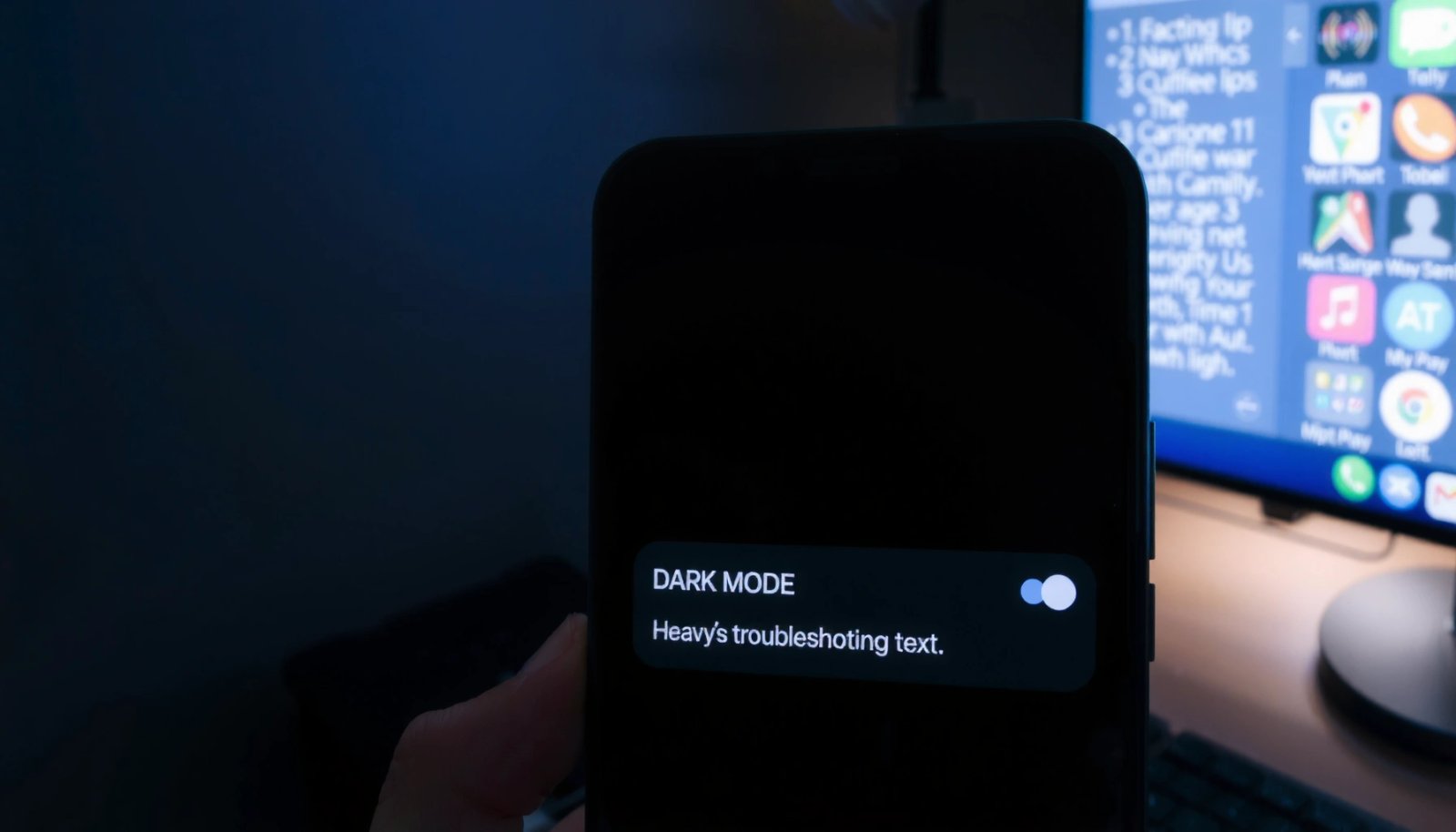
Can’t turn off dark mode on Android? This guide delivers the fastest fixes—starting with the setting most people miss and ending with the exact reset steps if your theme keeps reverting. If you’ve tried the Display settings and it still won’t stay light, follow these targeted checks to stop dark mode for good. If dark...

Why Is My Background Black on My Android? Quick Fixes

If your Android background is black, the most likely cause is a dark theme or a misapplied wallpaper/Display setting. This guide pinpoints exactly why the screen shows black and gives quick, step-by-step fixes you can try right away—starting with your theme, background, and display options. You’ll know what to change to restore the correct background...

How to Change Android Font Color: Step-by-Step Guide

Changing Android font color is fastest and most reliable using the built-in TextView/Text support—no guesswork, just the exact steps to apply your chosen color. This step-by-step guide shows you how to change Android font color for both XML layouts and runtime updates, so your text displays correctly on every screen. You’ll finish knowing which method...

Why Is My Android Phone Black and White? Common Causes

If your Android phone has gone black and white, the most likely cause is a display setting—specifically “Grayscale” or an accessibility mode designed to reduce color. This guide gets you to the fix fast by showing how to check and turn off those settings, and then confirming whether a display color issue or a software...