Tag

DCIM folder

Where Do Android Screenshots Go? (Storage Locations Explained)

Android screenshots go to your device’s Screenshots folder in internal storage, typically under DCIM or Pictures, and you can also find them in the Gallery/Photos app under Screenshots. If you use cloud backup or messaging apps, copies may additionally appear in Google Photos or the app’s media cache—but the default on-device location is the DCIM/Screenshots...
Where Are Photos Stored on Android: Complete Storage Locations

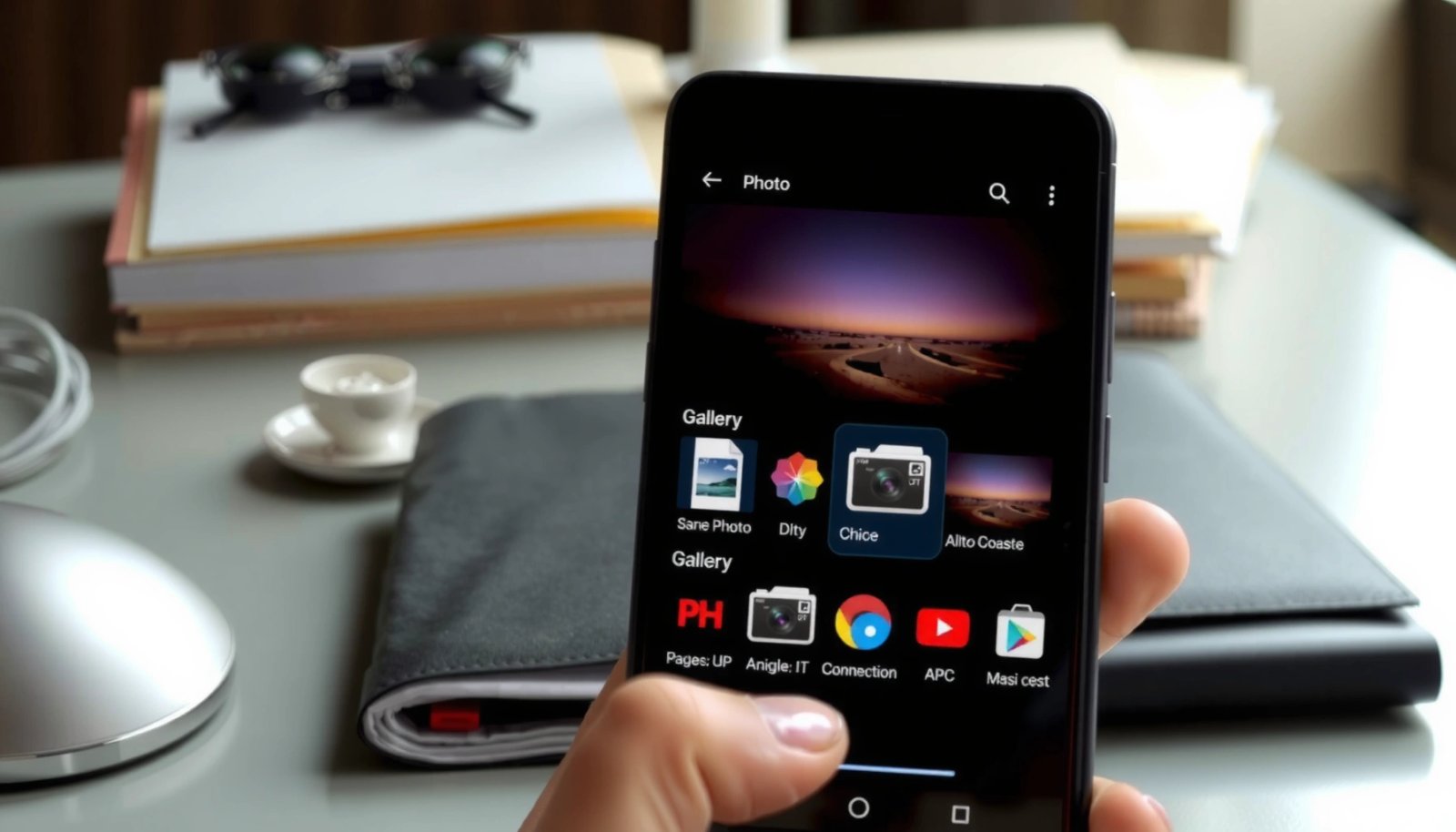
Photos on Android are stored in different places depending on the version and app that saved them: your phone’s internal storage and the dedicated media folders in DCIM and Pictures. This guide gives you the exact storage locations to check for photos from the Camera app versus screenshots and downloads. You’ll also learn how to...

Where Is Video Stored on Android: Storage Locations Explained

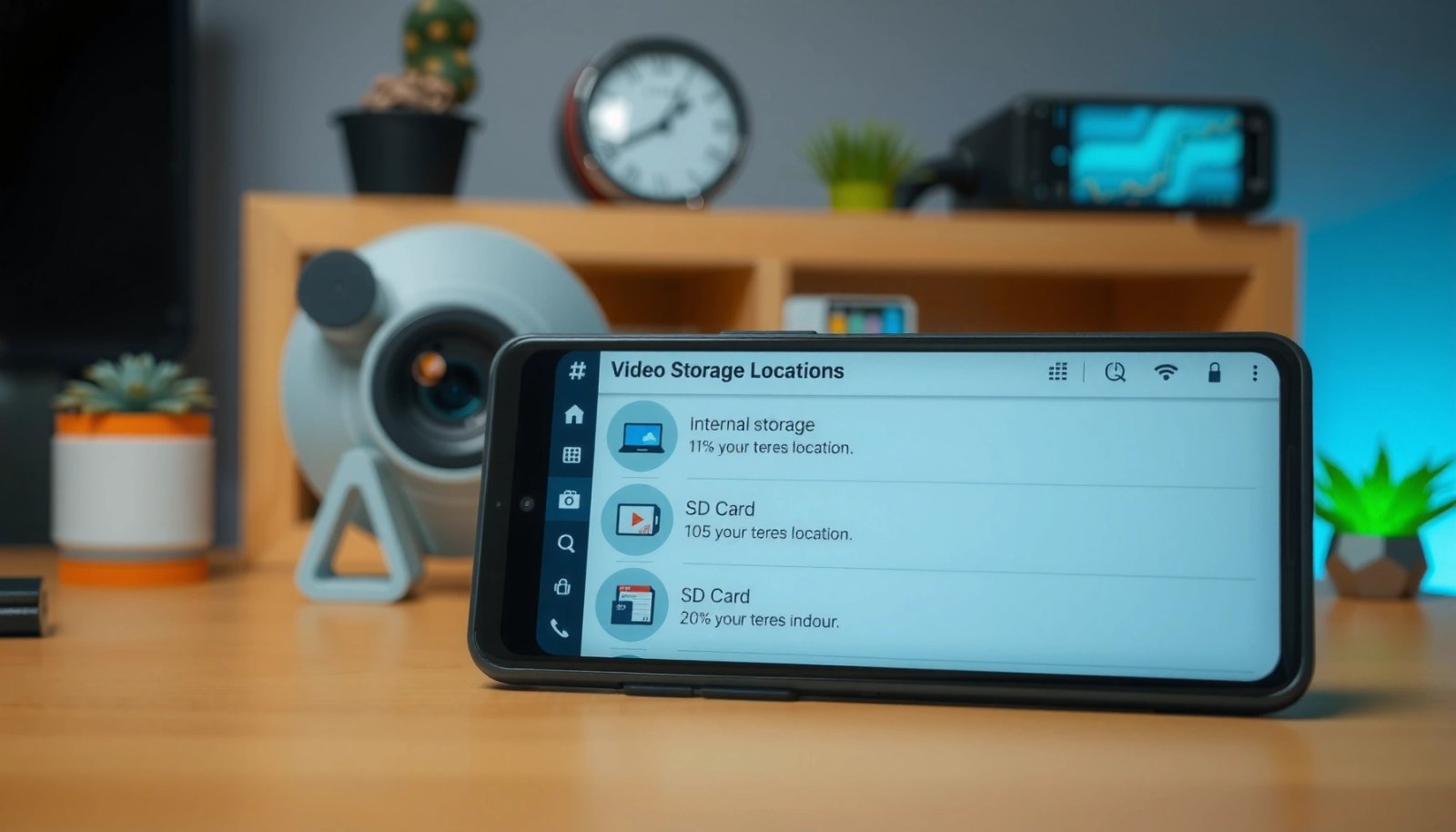
Wondering where your Android video files are actually stored—internal storage, SD card, or cloud? This guide gives you the direct answer by breaking down the exact locations used by the Camera app, Downloads, and Gallery/Media folders, plus what changes when storage permissions or external cards are involved. You’ll learn how to identify each video’s path...