Tag

cloud storage

How to Increase Storage on Android Phone: Quick Fixes

Need to increase storage on your Android phone fast? The quickest fix is to free space right now by clearing cached data, deleting large unused files, and moving photos and videos to cloud storage or an SD card if you have one. If you need more long-term capacity, this guide pinpoints the most reliable storage...
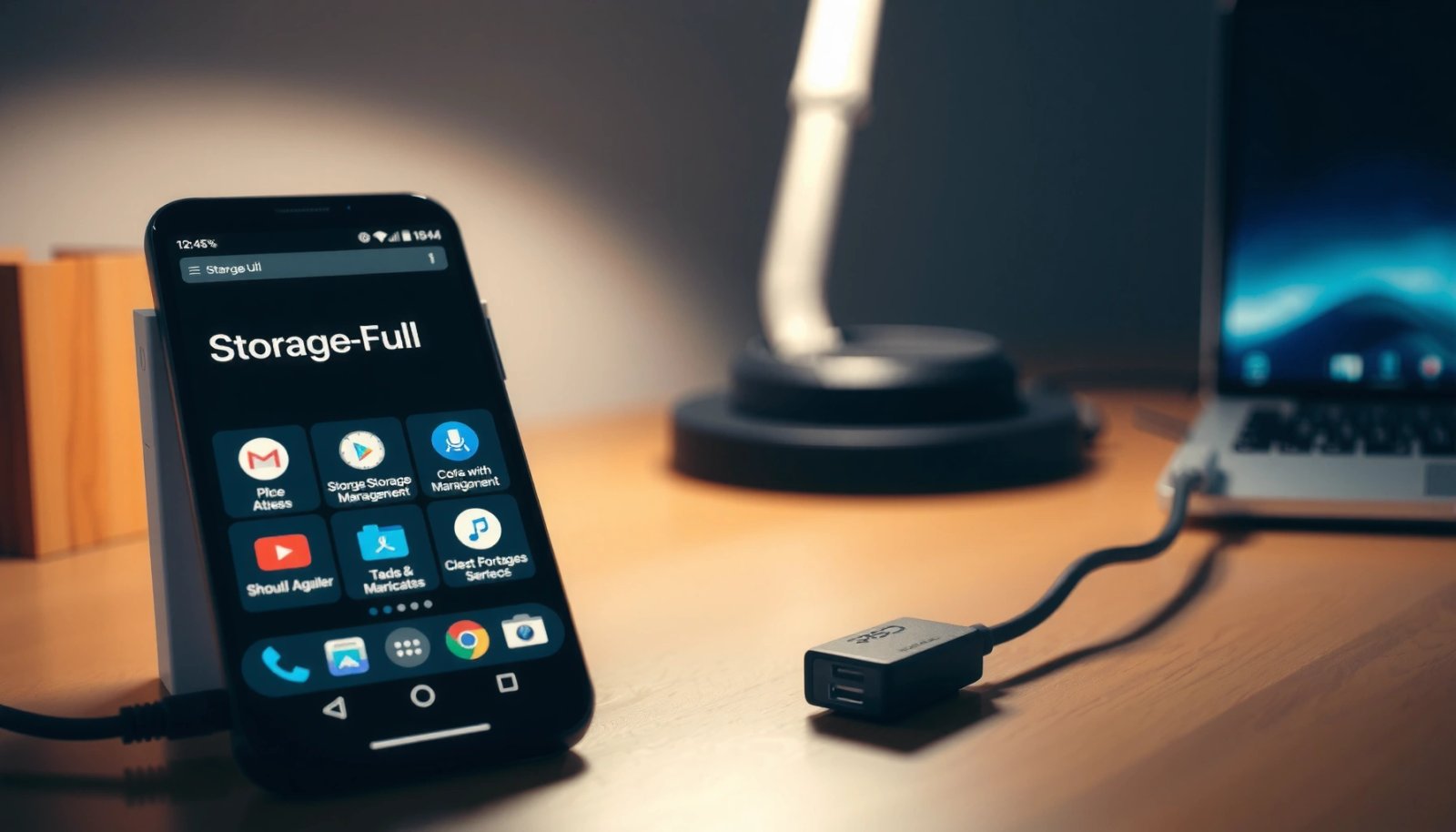

How to Get More Storage on Android Phone: Easy Fixes

Want to get more storage on your Android phone without buying anything? This guide gives you the fastest, easiest fixes—clearing app cache, removing junk files, and managing downloads—so you can free space today. If you’re nearly full, follow these steps first to reclaim the most storage with the least effort. You can usually get back...

How to Save Photos From Android Phone: Quick Methods

Saving photos from your Android phone is quickest when you use the built-in Google Photos backup or your phone’s USB connection—both reliably move images fast without extra apps. If you’re trying to keep copies for free, Google Photos is the top choice for automatic saving and easy access across devices. Need results in minutes with...

How to Retrieve Photos from Cloud on Android

To retrieve photos from cloud on Android, the fastest route is using your cloud provider’s official Android app—because it restores original images with the fewest steps and the least data loss. You’ll learn exactly where to tap to view, download, and move cloud photos back to your device gallery, plus what to do when access...

How to Get More Storage on My Android Phone

If you’re trying to get more storage on your Android phone, the fastest win is cleaning out your biggest space hogs—apps you don’t use, large downloads, and cached data. You’ll learn exactly how to free space with built-in Android tools like Storage settings and Google Photos cleanup, plus what to move to the cloud or...

How Can I Send a Large Video From My Android?

Want to send a large video from your Android without it failing in transit? If you need the fastest, most reliable option when the file is too big for standard email or chat apps, use Google Drive (or a similar cloud link) and share the link with the right permissions. This guide will show you...

How to Send Large Video Files From Android: Easy Methods

Need to send large video files from Android fast without uploads failing—what’s the easiest method? For most users, using a cloud link (Google Drive/Dropbox) wins for reliability and simplicity, especially for files too big for standard messaging. If speed matters more than convenience, Nearby Share is the quickest option when both devices are on the...

Does iCloud Work on Android Phones? Here’s What You Can Use

Yes—iCloud can work with Android phones, but only in limited, setup-and-synchronization ways rather than as a full drop-in replacement for iPhone. If your goal is to access iCloud services like Photos, Mail, Calendar, and Drive, you’ll get reliable results using the web and official iCloud apps where available. Want seamless device features like iMessage, FaceTime,...

How Can I Send Large Videos From My Android?

If you need to send large videos from your Android, the fastest, most reliable option is usually a cloud link (Google Drive or Dropbox) with the right sharing settings. This method avoids the email and messaging size caps while keeping playback smooth for the recipient. You’ll also learn how to compress and share efficiently when...

How Do You Increase Storage on Android Phone: Simple Methods

Want to increase storage on your Android phone fast? The simplest wins are clearing app caches and deleting bulky files you no longer need, plus moving photos and downloads to an SD card or cloud. Follow those steps and you’ll typically free meaningful space in minutes without breaking apps or settings. If your Android storage...