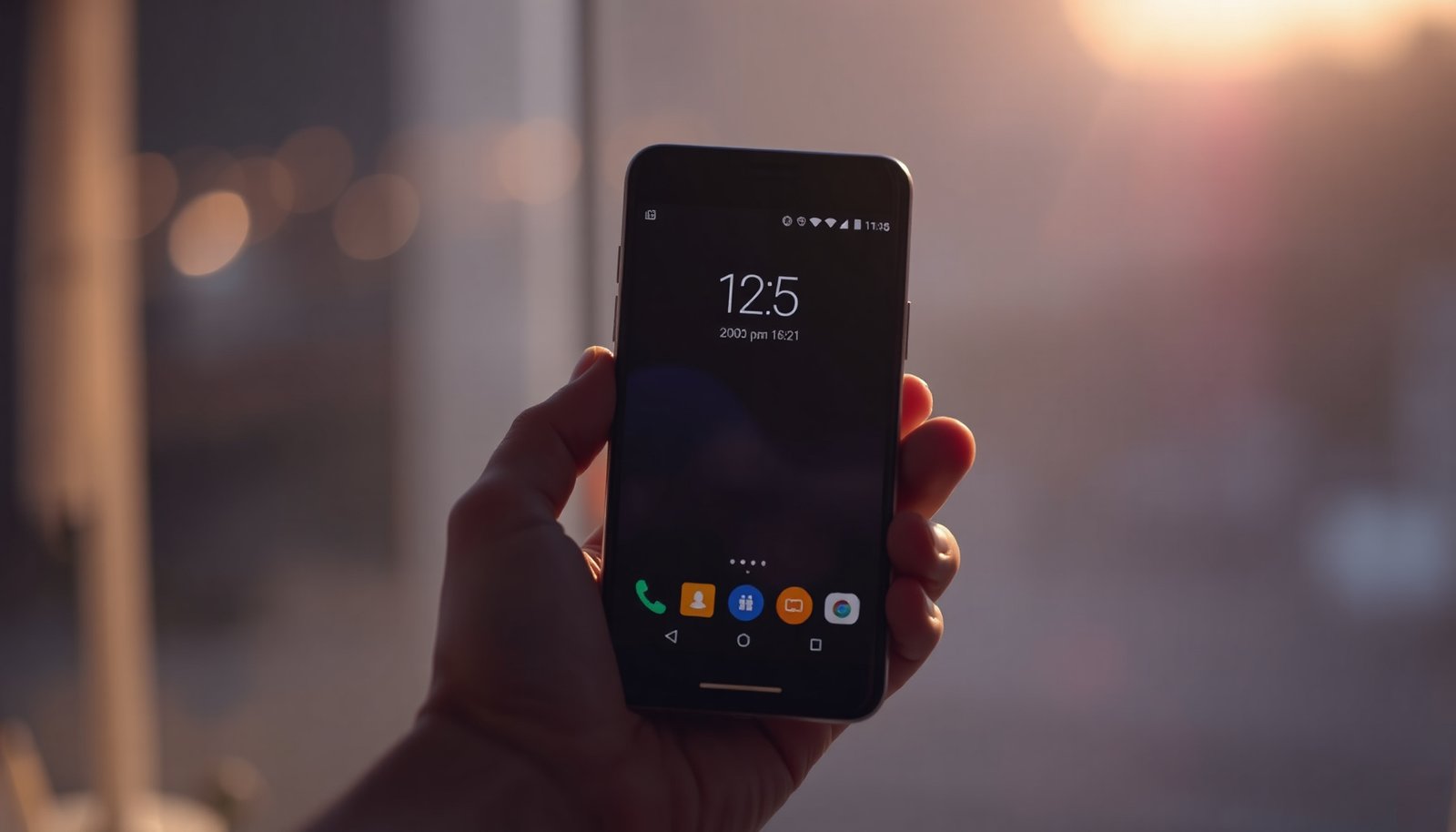
Tag

clock widget

How to Show Date on Android Home Screen: Simple Steps

You wake up, glance at your Android home screen, and want the date visible without opening the clock app. You can display the current date in a minute or two by adding the right widget and, if needed, adjusting its settings. You’ll only need your Android device, a tap-and-hold gesture on the home screen, and...
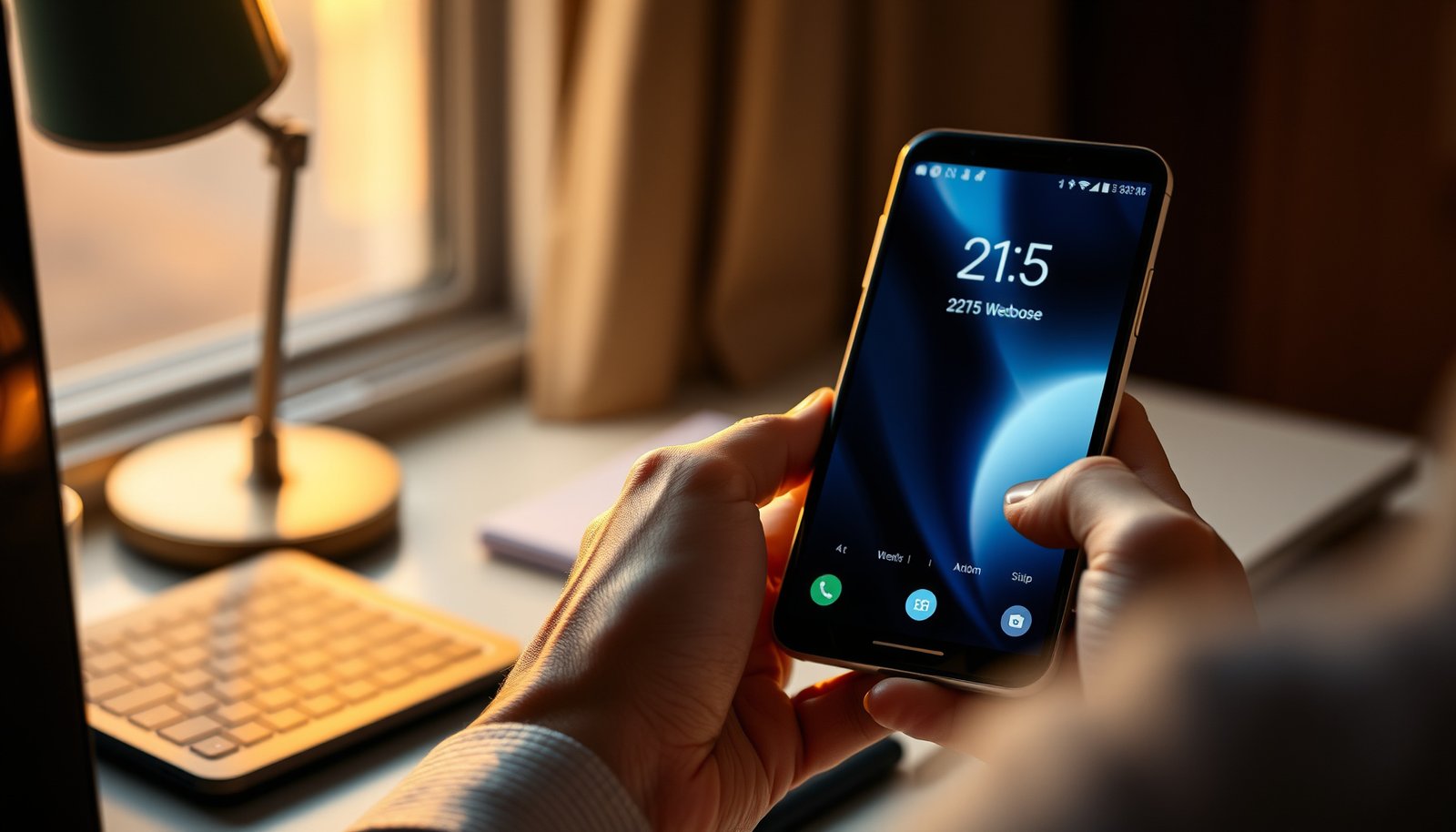
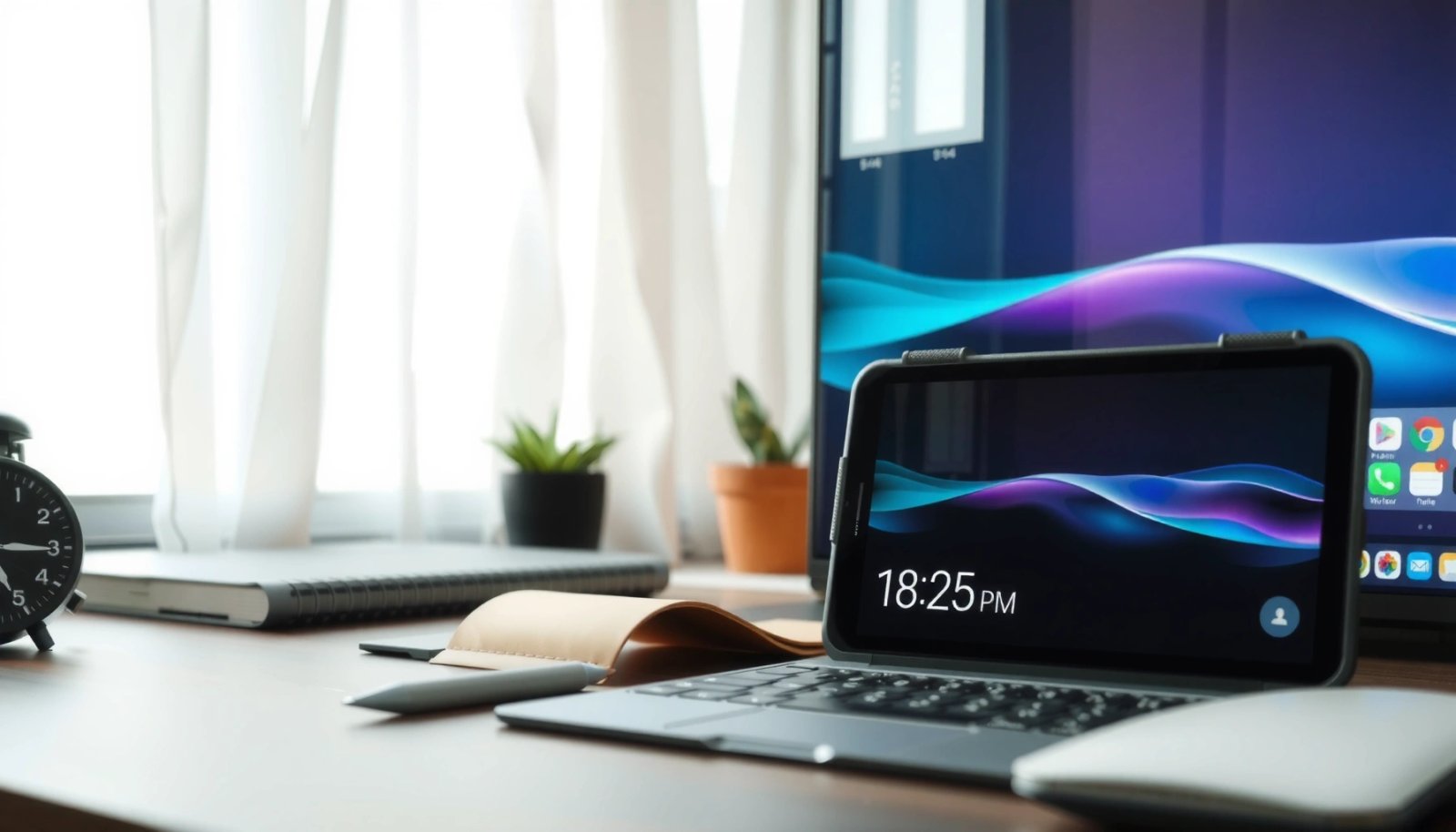
How to Add Date to Home Screen Android: Quick Steps

Want to add the date to your home screen on Android? The fastest way is to use a widgets method—add a Date widget from your widget menu and place it on your launcher. If your goal is a live, always-updating date, this approach delivers the result in minutes on most Android versions without extra apps....

How to Add Clock to Home Screen Android: Simple Steps

Want to add a clock to your home screen on Android? This guide walks you through the fastest, no-drama method to place a real clock widget where you can see it at a glance. You’ll get clear step-by-step instructions that work on most Android launchers, so you can finish in minutes. To add a clock...