Tag

caller ID

How to Unblock My Number on Android

To unblock my number on Android, use the fastest method: turn off any caller ID blocking in your Phone app or call settings, then test by calling from a different number. If your carrier or messaging service blocks your caller ID, the fix is a setting change tied to that SIM/account. This guide walks you...

How to Send a Text Without Showing Your Number on Android

Want to send a text without showing your number on Android? If you need guaranteed caller ID blocking for SMS, the fastest method is to enable your carrier’s “hide number” feature or use a dial-code-based caller ID restriction before texting. If your carrier doesn’t support that, the reliable alternative is using an app-based or web-based...

How to Call Back a Private Number on Android

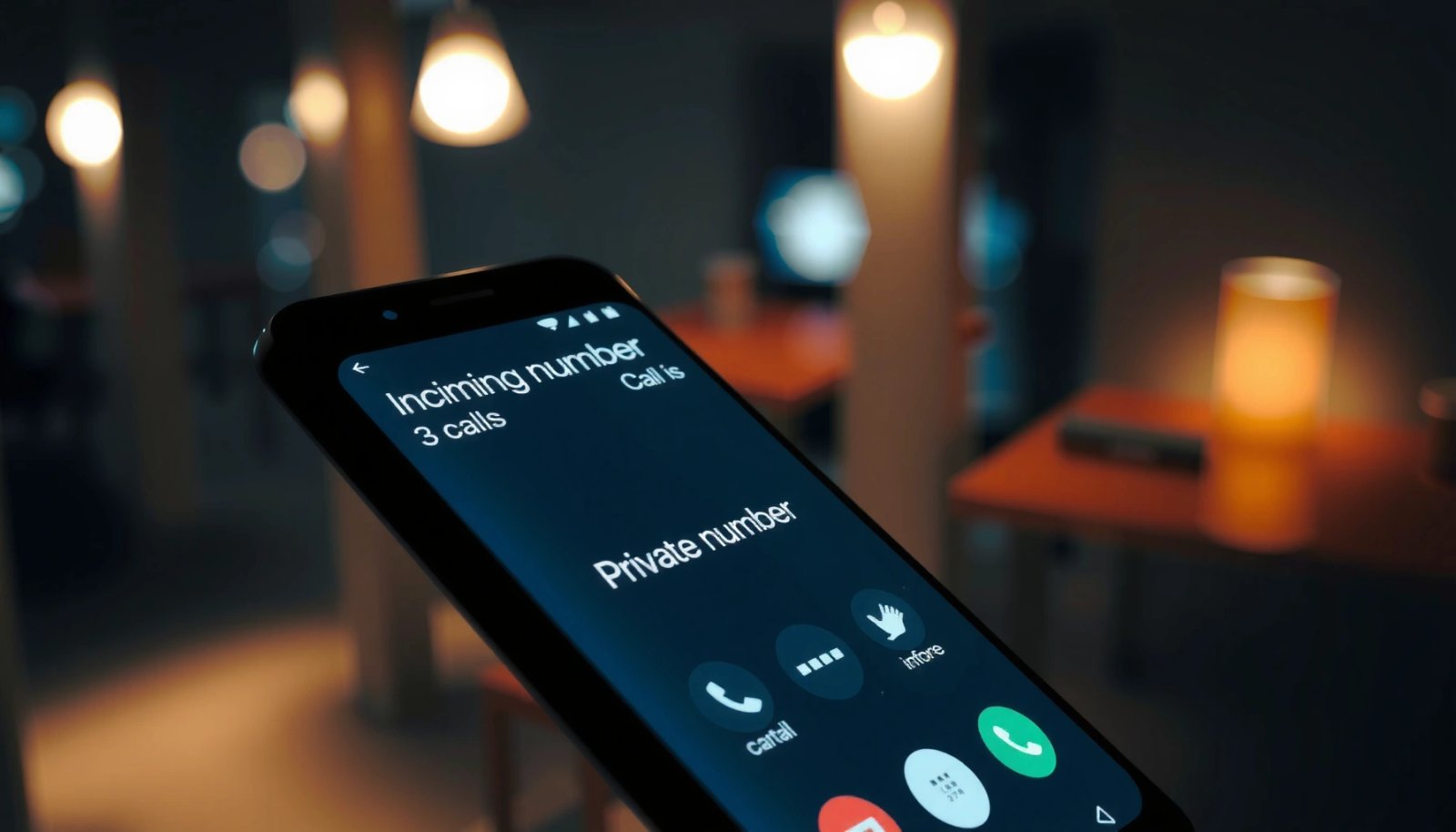
Want to call back a private number on Android? The fastest, most reliable way is to use your call log and contact your blocked caller only if their number appears with an option to reveal or redial. If your carrier keeps them masked, you’ll need to report the call and rely on Android’s call blocking...

How to Call a Private Number Back on Android

Need to call a private number back on Android and don’t know where to tap? This guide shows the fastest way to identify the caller through call logs and, if the number is truly blocked, the exact fallback methods that still give you the best chance of reaching them. You’ll get a clear, step-by-step path...