Tag

Call blocking

How to Turn Off Auto Blocker on Android

To turn off auto blocker on Android, you need to disable the blocking feature in the exact menu where it’s enabled—most commonly under the app’s own “Protection” or “Block” settings, or within Android’s accessibility/security controls. This guide gives you the quickest steps to stop auto blocking and confirms where the toggle should be when you’re...

Step-by-Step Protocol to Safely Block Spam Calls on Android (Mobile Security)

Looking for a step-by-step protocol to safely block spam calls on Android? This guide walks you through the exact settings and number-based controls used by mobile security professionals—so you stop robocalls without breaking legitimate calling features. Follow the sequence carefully to reduce false positives, protect your privacy, and ensure the blocks actually persist across Android...

How to Block Calls on Android: Step-by-Step

Want to block calls on Android without guessing? This step-by-step guide walks you through the fastest, most reliable ways to block unwanted callers directly from your phone’s settings and call controls. By the end, you’ll know exactly what to tap to stop specific numbers from getting through—every time. Blocking calls on Android is quick: use...

How to Block Voicemails on Android: Step-by-Step Guide

Want to block voicemails on Android for good? This step-by-step guide shows the fastest way to silence voicemail using your phone’s built-in call and voicemail settings, plus carrier options when needed. You’ll be done in minutes—with clear instructions that prevent unwanted voicemail notifications and cut the back-and-forth immediately. Blocking voicemails on Android is usually a...

How to Block Unknown Callers on Android: Step-by-Step

Want to block unknown callers on Android? This step-by-step guide shows the quickest path to silence calls from private and unlisted numbers using your phone’s built-in settings. Follow the exact taps to enable call blocking, confirm it’s working, and avoid accidentally blocking legitimate callers. Blocking unknown callers on Android usually means enabling call screening/blocking and...

How to Block Someone on My Android Phone

Want to block someone on your Android phone? This guide tells you the fastest way to block a specific person’s calls, texts, and—where supported—future contact attempts. You’ll get clear steps to find the right setting in your phone’s messaging or call app so the block actually sticks. Blocking someone on your Android phone is typically...

How to Block Calls on an Android: Quick Steps

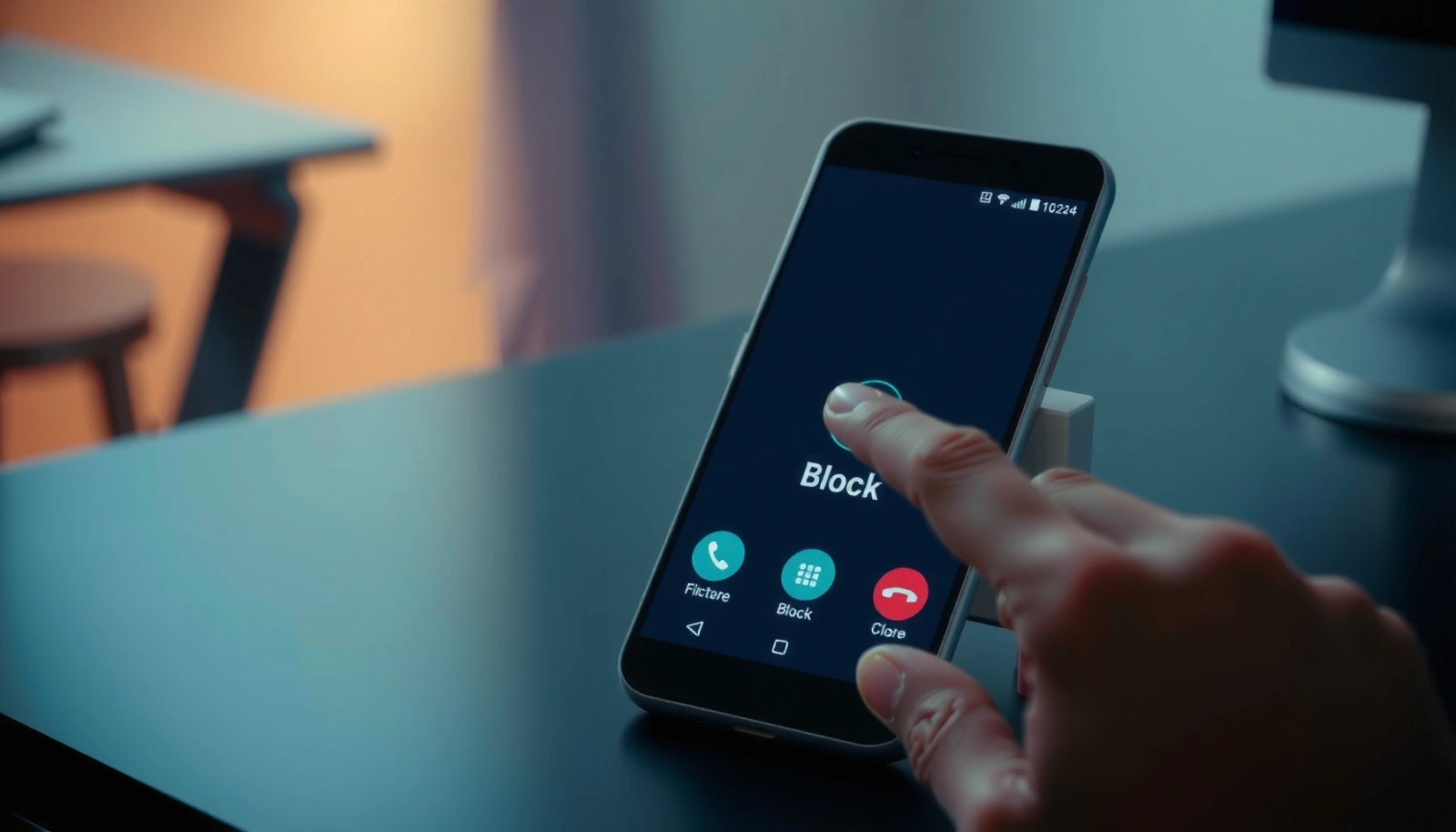
Want to block calls on an Android fast and permanently? You can stop unwanted callers in minutes using the built-in Phone app’s block feature or the contact’s call-block setting. If you need a stronger filter for spam numbers, Android’s spam and caller ID tools are the best option. This guide walks you through the quickest...

How to Block a Number on Android: Step-by-Step Guide

Want to block a number on Android fast and without guesswork? This step-by-step guide shows the exact taps to stop calls and texts from a specific number using your phone’s call or messaging settings. Follow it and you’ll have unwanted contacts blocked in minutes. Block a number on Android in minutes: use the Phone app...

How to Unblock a Phone Number on Android: Step-by-Step

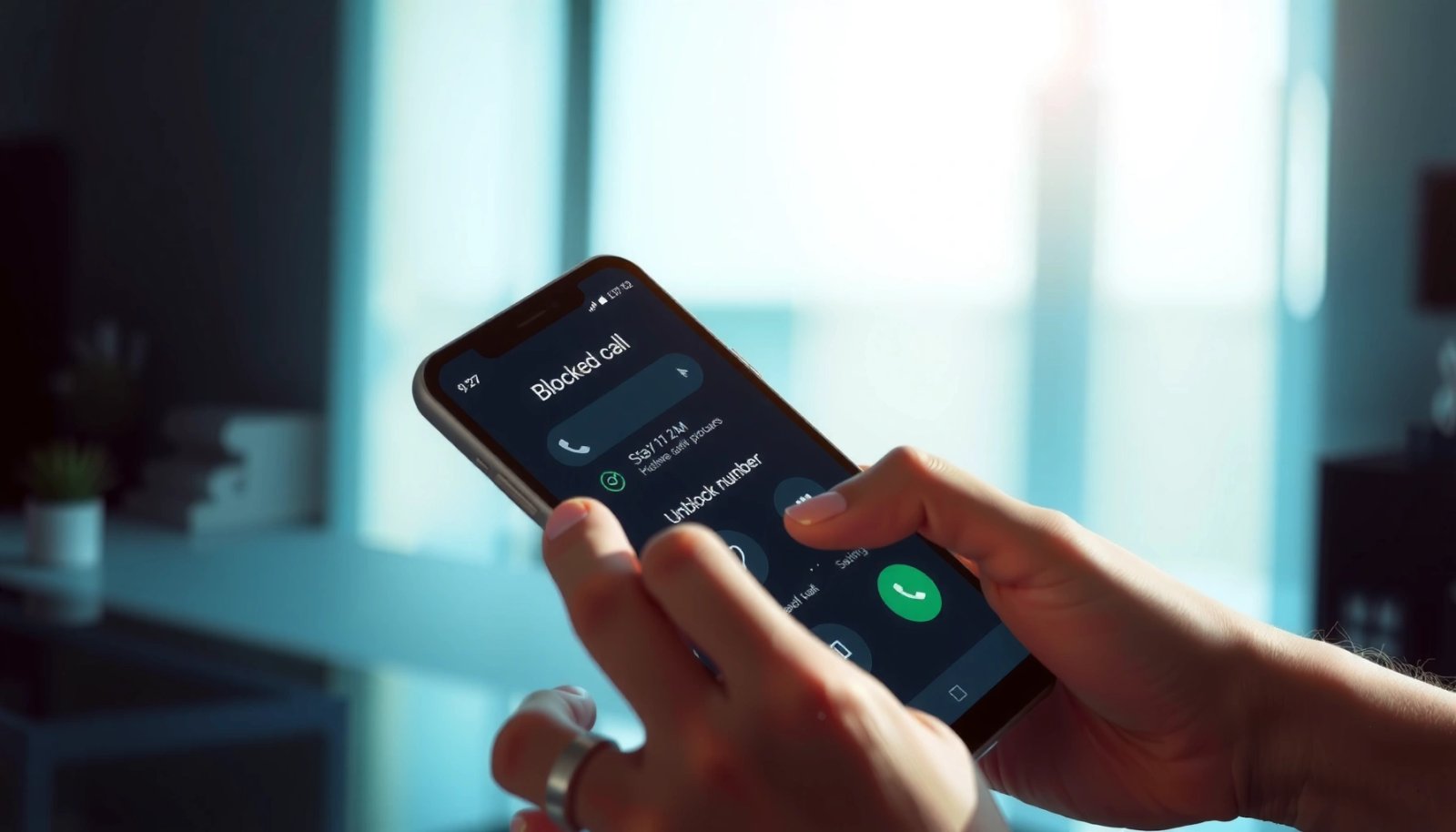
Need to unblock a phone number on Android? Follow these step-by-step instructions to remove the block safely through your Phone app or the device’s call-blocking settings. You’ll also learn how to verify the number can call you again, so you’re not stuck troubleshooting when calls don’t come through. Unblocking a phone number on Android is...

How Do You Unblock a Phone Number on Android?

To unblock a phone number on Android, go to your Phone app’s Call settings and remove the number from your Blocked numbers list—this is the fastest fix in most cases. If that number is blocked through Messages instead, check the Messages app’s spam or blocked contacts settings and unblock it there. We’ll walk you through...