Tag

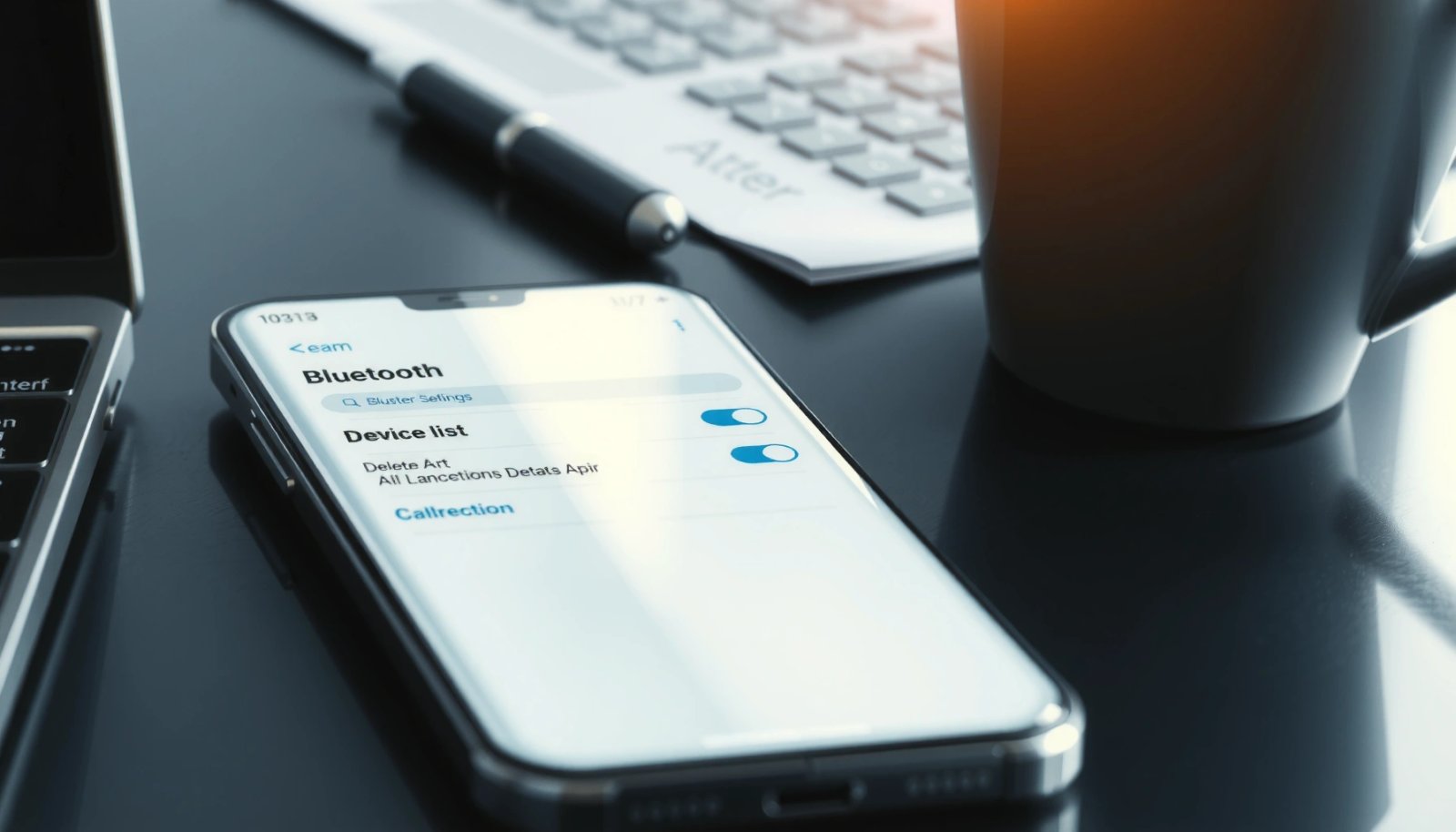
bluetooth settings

How to Stop Android Auto From Automatically Connecting

Want to stop Android Auto from automatically connecting? This guide gives you the fastest fixes that reliably break the auto-connect behavior, whether it’s triggered by your phone’s Bluetooth pairing or the car’s USB connection. Follow the steps that match your setup to stop the connection immediately—no guesswork, no trial-and-error. Unplug your phone (or break the...

How to Stop Android Auto From Auto Connecting: Quick Fixes

To stop Android Auto from auto connecting, the fastest fix is to disable the phone’s “Android Auto” Bluetooth pairing and clear the existing Android Auto connection history on your car and device. If it still reconnects, remove the Android Auto device from Bluetooth settings and turn off “Android Auto” auto-launch permissions in your phone’s app...