Tag

app not responding

How to Refresh an App on Android: Quick Fixes

Need to refresh an app on Android fast? The quickest fix is usually a full app restart—force stop it, reopen it, and confirm the screen updates immediately. If that doesn’t work, the next best move is clearing the app’s cache (or reinstalling only the problematic app) to force a fresh load of data. This guide...
How to Undo Force Stop App on Android

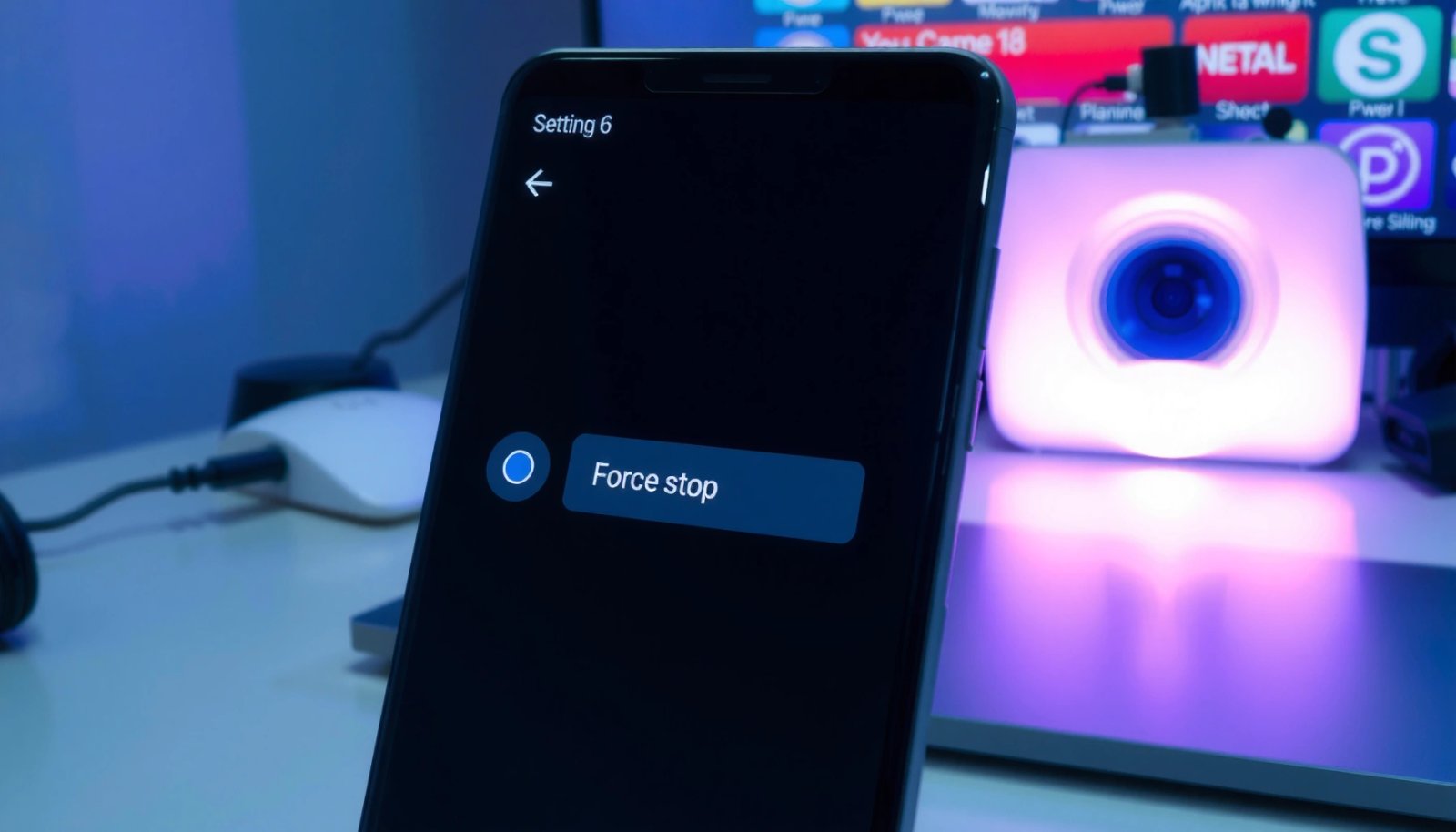
You can undo a Force Stop on Android by restarting the app and clearing its app cache, not by repeatedly toggling system settings. If the app is still stuck or misbehaving after a Force Stop, a reboot and (as a last step) uninstalling updates or clearing data will usually restore normal operation. The key fix...