Tag

app drawer settings

Where Is the App Drawer on My Android Phone? (Quick Guide)

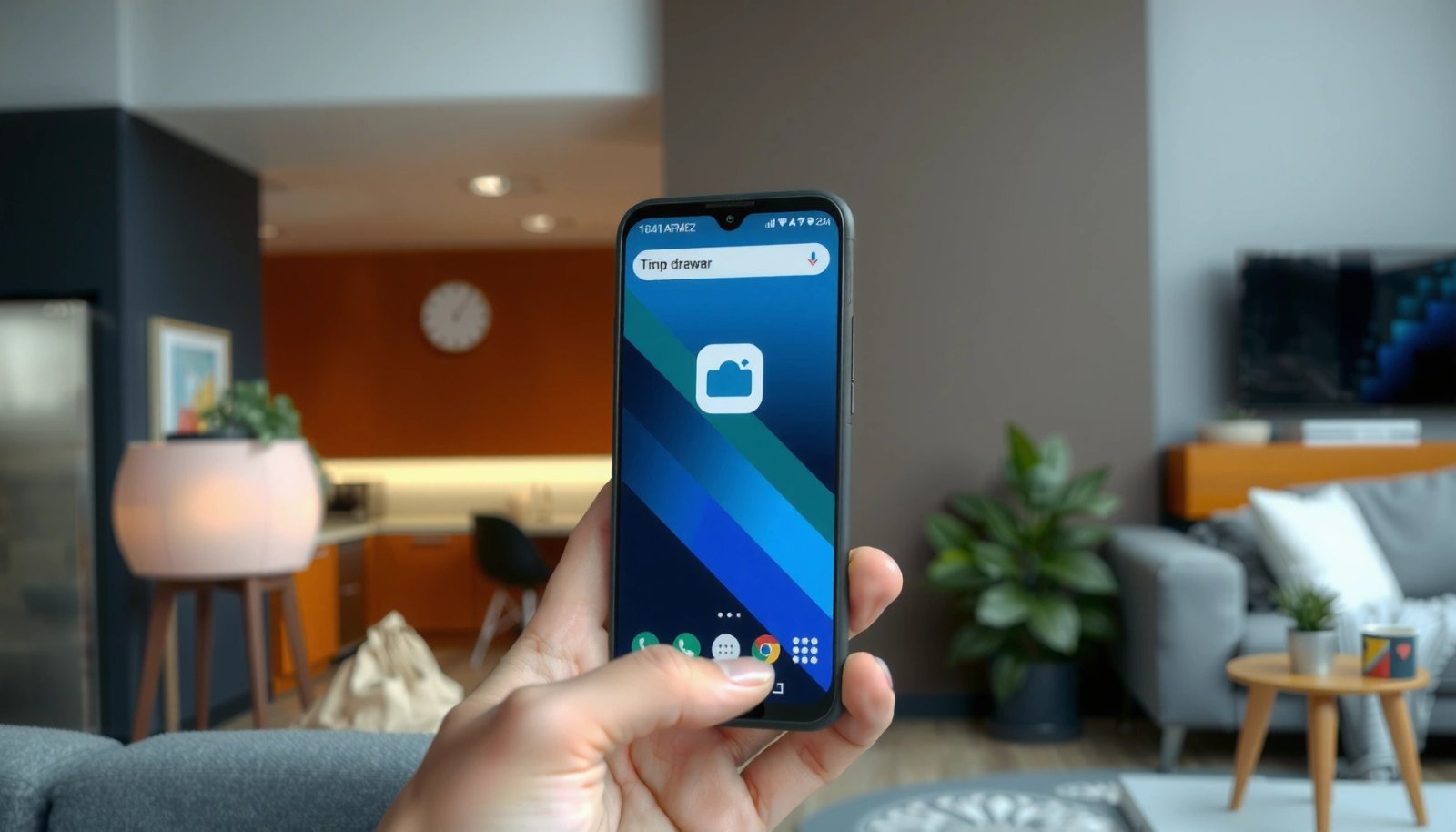
The app drawer on your Android phone is usually found by swiping up from the home screen or tapping the Apps icon, depending on your brand and launcher. If you don’t see either option, open the app list via the Home screen’s gesture or settings menu and look for “App drawer” or “Apps.” This quick...
Where Is the App Drawer on My Android? (Quick Steps)

The app drawer on your Android is typically a dedicated screen you open from the Home screen—look for an Apps icon, a swipe-up gesture, or a grid of dots near the bottom. If you don’t see it, your phone may be using a launcher that hides the app drawer, so you’ll need a quick settings...