Tag

android wifi settings

How to Delete WiFi Network on Android: Step-by-Step

Need to delete a WiFi network on Android and stop your phone from auto-connecting? This step-by-step guide shows exactly how to remove the saved WiFi network from your device in minutes. Follow the specific taps for Android’s settings screens and confirm the network is gone from your saved list. Deleting a saved Wi‑Fi network on...

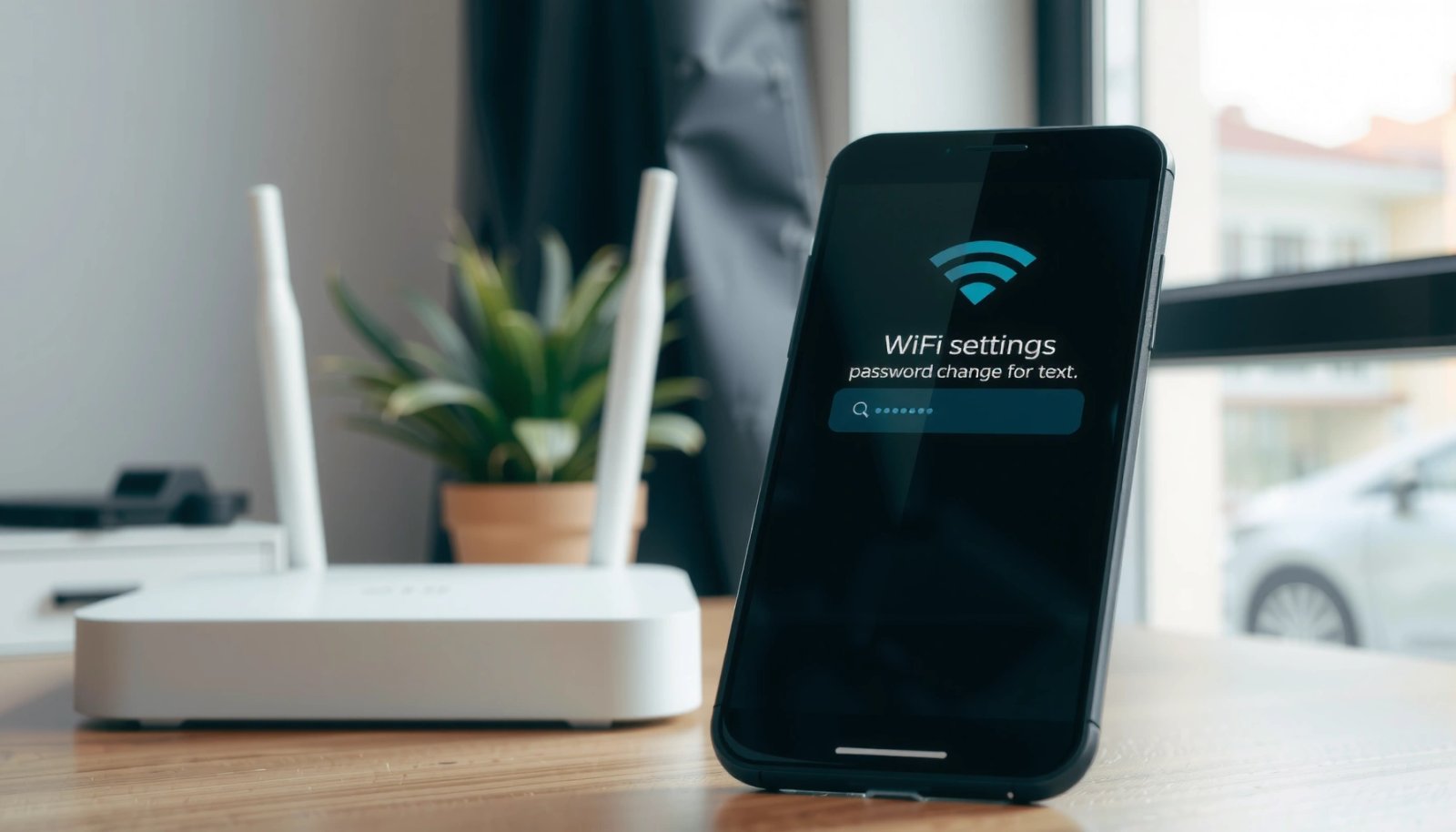
How to Change WiFi Password on Android: Step-by-Step

Changing your WiFi password on Android is straightforward—here’s the step-by-step process that actually works. This guide answers how to change the WiFi password in Android so you can update access without guesswork. Follow the exact instructions to verify the new password and reconnect every device smoothly. To change the WiFi password on Android, you typically...

How to Check WiFi GHz on Android: Quick Steps

Need to check what WiFi GHz your Android phone is connected to? You can confirm whether you’re on 2.4 GHz or 5 GHz in just a few taps using the right Android Wi‑Fi details screen. Follow these quick steps and get a clear answer immediately. If you want to confirm whether your Android is connected...

Should WiFi Be On or Off on Android? Best Choice Explained

Should WiFi be on or off on Android? The best choice is to leave WiFi on when you’re in known, reliable networks, because it delivers faster, cheaper data while reducing cellular usage. Turn it off when you’re moving through unfamiliar areas or relying on mobile data, since constant scanning can drain battery and cause unstable...

How to View Saved WiFi Password on Android: Step-by-Step

Want to view a saved WiFi password on Android? This step-by-step guide shows the fastest, most reliable ways to reveal the password for networks your phone has already connected to. Follow it and you’ll have the exact WiFi key ready in minutes—no guessing, no trial-and-error. You can usually view (or re-share) a saved Wi‑Fi password...