Tag

android tutorial

How to Use SD Card as Internal Storage on Android

You can use an SD card as internal storage on Android—best results come on devices that support Adoptable Storage, because it lets Android format the card and treat it like system storage. If your phone supports it, the setup is straightforward: format the SD card, choose “Use as internal storage,” and migrate apps and data....

How to Crop a Photo on Android: Step-by-Step

Learning how to crop a photo on Android is fast and straightforward once you know the right taps. This step-by-step guide shows you exactly how to trim your image, adjust the frame, and save the result—whether you’re using Google Photos or your phone’s built-in editor. You’ll finish with a clean, correctly sized crop in minutes....

How to Copy and Paste Pictures on Android: Step-by-Step

Need to copy and paste pictures on Android quickly and without messing up the formatting? This step-by-step guide shows the fastest method to duplicate an image from your gallery or files and paste it where you want—messages, emails, or another app. Follow the instructions and you’ll know exactly which buttons to tap to make it...

How to Copy Image from Gallery in Android

Copying an image from the Android gallery is straightforward when you use the correct intent-and-URI workflow. This guide shows the fastest, most reliable way to grab a selected gallery image as a usable file or bitmap in your app. You’ll leave with working code paths for picking the image and reading its data safely across...

How to Change MAC ID in Android: Simple Steps

Want to change the MAC ID in Android? This guide gives you the quickest, most reliable steps to update your Android device’s MAC address so you can regain control over what networks see. Follow it exactly and you’ll avoid the common dead ends that come from using the wrong method or permissions. You can change...

How to Change Clock on Android Lock Screen

Want to change the clock on your Android lock screen? This guide shows the fastest method that actually works on the most common Android skins, so you can swap the lock-screen time display without guesswork. If your device doesn’t use the standard settings path, you’ll also get the exact workaround to get the clock format...

How to Fill in a PDF Form on Android: Step-by-Step

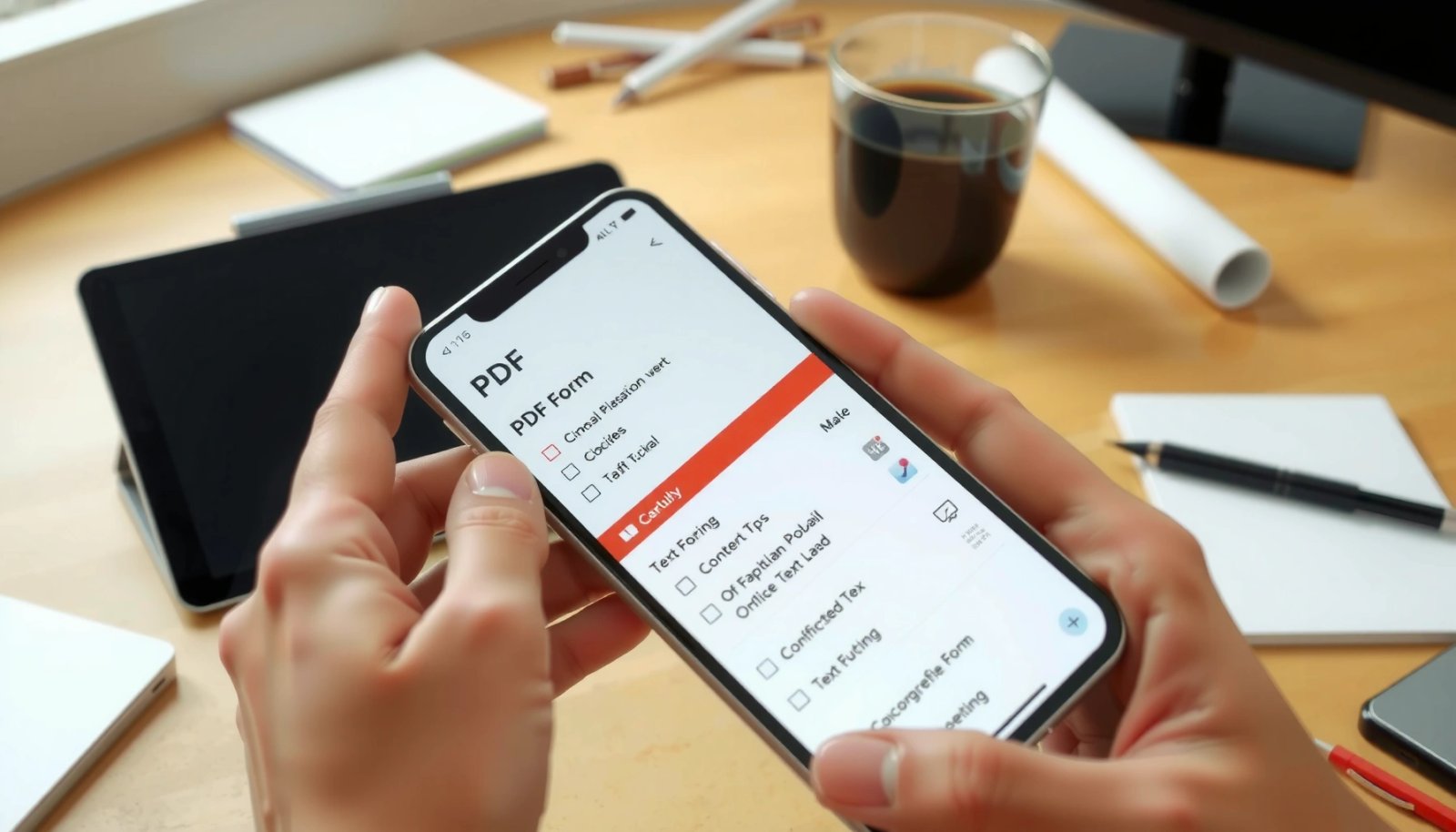
You can fill in a PDF form on Android fast and correctly using a dedicated PDF editor—Adobe Acrobat Reader is the best choice for most people because it supports form fields and reliable saving. This step-by-step guide walks you through opening the PDF, typing into each field, checking boxes/signing if needed, and saving or exporting...

How to Create a Zip File in Android: Step-by-Step Guide

Learn how to create a ZIP file in Android with a step-by-step guide that shows exactly what to do—from choosing the source files to writing the final archive. This is the fastest path to a working implementation using standard Android-friendly tools, so you can zip files reliably without guesswork. By the end, you’ll have a...

How to Hide Navigation Bar in Android: Simple Methods

Want to hide the navigation bar in Android? The fastest, most reliable approach is to use immersive full-screen mode, which removes the on-screen navigation controls while keeping swipe gestures usable. If you need a more permanent removal in a specific app, you’ll use system UI flags tied to your Activity. By the end, you’ll know...

How Do I Scan a QR Code on Android? Step-by-Step

Wondering how do I scan a QR code on Android? The fastest way is to open your camera app, point it at the code, and tap the on-screen link or banner when it appears. If your phone doesn’t auto-detect, use Google Lens to scan the QR code in seconds. You’ll get a step-by-step method that...