Tag

Android steps

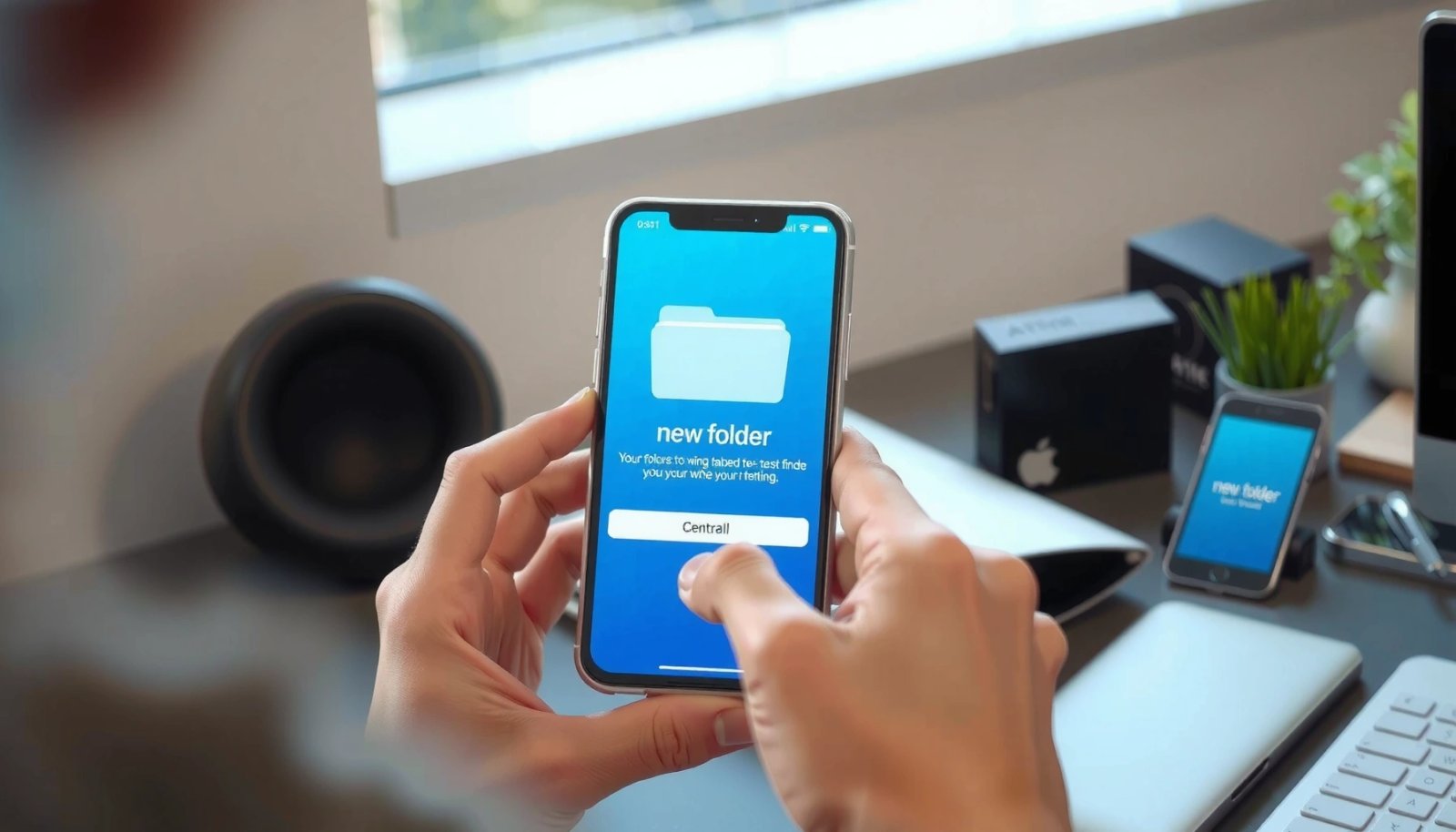
How to Create a New Folder in Android: Quick Steps

Need to create a new folder in Android fast? These quick steps show the simplest way to make a folder on your phone or tablet using the Files app (and what to do if you’re missing the folder option). You’ll get the exact taps to organize downloads, photos, or documents without guesswork. Create a new...

How to Add Clock to Home Screen Android: Simple Steps

Want to add a clock to your home screen on Android? This guide walks you through the fastest, no-drama method to place a real clock widget where you can see it at a glance. You’ll get clear step-by-step instructions that work on most Android launchers, so you can finish in minutes. To add a clock...

How to Enable Picture Messaging on Android: Step-by-Step

Need to enable picture messaging on Android fast? This step-by-step guide shows exactly where to turn on MMS so your phone can send and receive photos through your carrier settings. Follow the instructions once, and you’ll know in minutes whether it’s working—and what to change if it isn’t. Picture messaging on Android usually works once...

How to Add a Folder on Android: Step-by-Step Setup

Need to add a folder on Android? This step-by-step guide shows the fastest way to create a new folder on your home screen or in your file manager, then add apps or organize files inside it. Follow these instructions to get a clean, manageable layout in minutes—whether you’re using Samsung, Google Pixel, or another Android...

How to Remove Digital Turbine on Android: Step-by-Step

Want to remove the Digital Turbine on Android? Follow this step-by-step guide for a clean, reliable uninstall so the app can’t keep running in the background. You’ll get the exact actions to take on your device, whether Digital Turbine appears as an app, service, or bundled system component. You can remove Digital Turbine on Android...