Tag

android spell check

How to Take Off Spell Check on Android: Step-by-Step

Want to take off spell check on Android fast? If you use Gboard, you can disable spelling suggestions in settings and stop red underlines immediately. If you use Samsung Keyboard or another keyboard, the toggle is different—but you can still turn spell check off in a few steps. Turn off spell check (including red underlines...
How to Get Spell Check on Android: Turn It On

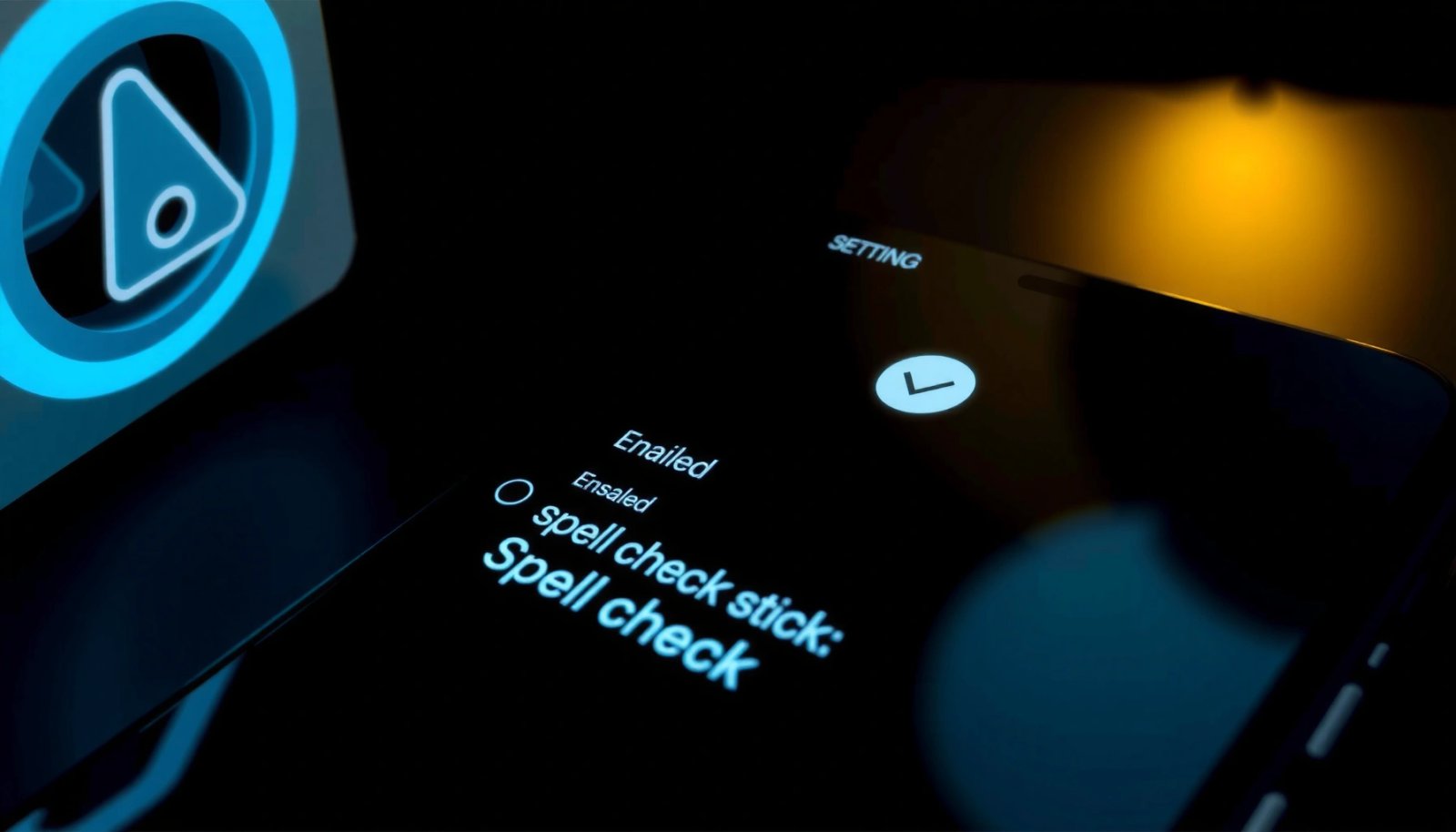
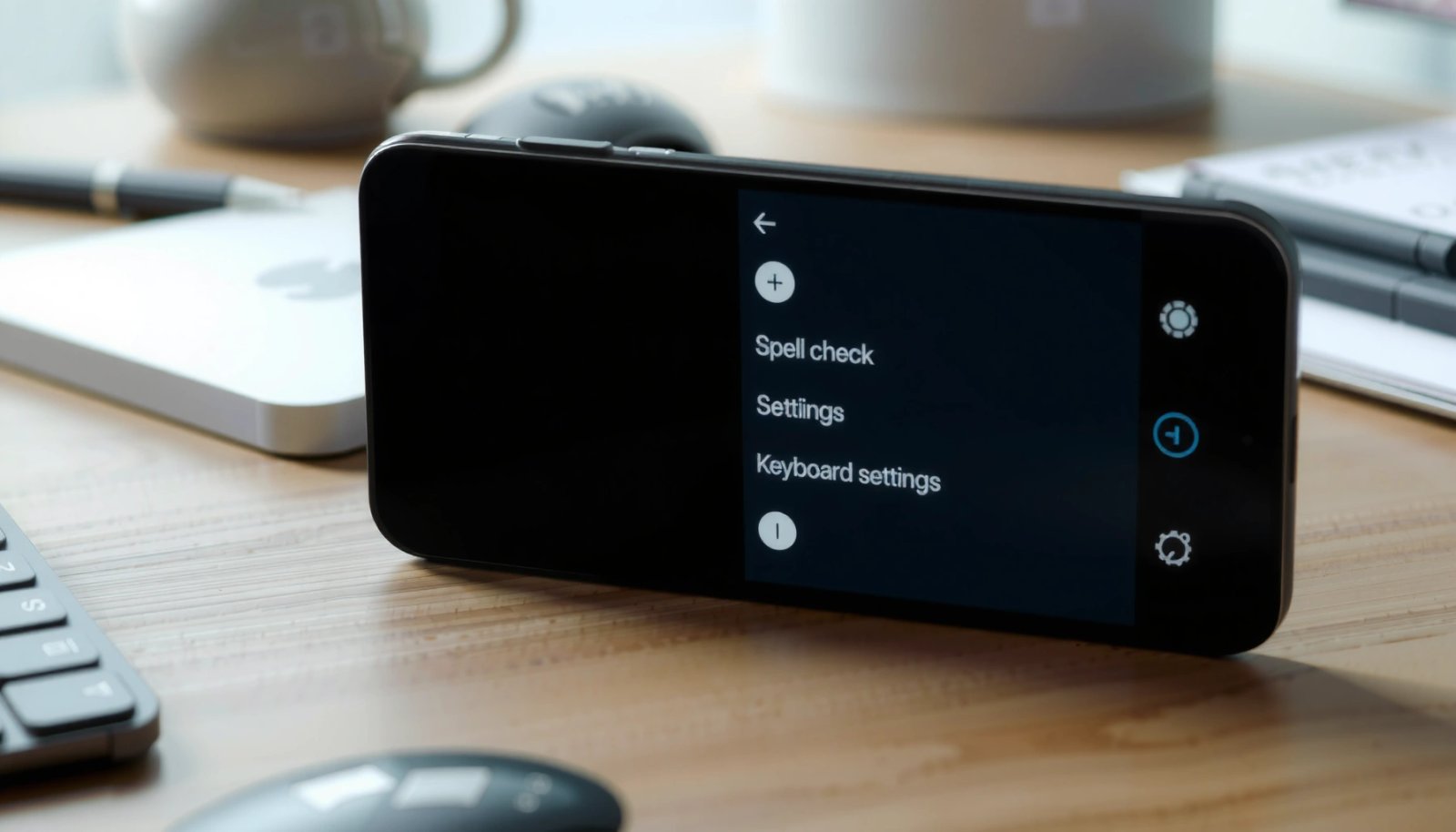
Want to get spell check on Android? You can turn on spell check in your keyboard settings in minutes—then it will underline mistakes as you type. If your spelling isn’t being flagged, follow the quick checklist for the right keyboard and language settings to make it work reliably. To get spell check on Android, turn...

How to Turn Spell Check On Android: Step-by-Step

Want to know how to turn spell check on Android and get misspellings underlined right away? This step-by-step guide walks you through the exact settings for Gboard and other common keyboards, depending on what you use. If you follow the steps, spell check will be enabled in minutes and you’ll stop manually fixing every typo....