Tag

android quick steps

How to Turn Off Android Phone: Quick Steps

Need to know how to turn off an Android phone fast? Use the Power button method first—press and hold it, then tap Power off (or Restart) to shut down cleanly. If your screen is frozen, force-restart using the Power + Volume keys. These steps are the quickest, most reliable way to switch off your Android...
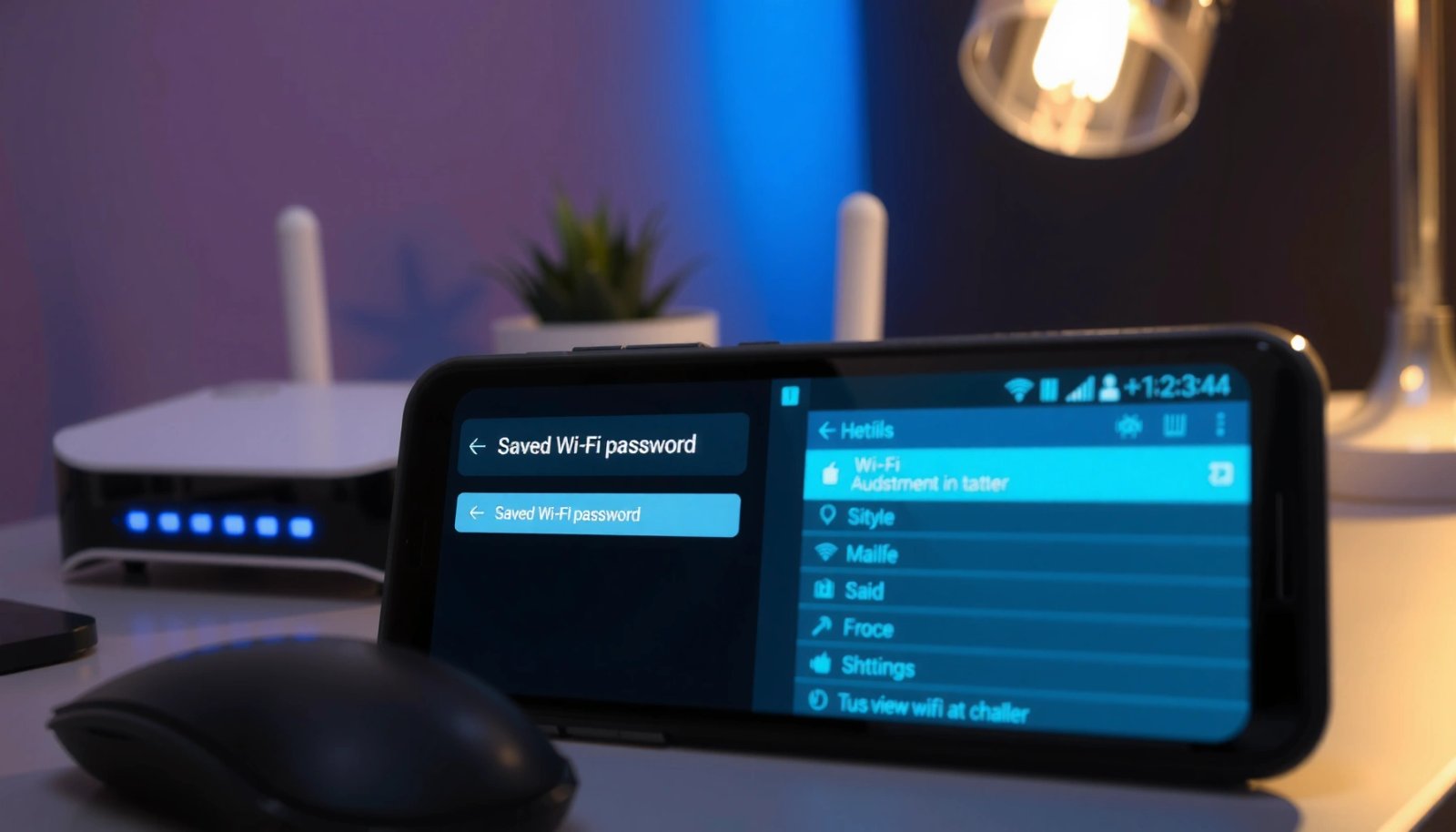

How to Check Saved WiFi Password on Android (Quick Steps)

Need to check your saved WiFi password on Android? The fastest method is using your phone’s built-in Wi‑Fi settings (or a QR code export) to reveal the password in seconds. If you don’t see an option there, this guide walks you through the quickest fallback so you can recover access without guessing. You can usually...

How Do I Power Off My Android Phone: Quick Steps

To power off your Android phone, press and hold the Power button until the Power menu appears, then tap Power off. If your device won’t respond, hold the Power button for about 10–20 seconds to force a reboot and shut down. Follow these quick steps to get the fastest, most reliable shutdown on any Android...

How to Remove Favorites From Android Phone: Quick Steps

Want to remove favorites from your Android phone fast? Follow the quickest steps to delete starred items from your Favorites list and stop them from showing up where you don’t want them. This guide tells you exactly where to tap and what to change so the Favorites view is cleared in minutes. To remove favorites...

How to Find Password for Android Hotspot: Quick Steps

Need the password for your Android hotspot? This quick guide tells you exactly where to find it in a few taps—typically inside the hotspot settings on your phone. If you can’t see it, you’ll get the fastest fallback method to recover the key without resetting your device. You can usually view your Android hotspot password...

How to Clear Clipboard on Android: Quick Steps

Need to clear your clipboard on Android fast? The steps to do it depend on which clipboard manager your phone uses, but the fastest reliable option is to clear clipboard data from the system clipboard or the relevant keyboard/clipboard app settings. Follow these quick actions to wipe copied items and stop old text from resurfacing....

How to Find Clipboard on Android: Quick Steps

Find the clipboard on Android fast by using the keyboard’s clipboard button or the system clipboard screen in your phone’s settings. If you don’t see it, check your default keyboard app (like Gboard) for the clipboard icon, then enable clipboard history if available. These steps will tell you exactly where your copied text is stored...

How to Resend a Text on Android (Quick Steps)

Need to resend a text on Android? Follow these quick steps to re-send an SMS that didn’t deliver or went missing—fast and without guesswork. You’ll learn the exact taps to retry from your Messages app and confirm it sends successfully. If a text didn’t send on Android, you can usually resend it by tapping the...

How to Turn Off an Android Phone: Quick Steps

Want to know how to turn off an Android phone fast? The quickest, most reliable method is to press and hold the Power button, then tap Power off (or confirm in the prompt) when it appears. If your phone is unresponsive, use a hardware button restart to get it off without waiting. To turn off...