Tag

android printing

How to Add Printer to My Android Phone: Simple Setup Steps

Learn how to add a printer to your Android phone with a setup process that works fastest via Wi‑Fi Direct or your printer’s built-in wireless app. Follow these simple steps to connect your phone, install the right driver when needed, and print a test page in minutes. If you’re stuck on “printer not found” errors,...

How to Print From Your Android Phone: Step-by-Step Guide

Printing from your Android phone is fastest and simplest when you use your printer’s built-in Wi‑Fi or cloud printing feature. This step-by-step guide shows you exactly how to send a photo or document from Android to paper—setting up the connection, choosing the right printer, and fixing common print failures. By the end, you’ll know the...

How to Remove a Printer From My Android Phone

Remove a printer from your Android phone in minutes by deleting it from your Bluetooth/Wi‑Fi connection list or—if it was added through a printing service—unregistering it in Google’s Print settings. This guide walks you through the fastest, most reliable steps to stop the printer from showing up and prevent future print jobs. You’ll know exactly...

How to Print PDF on Android: Step-by-Step Guide

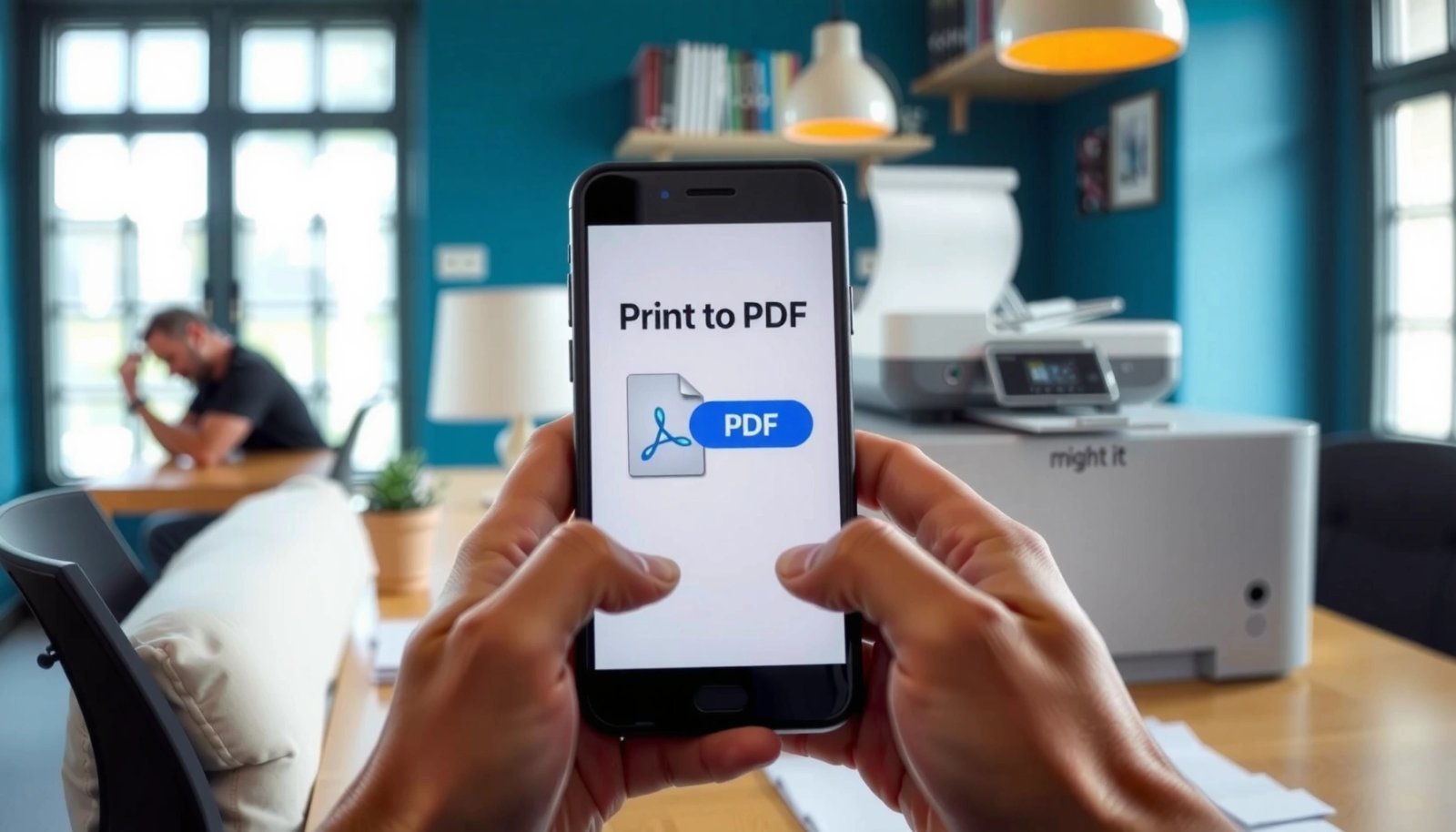
Printing a PDF on Android is easiest when you use your phone’s built-in Print menu and a compatible printer—this step-by-step guide shows the exact taps to do it. You’ll learn how to open the PDF, select Print, choose the right printer, and adjust key settings before sending the job. By the end, you’ll know the...

How to Connect Printer to Android Phone: Simple Setup Steps

Learn how to connect a printer to an Android phone fast with the simplest setup steps that actually work. You’ll get the clear, step-by-step method for Wi‑Fi and USB (depending on your printer), plus what to do when Android can’t find the device. By the end, you’ll be able to print documents from your phone...

How Do I Add a Printer to My Phone Android?

Learn how to add a printer to your phone on Android with the fastest, most reliable method for your printer type—Wi‑Fi, Wi‑Fi Direct, or USB (via an adapter). This guide walks you through the exact steps to connect, install the correct driver, and print a test page. If your printer doesn’t appear automatically, you’ll also...