Tag

Android network settings

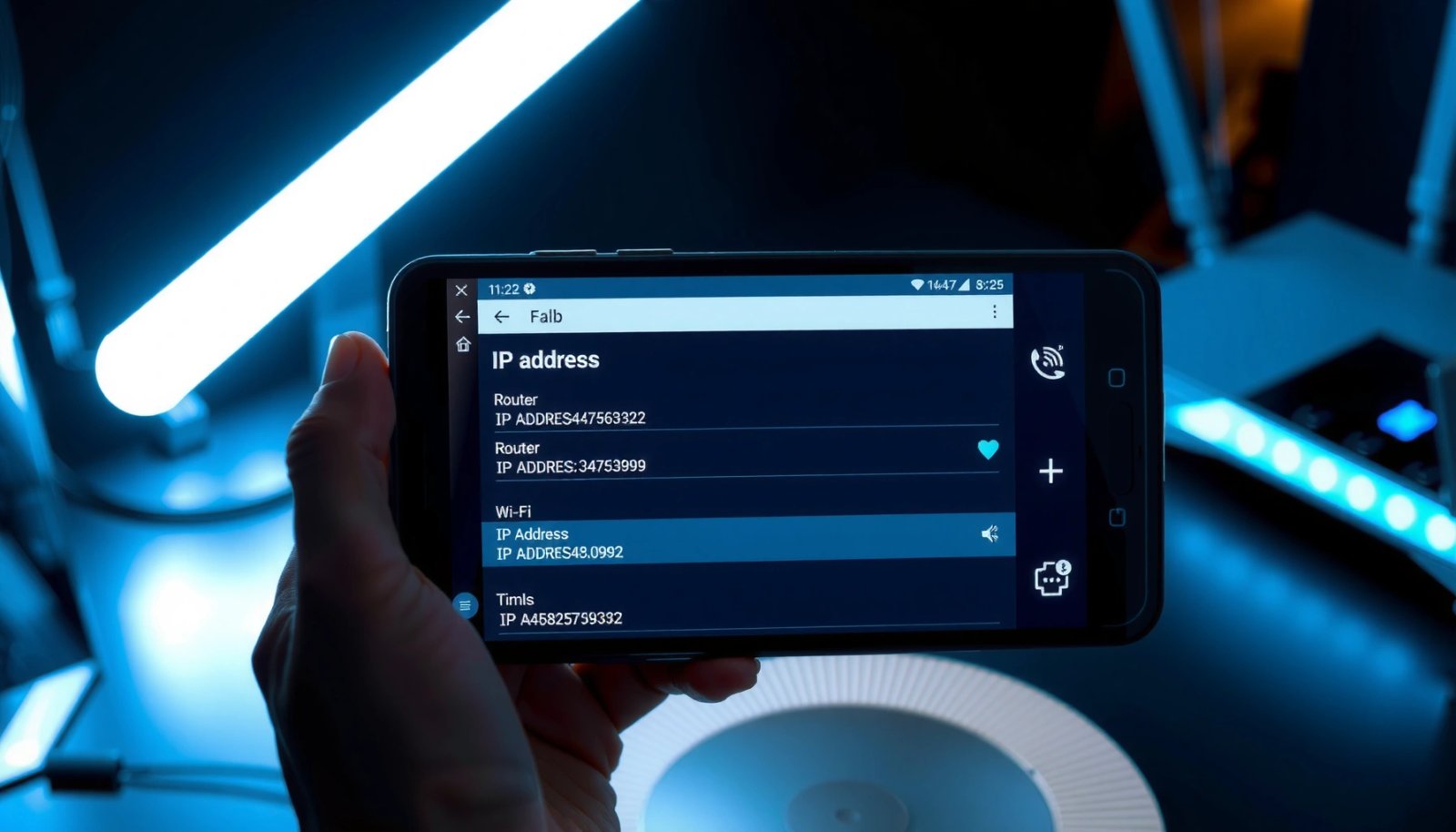
How to Find My Router IP Address on Android

Need to find your router IP address on Android? This guide shows the quickest, most reliable way to get the default gateway—whether you’re on Wi‑Fi or mobile hotspot—so you can access your router settings fast. You’ll see exactly where to tap and what IP address to copy. If you can’t connect or the gateway is...

How to Make Internet Faster on Android: Proven Fixes

Want to make internet faster on Android and get results fast? This guide delivers proven, step-by-step fixes that typically improve speed and reduce lag within minutes—whether your problem is slow Wi‑Fi, weak mobile data, or DNS delays. Follow the recommended settings and tests to pinpoint the bottleneck and make your connection noticeably faster. You can...

How to Change IP on Android: Step-by-Step Guide

Want to change your IP on Android? This step-by-step guide tells you the fastest way to switch IP addresses—whether you’re trying to fix a network issue or bypass location restrictions. Follow the instructions to update your connection settings and verify your new IP in minutes. Changing your IP on Android is usually as simple as...

How to Change IP Address of Android: Easy Steps

Need to change the IP address of your Android phone? This guide walks you through the easiest, most reliable methods—on Wi‑Fi or mobile data—so you can get a new IP without guesswork. You’ll follow clear step-by-step actions to reset your connection and update your network settings safely and quickly. If you want a different IP...

Can You Use Gamers Private Network on Android?

Yes—you can use Gamers Private Network (GPN) on Android, but only if the app supports Android and you can set up a VPN profile or install its official client. This guide answers whether GPN works on Android, what to do if you can’t find an Android version, and the fastest troubleshooting steps to get connected...

Why Is My Android Hotspot Not Working? Common Fixes

If your Android hotspot isn’t working, the culprit is usually a simple settings issue—fixable fast with the right checks. This guide walks you through the most common reasons your hotspot fails (from disabled tethering permissions and APN problems to a wrong network band or authentication error) and tells you what to change first. By the...

How Do You Turn Off Roaming on Android? (Step-by-Step)

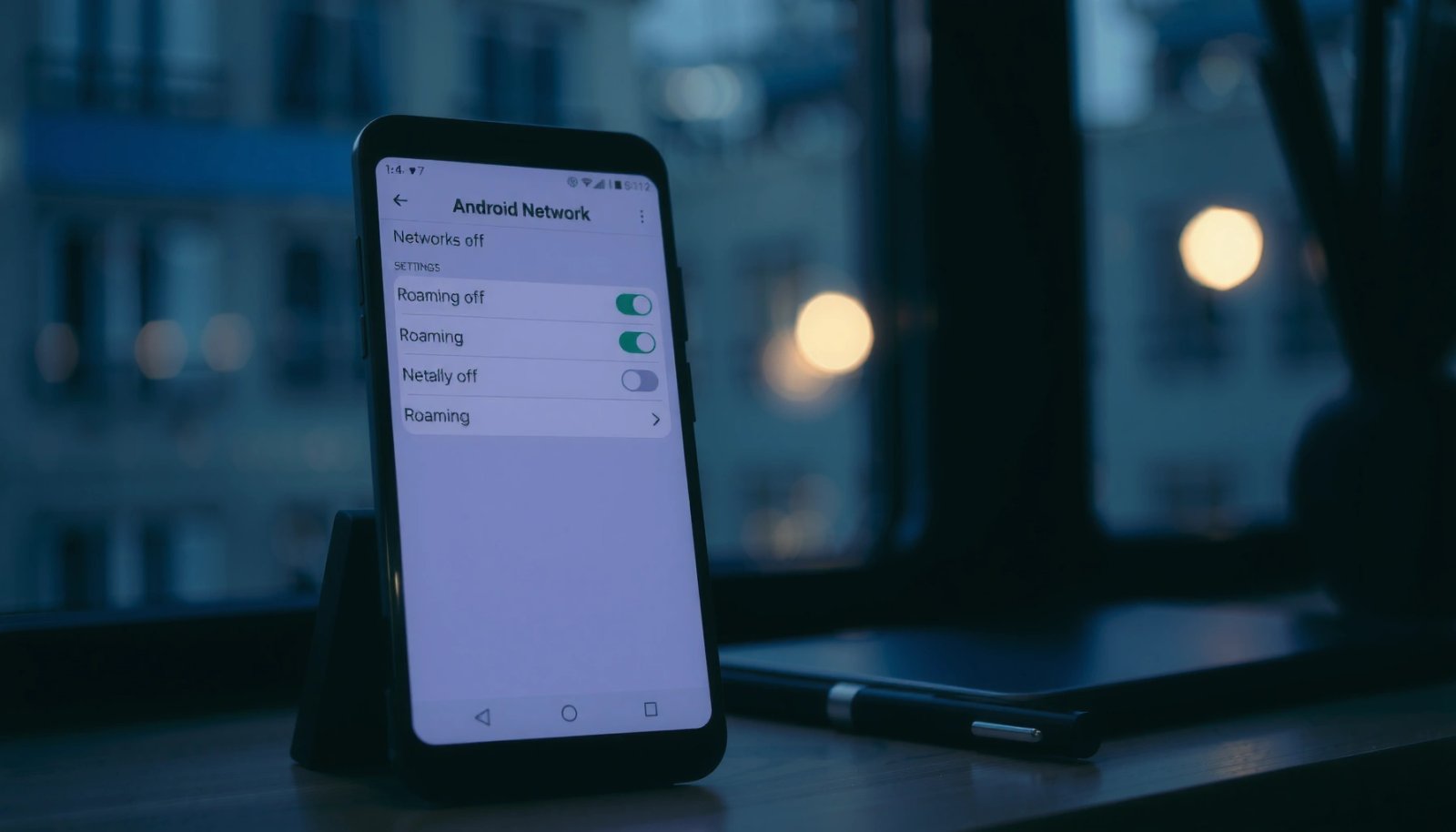
To turn off roaming on Android and stop surprise carrier charges, you’ll need to switch off “Data roaming” in your phone’s mobile network settings. This step-by-step guide shows the exact taps to reach the roaming toggle and confirm it’s disabled. Follow it once, and your Android will stay on your home network until you choose...