Tag

Android home screen

How to Change Duolingo App Icon on Android

Want to change the Duolingo app icon on Android? The fastest, most reliable method depends on whether your phone supports custom icon packs via a launcher like Nova Launcher, because that’s what actually replaces the icon. If your Android version blocks launcher-based icon changes, you’ll need an alternate approach—or you may not be able to...

How to Automatically Organize Apps on Android

Want to automatically organize apps on Android without manually sorting icons? This guide shows the fastest path—using Android’s built-in organization tools where they work best, and pairing them with the right automation apps when they don’t. By the end, you’ll know exactly which setup to use for your phone and what results you can expect....

How to Add Apps to Home Screen on Android

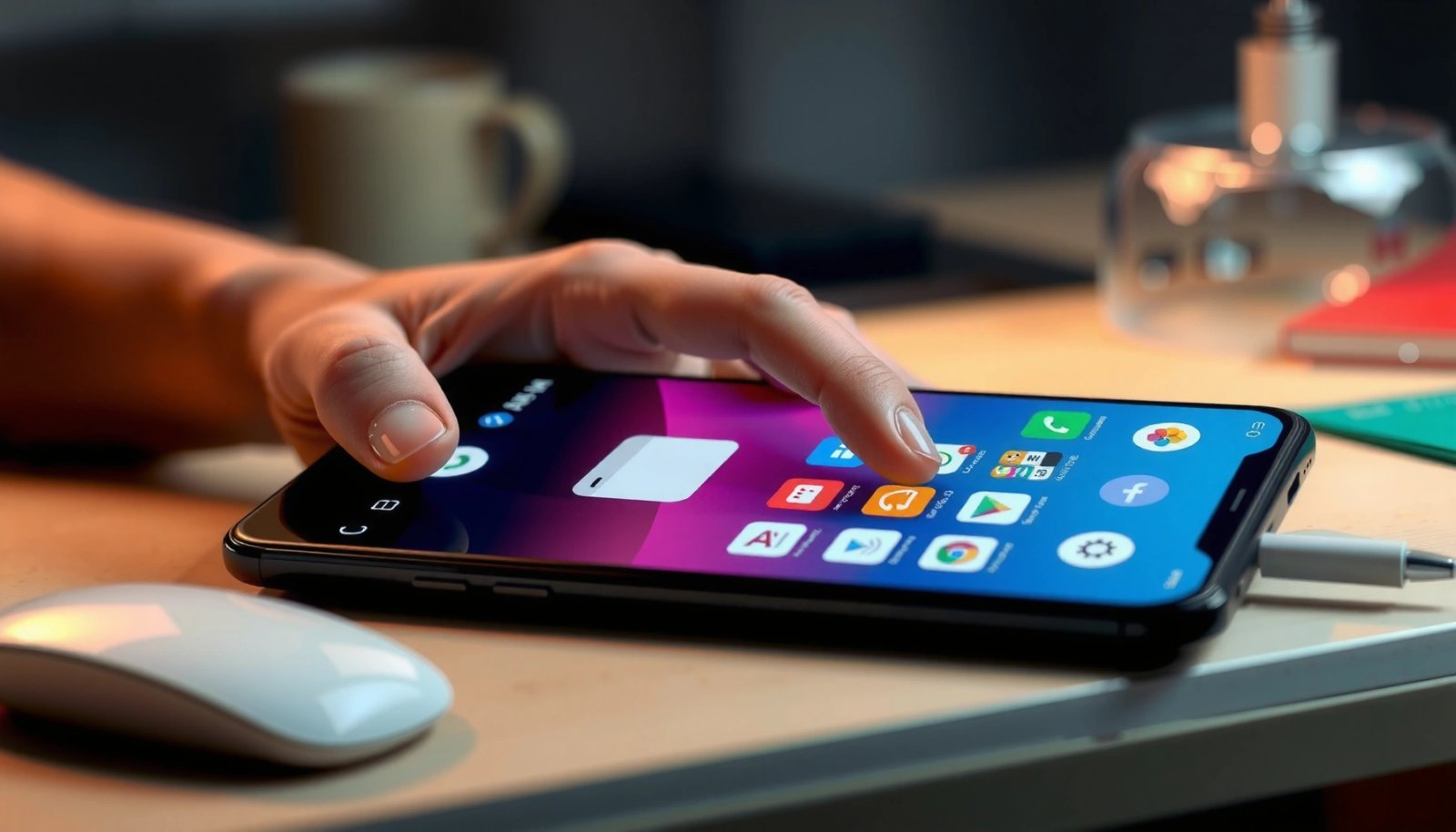
Want to know how to add apps to the home screen on Android? In a few steps, you can place your most-used apps exactly where you want—whether they’re from the app drawer or newly installed. Follow the quickest method for your Android version and you’ll have a cleaner, faster home screen in minutes. Add an...

How to Add Apps to Android Home Screen

Want to add apps to your Android home screen quickly and correctly? This guide gives you the fastest method that works on most Android phones, plus the exact steps if your app menu or launcher behaves differently. In minutes, you’ll place shortcuts where you want them and know what to do when an app won’t...

Where Is the App Drawer on My Android? (Quick Steps)

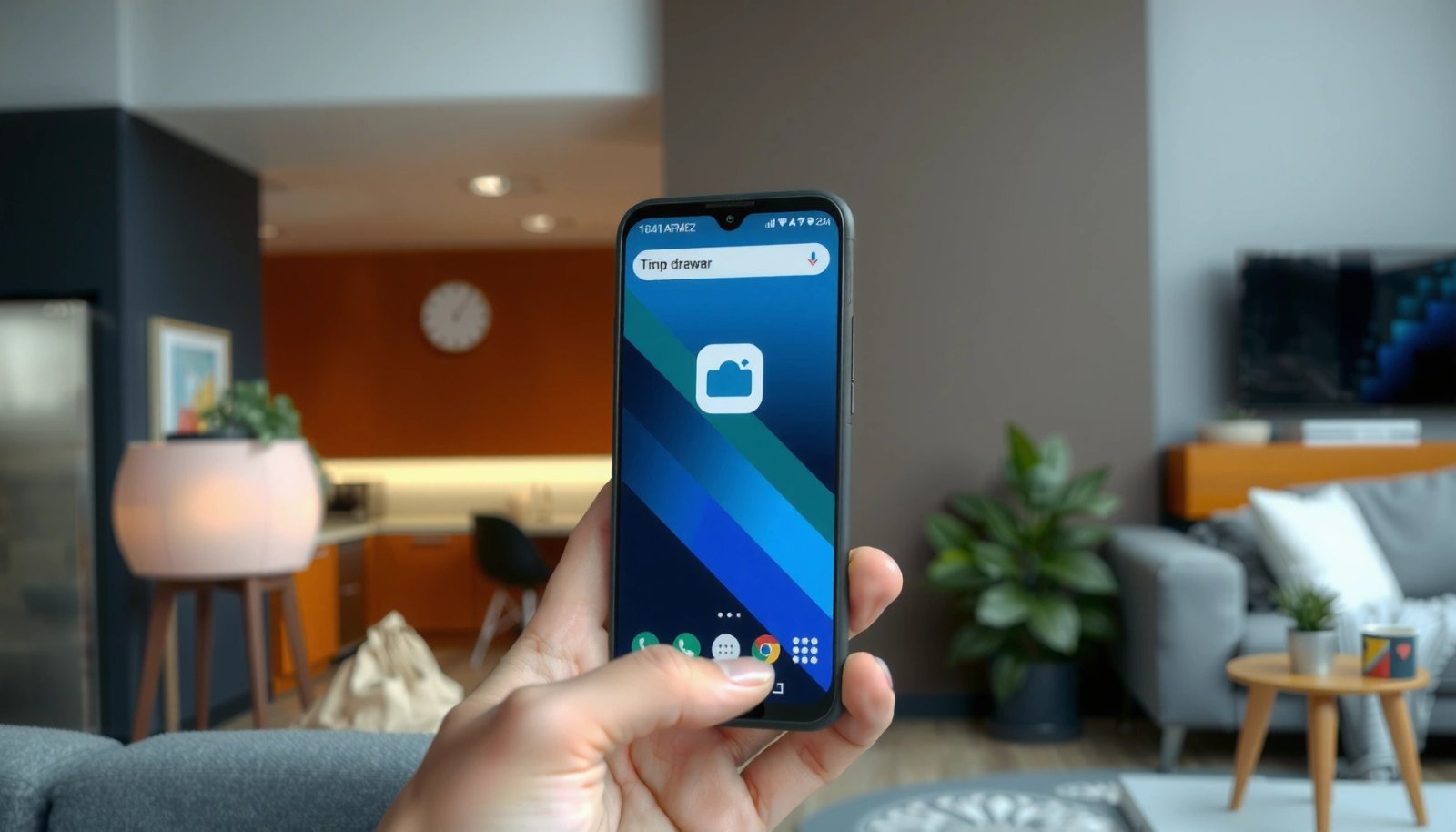
The app drawer on your Android is typically a dedicated screen you open from the Home screen—look for an Apps icon, a swipe-up gesture, or a grid of dots near the bottom. If you don’t see it, your phone may be using a launcher that hides the app drawer, so you’ll need a quick settings...

How to Unlock Home Screen Layout on Android

Want to unlock your home screen layout on Android and stop it from being rearranged or stuck? This guide shows the fastest way to regain control—whether you’re dealing with a locked launcher, a restricted device setting, or a screen pinning or admin limitation. Follow these steps to restore drag-and-drop, customize your grid, and make your...