Tag

android contacts

How to Edit a Contact on Android: Step-by-Step

Need to edit a contact on Android fast? This step-by-step guide shows you exactly how to update a contact’s name, phone number, email, and more in the Contacts app. Follow the instructions and you’ll get the change saved correctly on your device without guessing settings. Edit a contact on Android by opening the Contacts (People)...
How to Add a Contact on an Android Phone

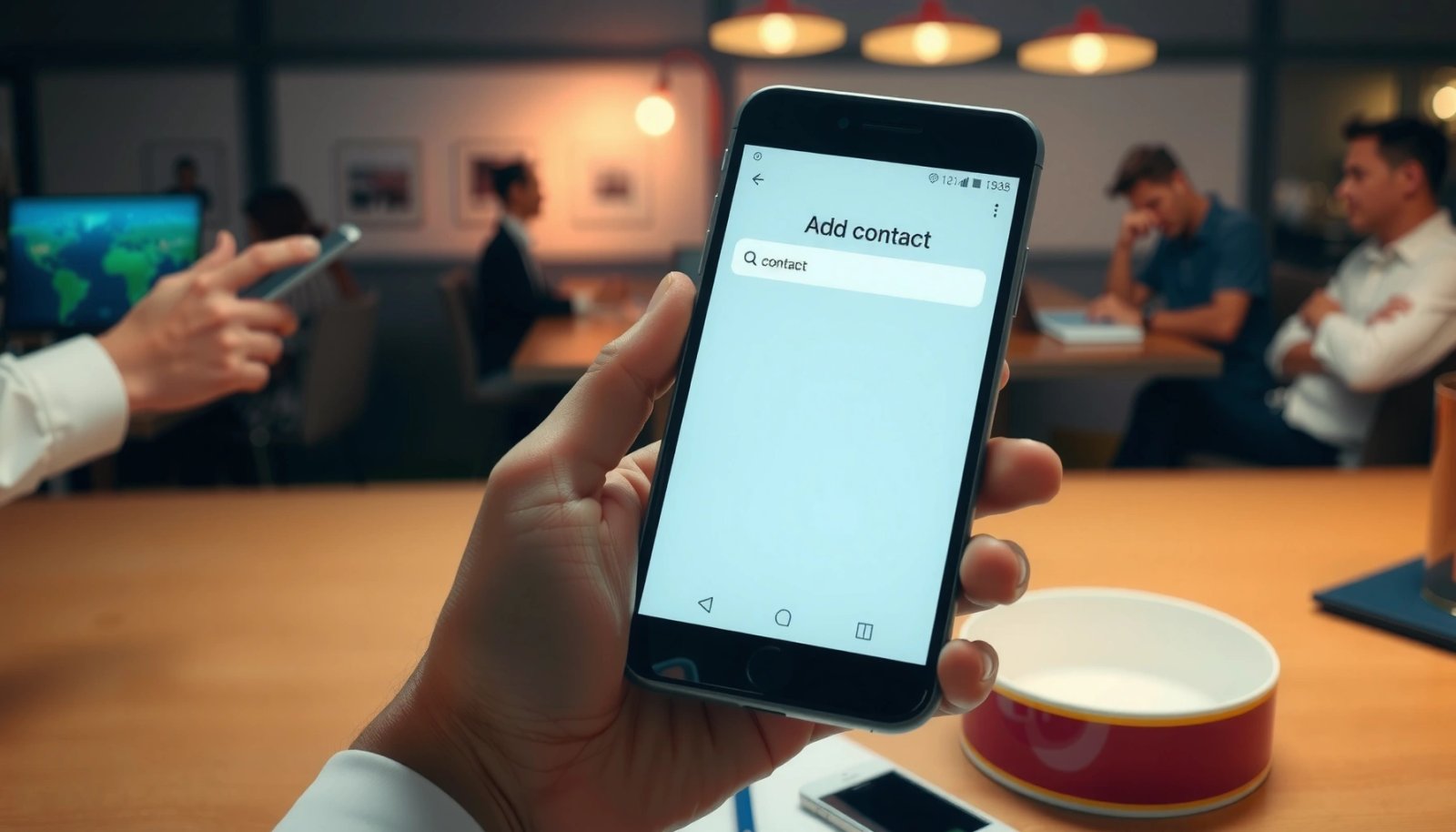
Want to add a contact on an Android phone fast? This guide walks you through the quickest, most reliable method to save a new contact—right from your dialer or Contacts app. You’ll also learn what to do when the contact already exists, so the number lands in the right place without duplicates. To add a...

How to Recover a Deleted Phone Number on Android: Quick Fixes

Deleted a phone number on Android and need it back fast? Your quickest path to recovery depends on where the number lived—Google Contacts, your SIM, or a synced account—and the right method can restore it in minutes. Follow the best immediate fixes first, then move to deeper recovery options if the number doesn’t show up....

How to Recover Deleted Contacts on Android: Quick Fix Steps

Need to recover deleted contacts on Android fast? This guide gives you the quickest fix steps that actually work—starting with checking Google/phone sync and restoring from backups, then moving to local phone recovery options if the contacts aren’t synced. If you acted soon after deletion, you’ll know exactly what to try first to get your...

How to Merge Contacts on Android: Step-by-Step

Need to merge contacts on Android, fast and correctly—this step-by-step guide tells you exactly how to combine duplicates without losing names or phone numbers. Follow the instructions to merge contacts in your Android Contacts app (and account settings when duplicates come from synced sources). By the end, you’ll know the quickest path to a single,...

Why Do Some of My Contacts Have Pictures on Android?

If some of your contacts have pictures on Android, it’s almost always because your phone is pulling profile photos from your Google account or a synced messaging/social source. This article tells you exactly which sync setting is responsible and how to stop or change it so the photos match the contacts you see in your...

How to Change Contact Name on Android: Step-by-Step Guide

Want to change a contact name on Android? Follow this step-by-step guide to update the displayed name in your Contacts app, whether the contact is stored locally or synced with Google. You’ll get the exact taps to make the change—and confirm it took effect—so your call and messaging lists show the right name. On Android,...

How to Export Contacts from Android to Computer: Easy Steps

Exporting contacts from Android to your computer is quick and reliable when you use your phone’s built-in export option or sync through Google Contacts. This guide walks you through the exact steps to get your contacts onto a computer in minutes, whether you want a file for backup or easy importing elsewhere. You’ll finish with...

How to Add a Contact on Android: Step-by-Step

Add a contact on Android in minutes with the fastest step-by-step method that works whether you’re using the Contacts app or the Phone app. This guide walks you through opening the right screen, entering the details, and saving the new contact so it shows up immediately. If you just need a working contact addition—not troubleshooting—follow...