Tag

android call settings

How to Do No Caller ID on Android: Hide Your Number

Want to do no caller ID on Android and hide your number before every call? The fastest path is using your carrier’s call-blocking setting (or the in-call “Hide number” option if your phone supports it), and it will work reliably for most networks. If that option isn’t available, use an alternate dialing approach like prefixing...
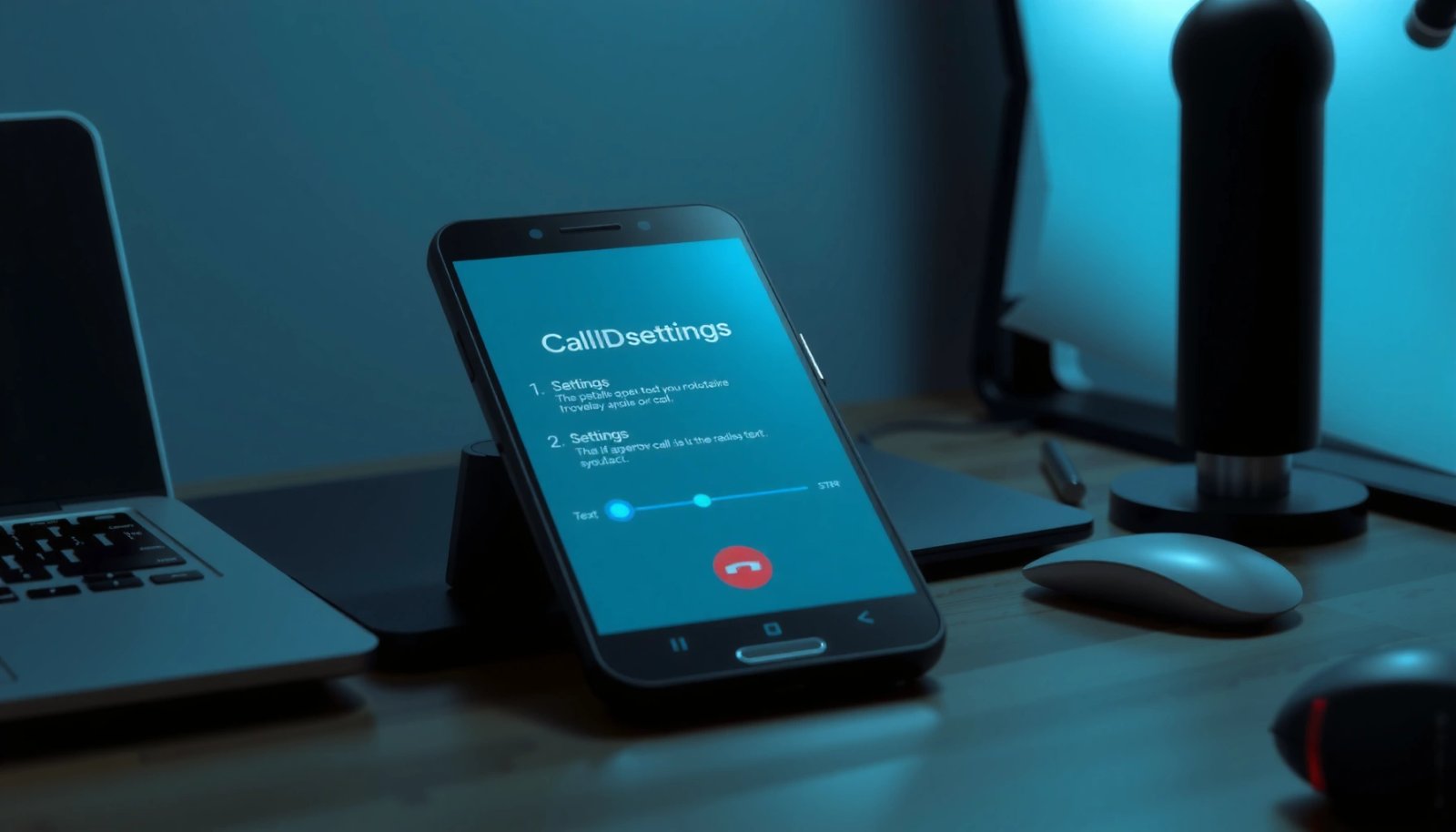
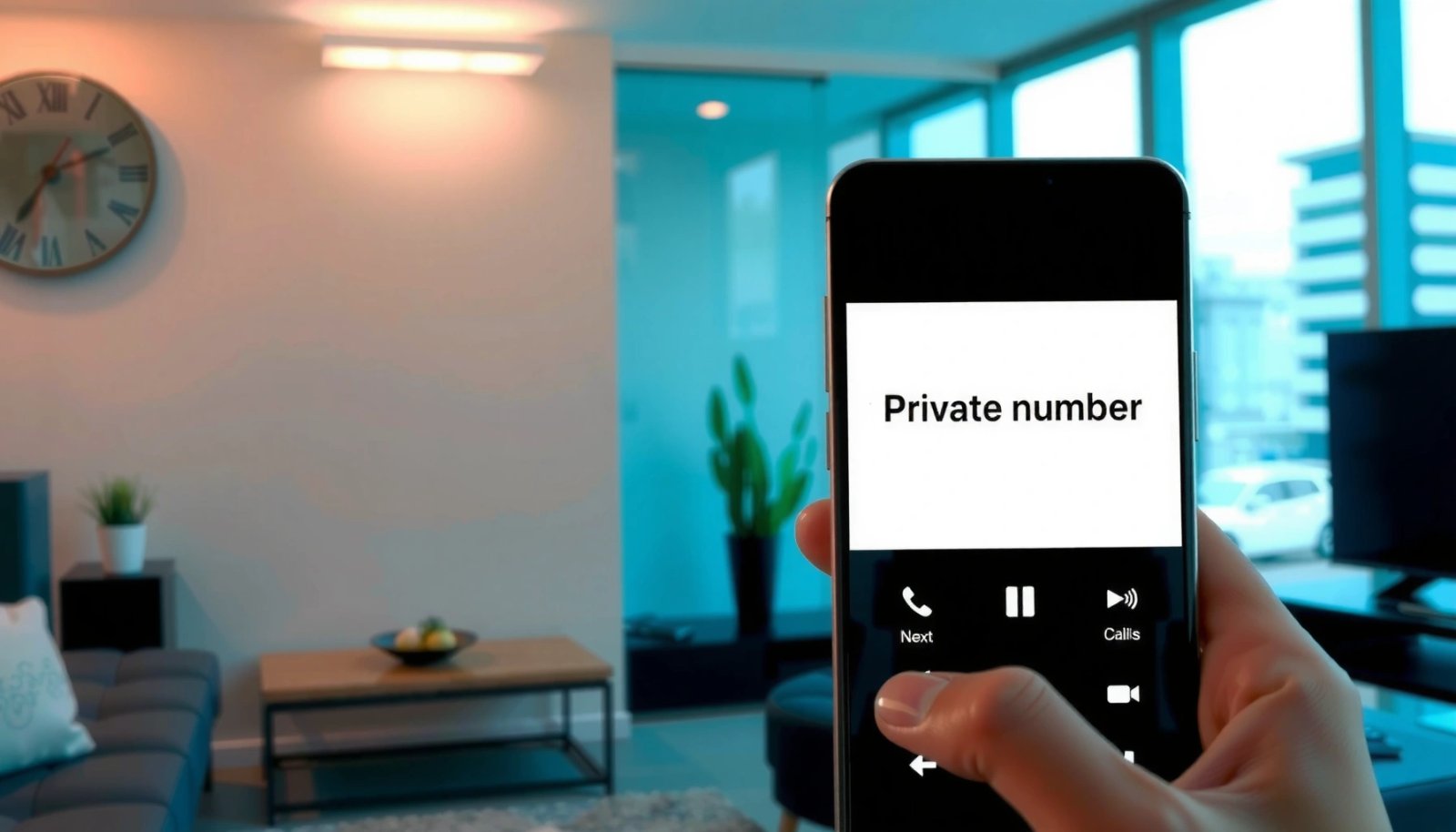
How to Disable Caller ID on Android: Step-by-Step

Want to disable caller ID on Android? You can hide your number for outgoing calls in just a few taps by changing the setting in your Phone app or carrier call settings. This step-by-step guide shows exactly where to go and what to select so others can’t see your caller ID. You can usually hide...

How to Remove Private Number on Android

Need to remove a “private number” display on your Android phone? This guide shows the fastest way to disable caller ID blocking so your number appears to recipients when you make calls. Follow the steps for your specific Android dialer and SIM settings to confirm the change. To stop seeing a private number on your...

How to Block Unknown Callers on Android: Step-by-Step

Want to block unknown callers on Android? This step-by-step guide shows the quickest path to silence calls from private and unlisted numbers using your phone’s built-in settings. Follow the exact taps to enable call blocking, confirm it’s working, and avoid accidentally blocking legitimate callers. Blocking unknown callers on Android usually means enabling call screening/blocking and...

How to Block All Incoming Calls on Android

Want to block all incoming calls on Android? The fastest, most reliable method is to use Android’s built-in Call Blocking—turn on call screening or block unknown callers (and optionally all numbers) so calls never reach you. If you need a stricter solution, enabling Do Not Disturb with an “allow none” call filter shuts the door...

Can You Silence Unknown Callers on Android? (Yes—Here’s How)

Yes—you can silence unknown callers on Android, and it’s the fastest way to stop unwanted calls before they ring you. The method depends on your phone, but Android’s call-screening/spam filtering tools let you block or silence numbers that aren’t in your contacts. Keep reading to see exactly what to turn on for your device. You...