Tag

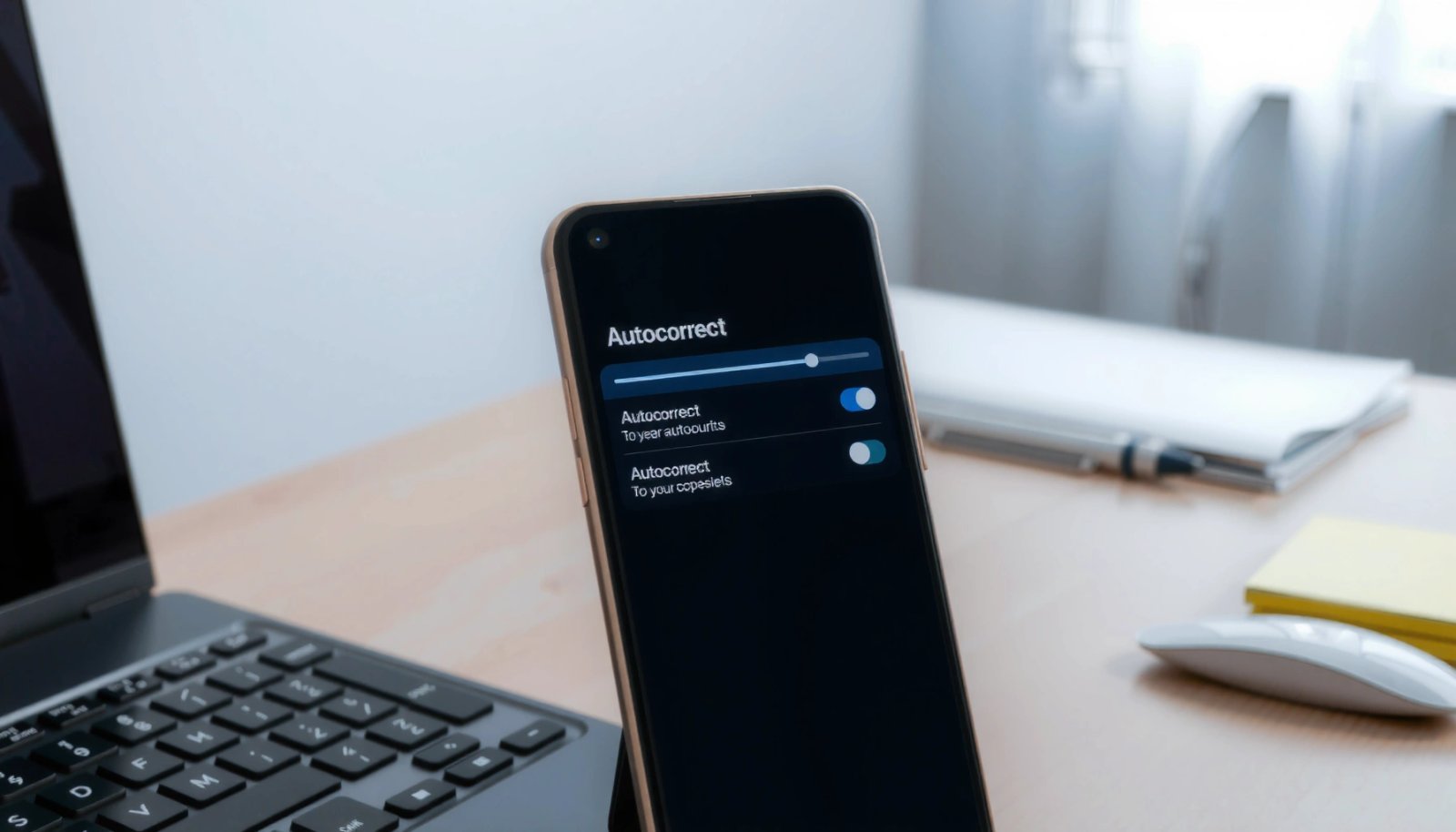
Android autocorrect

How to Edit Autocorrect on Android: Change Words and Settings

Learn how to edit Autocorrect on Android to change specific words and fine-tune when it kicks in. If you want the fastest fix, Android’s built-in keyboard settings let you add, remove, and manage replacement suggestions without rooting your phone. This guide shows exactly where to go and what to tap so your keyboard stops “helping”...

Why Is My Autocorrect Not Working on Android? Quick Fixes

If your autocorrect isn’t working on Android, the fix is usually one of three settings: the keyboard’s language/dictionary, your keyboard app being disabled or misconfigured, or system-level text correction options turned off. This quick guide answers why autocorrect fails on Android and gets it working again fast. Start with the most common culprit—your keyboard settings—then...