Tag

Android app drawer

Where Is the App Drawer on My Android Phone? (Quick Guide)

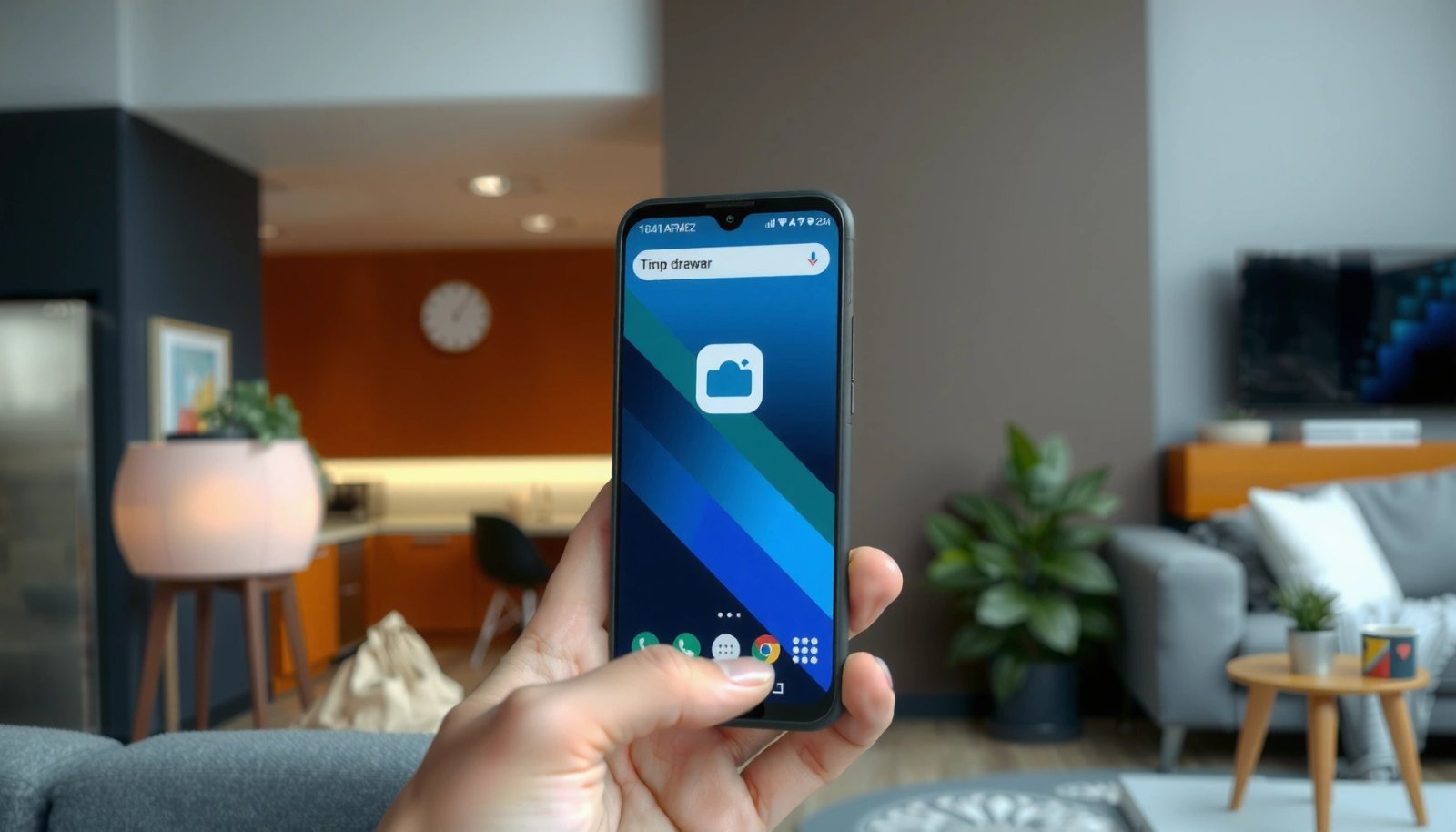
The app drawer on your Android phone is usually found by swiping up from the home screen or tapping the Apps icon, depending on your brand and launcher. If you don’t see either option, open the app list via the Home screen’s gesture or settings menu and look for “App drawer” or “Apps.” This quick...


What Is App Drawer in Android? (Meaning, Use, and Tips)

An Android app drawer is the place where all installed apps live in one scrollable list, separate from your home screens. If you want a clean home screen without hiding apps permanently, the app drawer is the right tool—and learning how it works makes finding apps faster. Here’s what it means, when to use it,...

Where Is the Phone App on Android? Find It Fast

If you’re trying to find the Phone app on Android, the fastest path is to use the app drawer search (swipe up, type “Phone”), because that’s where it’s most consistently located across devices. If search doesn’t surface it, check your home screen for a “Phone” shortcut, then verify it isn’t disabled in Settings > Apps....

Where Is the App Drawer on My Android? (Quick Steps)

The app drawer on your Android is typically a dedicated screen you open from the Home screen—look for an Apps icon, a swipe-up gesture, or a grid of dots near the bottom. If you don’t see it, your phone may be using a launcher that hides the app drawer, so you’ll need a quick settings...