Tag

accessibility settings

What Does the Little Key Icon Mean on Android?

The little key icon on Android typically means your device—or a specific app—is in “restricted” mode, such as a locked screen, security setting, or permission-protected access. If you see it in a status area, the quickest way to confirm is to open the relevant app or tap into Android’s Security/Lock screen or App permissions to...

Does Android Have Guided Access?

Yes—Android can deliver guided access-like control, but it comes through specific features rather than a single built-in “Guided Access” toggle. If you need kiosk-style locking for a single app, Android’s Screen pinning is the closest match, while Android’s dedicated Digital Wellbeing/Focus tools help you restrict distractions for shorter sessions. Keep reading to learn which option...

How to Turn Off TTS on Android: Quick Steps

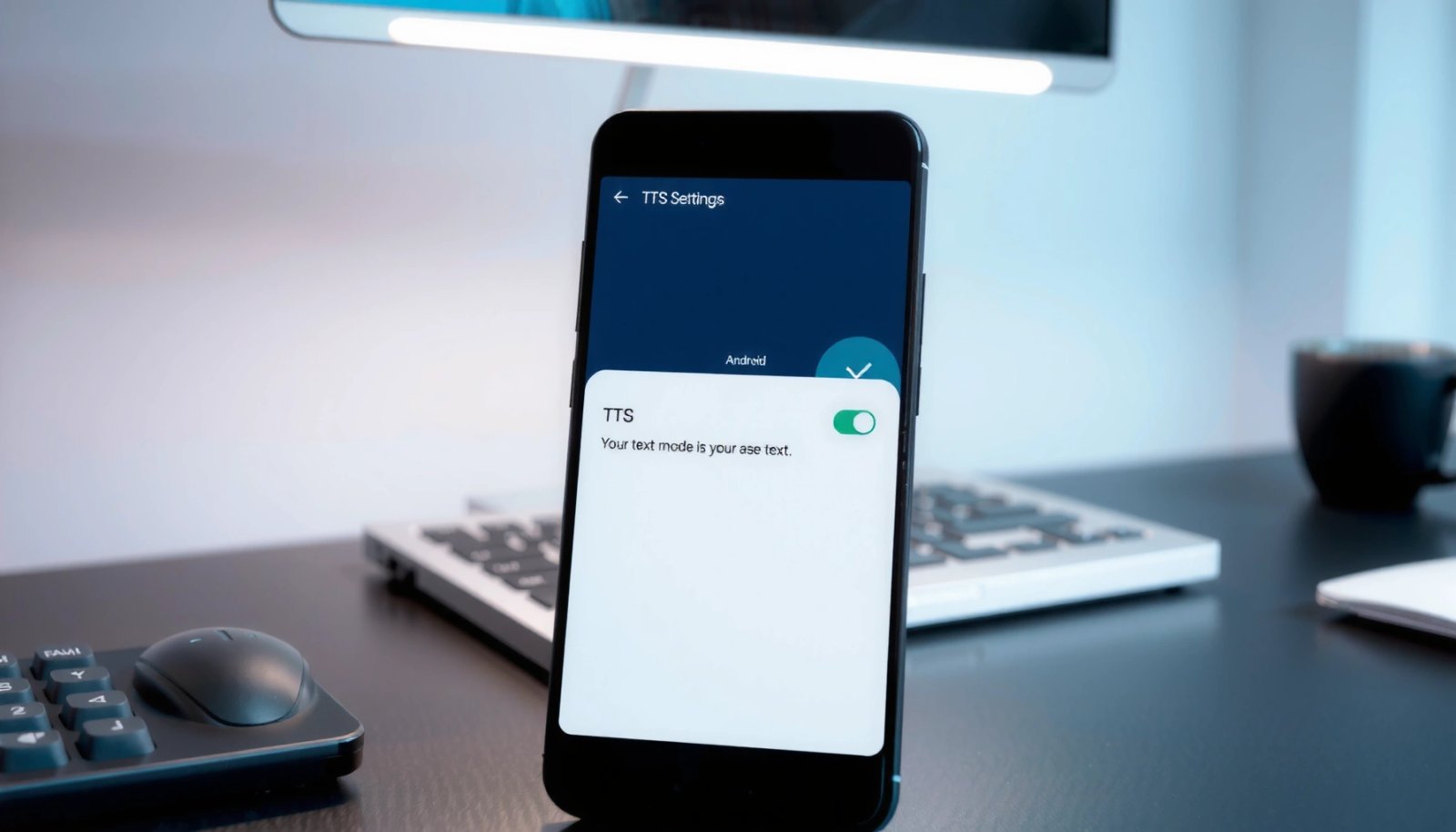
Want to turn off TTS on Android and stop your phone from reading text aloud? This guide gives quick, step-by-step directions to disable Text-to-Speech in the right place so spoken feedback stops immediately. Follow these instructions and you’ll confirm TTS is fully off, whether it’s triggered by accessibility features, system navigation, or specific app prompts....

How to Stop Text to Speech on Android: Quick Fix Steps

Want to stop Text to Speech on Android fast? If you’re dealing with spoken output from Accessibility, the quickest fix is to turn off Text-to-Speech in Settings and then disable the active screen reader/voice option. Follow these exact steps to stop the voice immediately and prevent it from starting again. Text-to-Speech (TTS) on Android can...

How to Turn Off Voice Command on Android

Want to turn off voice command on Android fast and stop the phone from listening? This guide shows the exact switch to disable voice activation across common Android voice assistants, including Google Assistant. Follow the steps once, and you’ll prevent voice-triggered actions without affecting basic microphone permissions. To turn off voice command on Android, disable...

How to Change Android Font Color: Step-by-Step Guide

Changing Android font color is fastest and most reliable using the built-in TextView/Text support—no guesswork, just the exact steps to apply your chosen color. This step-by-step guide shows you how to change Android font color for both XML layouts and runtime updates, so your text displays correctly on every screen. You’ll finish knowing which method...

How to Disable Accessibility on Android: Step-by-Step

Need to disable accessibility on Android and want the fastest path to doing it? Follow these step-by-step instructions to turn off accessibility services in Settings and stop features like TalkBack, Switch Access, and Magnification from running. You’ll know exactly where to tap, what to toggle, and what to check if the accessibility option won’t stay...

How to Turn Off Accessibility on Android With Buttons

If you need to turn off accessibility on Android using buttons, you’ll get the fastest, most reliable method and exactly which key presses to use for your device. This guide targets the quickest off-ramp when accessibility features keep triggering—without digging through menus. You’ll leave knowing how to disable it immediately via hardware buttons, plus what...