Tag

accessibility options

How to Increase Keyboard Size on Android: Quick Steps

Want to increase keyboard size on Android fast and reliably? The quickest path is through your keyboard’s display settings—then, if needed, adjust system font and display size to make keys bigger across all apps. Follow the steps below to confirm what’s changing your keyboard size on your exact device, with no guesswork. On Android, you...
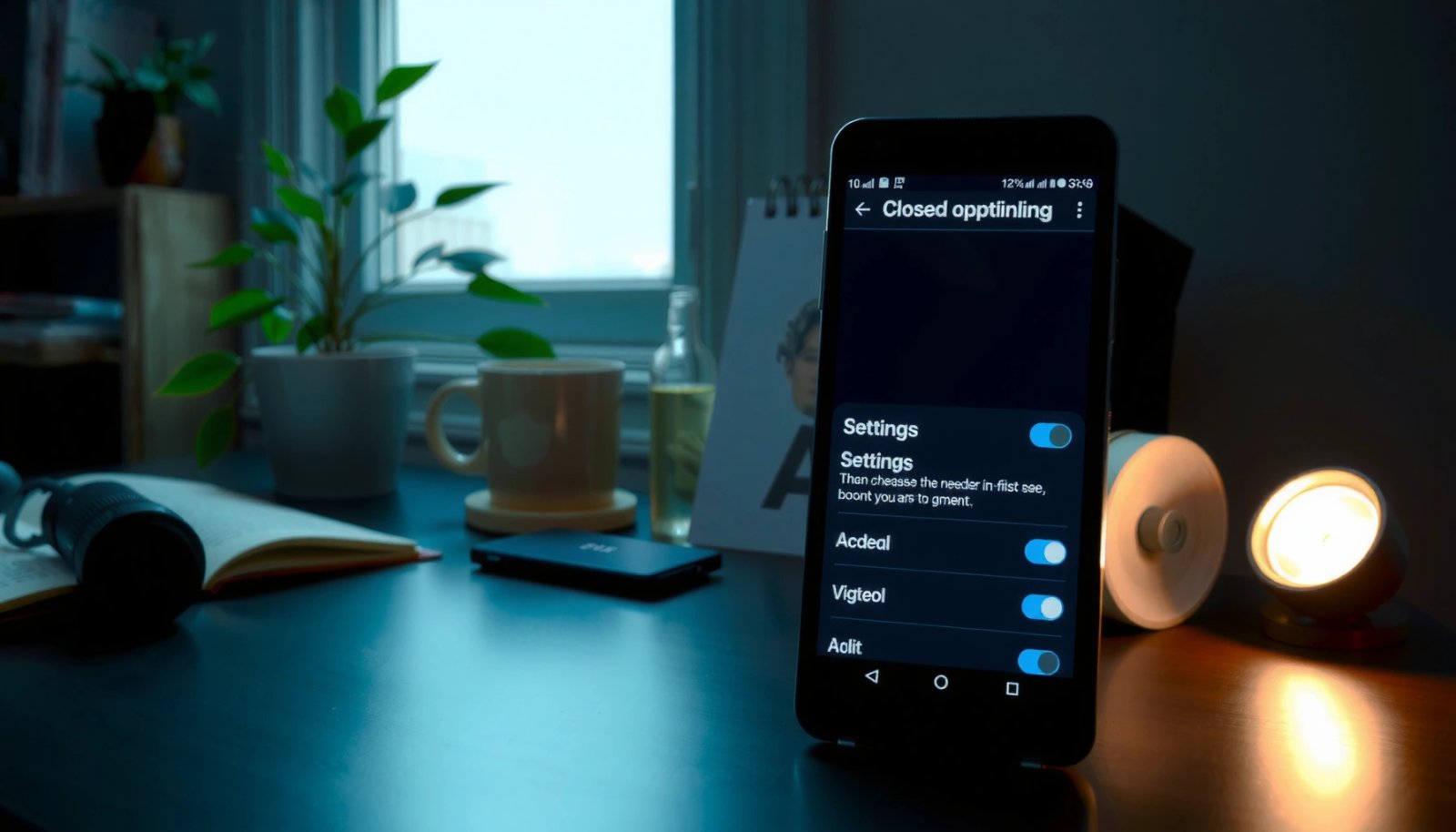
How to Turn Off Closed Captioning on Android

Want to turn off closed captioning on your Android right now? If you want the quickest fix, this guide shows exactly where to disable captions in your phone’s settings and in the apps that display them. You’ll be back to watching or listening without text overlays in just a few taps, whether the captions are...

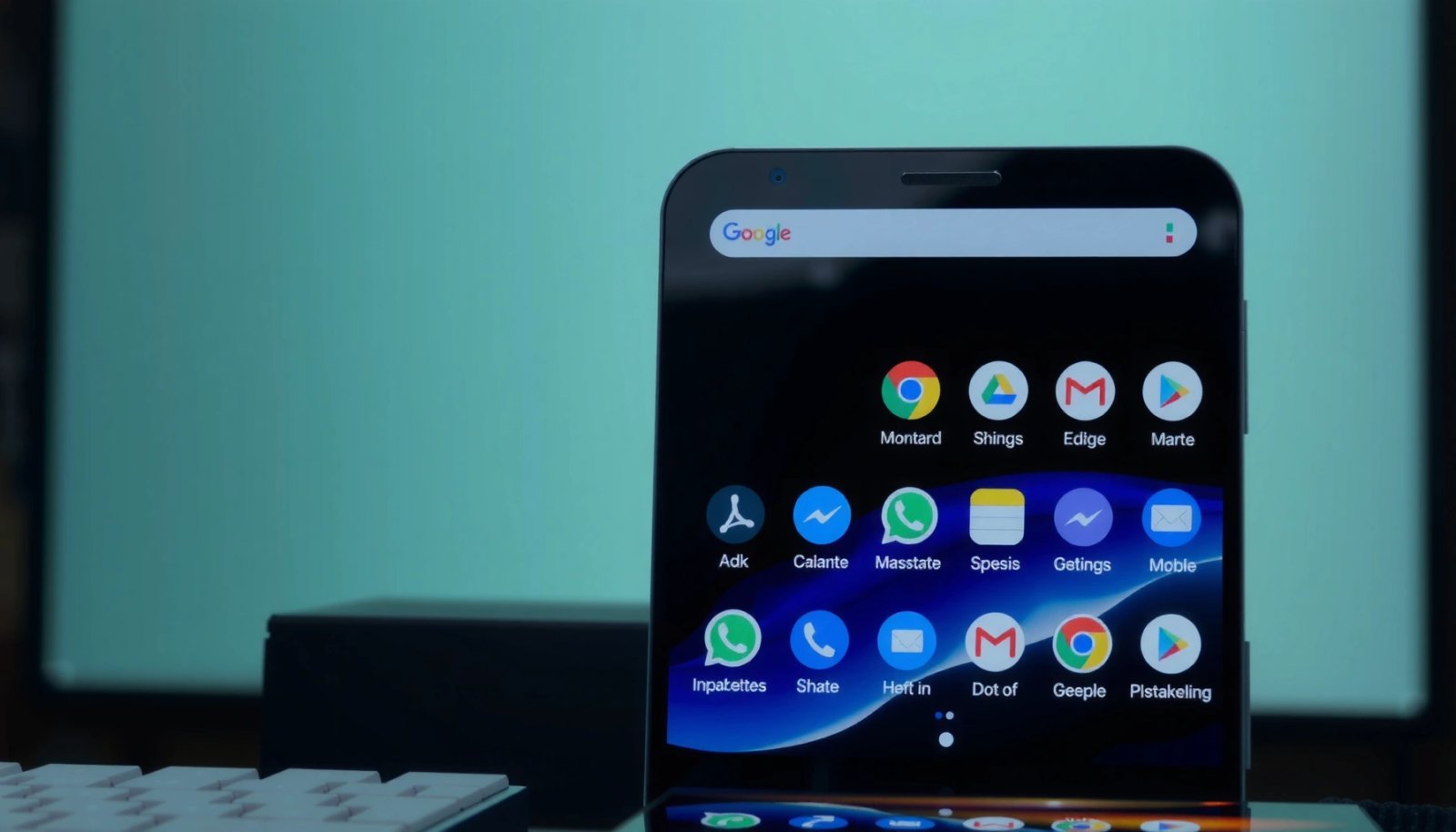
How to Make Icons Bigger on Android: Simple Steps

Want to know how to make icons bigger on Android without guesswork? You can instantly enlarge your home-screen icons using the built-in Display or Home settings on most Android phones, and the steps take only a minute. If your device doesn’t offer icon sizing directly, resizing your display zoom is the fastest reliable workaround. Make...

How to Change Keyboard Colour on Android

Want to change your Android keyboard colour? This guide tells you the fastest way to do it—and when you’ll have to rely on your keyboard app’s built-in theme options instead of system-wide settings. You’ll get clear steps for the most common keyboards, plus the quick checks to confirm your changes actually take effect. To change...

How to Change Font Size in Text Messages on Android

Learn how to change the font size in text messages on Android, with the simplest method that works for most phones: adjust your phone’s Display size and let Android apply it across messages. If you want larger text without changing everything else, we’ll walk you through the targeted settings inside your messaging app. Get the...