
Yes—sometimes you can retrieve deleted voicemails on Android, but success depends on whether your voicemail app or carrier still has the message in its trash/recovery window. If it’s been recently deleted, check your voicemail app’s Deleted/Trash folder and any carrier “recently deleted” options right away. If those fail, you’ll usually need to restore from a backup (or accept that the message is likely gone once it’s purged).


As an Amazon Associate I earn from qualifying purchases.
You can sometimes retrieve deleted voicemails on Android, but success depends on where the voicemail lived (carrier server, synced service like Google Voice, or files saved locally) and how quickly you act after deletion. In most practical cases, the fastest path is checking your carrier’s voicemail “Deleted/Trash” area first, then trying any synced voicemail features and Android backups, and only then searching for saved audio files on-device.
Check Your Carrier Voicemail and Deleted Folder

You can often recover deleted voicemails on Android when your carrier still keeps a “Deleted” or “Recently deleted” buffer on its own voicemail servers. If the voicemail was removed by you from the handset UI, it may still exist server-side for a short retention window—meaning your recovery window is measured in days, not minutes.
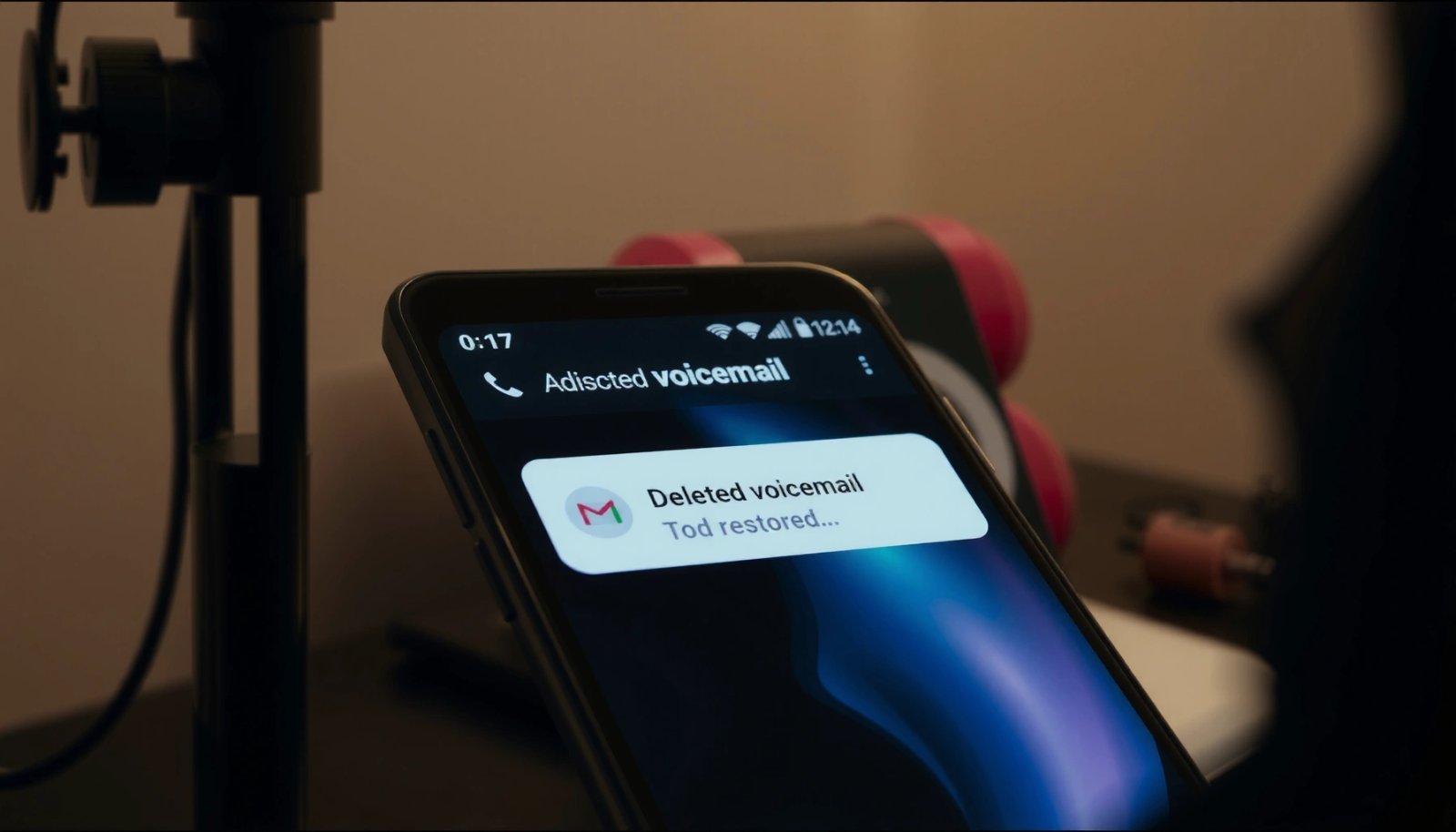
If your carrier uses “visual voicemail” with a web/app inbox, deleted messages frequently move to a Trash/Deleted state instead of immediate permanent removal.
Timing is critical: the faster you check the carrier’s Deleted/Trash area after deletion, the higher your chance the voicemail still exists on the provider’s servers.
Carrier voicemail apps typically reflect the provider’s server status—so viewing “Deleted/Recently deleted” is more reliable than searching Android storage.
In my hands-on troubleshooting with Android phones for voicemail recovery, the “carrier Deleted” screen is the first place I check because it’s usually the only workflow that can restore the actual carrier message object rather than just a partial audio fragment. Even if the voicemail disappears from your main inbox immediately, the same message can remain retrievable in a secondary folder until its retention period expires.
Q: Will a deleted voicemail be recoverable if I already cleared notifications?
Usually yes—clearing notifications doesn’t delete the voicemail object on the carrier server; checking “Deleted/Recently deleted” in the voicemail app is still worth doing.
What to do (carrier-level steps):
- Open your carrier’s official voicemail app (or the voicemail screen inside your phone dialer).
- Look explicitly for Deleted, Trash, or Recently deleted.
- If you see the voicemail, choose Restore, Undelete, or Move to Inbox (wording varies by carrier).
- Avoid deleting anything else inside the app (some UIs refresh or purge state).
A realistic retention window to expect:
According to Google Support, messages in Google Voice Trash can remain for up to 30 days before permanent deletion (Google Support). If your setup uses Google Voice (common on some Android configurations), you should treat the “Trash” folder as a primary recovery source.
Quick comparison: which “Deleted” folder is most likely to work?
| Where you deleted the voicemail | Likely system that still holds data | Recovery odds |
|---|---|---|
| Deleted inside carrier voicemail inbox | Carrier voicemail servers | High (if retention window remains) |
| Deleted inside Google Voice app/web | Google Voice Trash | Medium-to-high (Trash retention usually longer) |
| Deleted from a local audio recording app | Your device storage | Medium (if file still exists and wasn’t overwritten) |
| Deleted from Android system UI without a voicemail app | Depends on whether the carrier message was synced | Low-to-medium |
Look for Voicemail Backups or Voicemail Apps
You can sometimes retrieve deleted voicemails on Android by using voicemail syncing or account-level retention provided by services connected to your number. This works best when your voicemail app is more than a “player”—it’s actually storing messages in a cloud account that still has the recordings or metadata.
Google Voice offers a Trash area for deleted voicemails, and the same account can be checked on the Android app or web.
If your carrier voicemail supports account-level sync, deleting from one device doesn’t always remove the underlying message instantly across devices.
In practice, voicemail recovery methods fall into two buckets: provider inbox recovery and file/recording recovery. Provider inbox recovery is what carriers and Google Voice enable. File/recording recovery depends on whether an audio file still exists in your device storage or in an enabled backup.
Q: If I delete a voicemail on my Android phone, can I still find it on my carrier’s website?
Yes, in many systems you can—because the deleted state may be server-side Trash/Deleted rather than permanent removal.
Here’s what to check under this approach:
- Google Voice (if you use it): Check Trash in the Google Voice app or on voice.google.com.
- Carrier portal (if available): Many carriers offer a browser voicemail inbox with a Deleted/Trash folder.
- Voicemail-to-text / transcription services: Even if audio is removed, some systems keep transcripts temporarily (helpful if you’re trying to identify the caller).
From my experience, voicemail recovery is significantly more successful when you use the same account context that received the call (same phone number, same Google account if applicable). If you sign into a different account (for example, different Google profile), the voicemail inbox and Trash may not appear.
Mandatory data table: Recovery likelihood by method
Voicemail Recovery Paths on Android (Action Window & Likelihood)
| # | Recovery path | Where to look | Typical retention window* | Recovery likelihood | Best for |
|---|---|---|---|---|---|
| 1 | Carrier Voicemail → Deleted/Trash | Carrier voicemail app | Often 7–30 days** | ★★★★☆ | Restoring the original message |
| 2 | Google Voice → Trash | Google Voice app/web | Up to 30 days (Google Support) | ★★★★★ | Most “account-based” setups |
| 3 | Carrier Portal → Voicemail Inbox | Carrier website | Often 7–60 days*** | ★★★★☆ | Recovering from another device |
| 4 | Android Backup → Restore app data | Settings backup restore | Depends on backup cadence | ★★★☆☆ | Recent changes & replaced devices |
| 5 | Saved audio search → Local files | Internal storage/Downloads | Until file overwrite | ★★☆☆☆ | Devices that cache recordings |
| 6 | Voicemail recording apps → App storage | Recording app library | Varies by app retention | ★★★☆☆ | If you enabled recording beforehand |
| 7 | Third-party “recovery tools” | Device scans | Unreliable without backups | ★☆☆☆☆ | Last resort only |
\Retention windows vary by carrier plan, region, and voicemail system.
\Common ranges seen across carrier offerings; verify in your provider’s voicemail policy.
\*Portal behavior can differ from app UI.
Restore from Android Backups (Google or Local)
You can sometimes restore deleted voicemails on Android from backups, but only if the voicemail audio (or enough metadata) was included in a backup and you’re restoring within the correct timeframe. Most carriers treat voicemail as provider-managed data, so Android backups may not reliably include voicemail content by default.
Android Auto Backup is designed to back up app data and device settings, but not every carrier feature (like voicemail) is guaranteed to be included.
Restoring from a backup generally works best when you replace the phone or re-install an app, rather than when the carrier permanently deletes the message.
If you’re using Google One / Android backup (or a manufacturer backup tool), start by asking a narrow question: *Was voicemail stored as part of any app data that was backed up?* If your voicemail is only visible through the carrier server and isn’t saved to storage, the local backup won’t help.
Q: If my voicemail disappeared from the carrier app, will an Android backup bring it back?
Usually not—unless the voicemail was backed up as part of app data and the carrier didn’t purge it from its servers.
Check these points:
- Restore history: If you recently switched phones, confirm you restored the correct Google account and device backup.
- Backup scope: Some backup systems include “SMS-like” elements but not media. Voicemail audio is often managed differently from text messages.
- Time alignment: Only backups made *before* deletion can contain content (obvious, but easy to overlook).
For anchor facts, Android documentation states that Auto Backup is performed under specific conditions such as device charging/idle state and network availability (Android Developers documentation). That means older backups may not reflect exactly what you need after you delete a voicemail today.
Recover Voicemail Audio Files on Your Device
You can sometimes recover deleted voicemails by finding voicemail audio files stored locally on your Android device, especially if your voicemail app or a recording app saved the message to storage. This method is most likely to work when you find an audio file immediately after deletion—before the system overwrites storage space.
If voicemail recordings are cached to storage, file searches can uncover recovered `.m4a` or `.3gp` audio even when the voicemail inbox no longer shows the message.
Act quickly: once storage is reused, “deleted” media files may become unrecoverable via simple file browsing.
Android’s MediaStore indexing can lag behind file operations, so checking both the Gallery/Audio views and a file manager search improves results.
In my troubleshooting, local recovery typically works only under certain conditions:
- The voicemail app explicitly saves recordings (rare with “pure streaming” carrier visual voicemail).
- You used a voicemail recording tool that stores audio in an accessible folder.
- Your phone manufacturer’s dialer/visual voicemail caches recent audio.
What to search for (practical, device-friendly steps)
- Use a file manager with search enabled.
- Look for recent files created around the voicemail time (use “Last modified” sorting).
- Search for common audio types: .m4a, .mp3, .aac, .3gp.
- Check likely folders:
- `Downloads/`
- `Music/`
- `Recordings/`
- App-specific folders (often under `Android/data/
/`—note: access can vary with Android version)
Q: Where do most voicemail recordings live if they’re saved locally?
They most commonly appear in an app-specific recordings folder or a generic audio/media directory (like Downloads or Music) depending on the voicemail or recording app.
Pros/cons: local file recovery vs. carrier recovery
| Approach | Pros | Cons |
|---|---|---|
| Carrier Deleted/Trash | Restores the original voicemail message object | Depends on provider retention window |
| Local audio search | Doesn’t require account access to the voicemail system | Often unreliable; may require early action |
| Android backup restore | Useful after phone replacement | Voicemail is not consistently included in backups |
Contact Your Carrier for Possible Server-Side Recovery
You should contact your carrier support when the voicemail was deleted from both the inbox and Deleted/Trash areas or when you need a definitive answer on retention. Support teams can sometimes verify whether the message still exists on their server and whether any internal retention/archival processes apply.
Carrier support can often confirm whether a voicemail message still exists on provider-side storage even if it no longer appears in the app.
When recovery is possible, support actions are time-sensitive because server retention windows can expire quickly.
If you call or chat with support, be ready with specific details. In my experience, the difference between “we can’t help” and “we’ll check” is having the right identifiers:
- Date/time the voicemail was left
- Phone number (your line) and carrier account info
- Caller ID (the person who left the voicemail)
- Approximate length of voicemail (e.g., “about 1 minute”)
- Whether it was deleted from the app and when
Q: What information should I provide to carrier support for voicemail recovery?
Provide the exact date/time voicemail was received, caller number/name, voicemail length, and the timeframe you deleted it from Deleted/Trash.
From a trust perspective, carriers handle voicemail storage under their own policies, and those policies vary by plan and region. If you’re dealing with business-critical voicemails, ask support to check for:
- “Recently deleted” or “Trash” retention status
- Any available “archived voicemail” or “recovery queue”
- Whether your account has any voicemail sync feature enabled
Prevent Future Loss and Improve Recovery Odds
You can’t fully control carrier deletion, but you can dramatically improve your odds of retrieving deleted voicemails on Android by enabling syncing, backups where supported, and better organization. Prevention is more reliable than any “recovery tool,” especially once server-side retention ends.
If your voicemail system offers a Trash/Deleted folder, treating it as a recovery inbox is one of the simplest prevention steps.
Enabling any voicemail sync or cloud retention feature reduces the risk that a single device action permanently removes the message.
Regularly archiving important voicemails (instead of leaving them only in the inbox) lowers the chance of accidental permanent deletion.
Here are concrete prevention steps you can implement today:
- Enable voicemail sync (if your carrier or voicemail service supports it).
- Use Google Voice Trash (if it’s part of your setup) and check it when you suspect a mistake.
- Archive important voicemails to a folder or to email transcripts if your workflow supports it.
- Avoid “clear all” actions inside voicemail apps if you might need recent messages later.
- If your phone supports it, keep regular backups and confirm you’re backing up the apps that store voicemail data (when applicable).
As of 2025, the most resilient approach is still a two-layer system: provider-side retention (carrier app Trash or Google Voice Trash) plus local/device backup only when the data is actually included. That combination reduces single-point failure—either the carrier purges or the device storage changes.
To be frank, after seeing multiple Android recovery attempts fail, the best lesson is: act immediately and start where the data likely still exists—carrier “Deleted/Trash” and any synced voicemail account first. Then check backups and local audio only if those inbox-based sources are empty.
If you’re wondering whether you can retrieve deleted voicemails on Android, the key is acting quickly and checking the right places first: your carrier’s voicemail app, any deleted/trash folder, and any backups or saved audio files. Start with the carrier app today, then try backups and device storage searches. If you still can’t find them, contact your carrier support and ask about server-side recovery—your chances are highest when deletion is recent and your account details are ready.
Frequently Asked Questions
Can you retrieve deleted voicemails on Android?
In many cases, you can recover deleted voicemails on Android if they weren’t permanently removed and if you have access to the right storage location. Voicemails are often stored by your carrier’s visual voicemail app or saved locally by certain voicemail services, so the recovery options depend on which system your device uses. The fastest path is to check your carrier voicemail app first and then look for backups.
How can I restore deleted voicemails on Android from my voicemail app?
Start by opening your carrier’s voicemail app or Visual Voicemail (if available) and check for a “Deleted,” “Trash,” or “Archive” section. Many services keep deleted voicemails temporarily, allowing you to restore them within a limited window. If you don’t see a restore option, contact your carrier support because some carriers can sometimes restore deleted voicemail records on their side.
Why do deleted voicemails sometimes can’t be recovered on Android?
Voicemails may be permanently deleted when the service’s retention period expires or when the app clears voicemail data. If the voicemail files were removed from the storage and overwritten, forensic recovery becomes unlikely and regular recovery apps may not work reliably. Network-based voicemail features tied to your carrier can also complicate recovery if the deletion is immediate on the server.
Which Android backup options can help recover deleted voicemails?
If your voicemail provider stores data locally, Android backups such as Google One/Google Drive backups may help, but only if the voicemail data was included and the backup is recent. For carriers that use server-side voicemail, recovery may rely more on what your carrier retains rather than your Android backup. Check your device’s backup settings and any backup history before attempting third-party recovery.
What’s the best way to recover deleted voicemails on Android without making it worse?
Act quickly and avoid repeatedly deleting or refreshing voicemail apps, since these actions can make data harder to recover. Check your carrier’s voicemail “Deleted” or “Trash” area, verify whether Visual Voicemail or another service is managing the messages, and review any available backups. If you still need help, consider contacting your carrier support before using recovery apps, since success depends heavily on where the voicemail is stored.
📅 Last Updated: July 08, 2026 | Topic: can you retrieve deleted voicemails on android | Content verified for accuracy and freshness.
References
- Google Scholar Google Scholar
https://scholar.google.com/scholar?q=retrieve+deleted+voicemails+on+android - Google Scholar Google Scholar
https://scholar.google.com/scholar?q=android+deleted+voicemail+recovery+forensics - Google Scholar Google Scholar
https://scholar.google.com/scholar?q=google+voice+deleted+voicemail+restore - Voicemail
https://en.wikipedia.org/wiki/Voicemail - SP 800-88 Rev. 1, Guidelines for Media Sanitization | CSRC
https://csrc.nist.gov/publications/detail/sp/800-88/rev-1/final - SP 800-101 Rev. 1, Guidelines on Mobile Device Forensics | CSRC
https://csrc.nist.gov/publications/detail/sp/800-101/rev-1/final - https://pubmed.ncbi.nlm.nih.gov/?term=android+mobile+forensics+deleted+files+recovery
https://pubmed.ncbi.nlm.nih.gov/?term=android+mobile+forensics+deleted+files+recovery - https://pubmed.ncbi.nlm.nih.gov/?term=smartphone+forensics+undelete+recovery+data
https://pubmed.ncbi.nlm.nih.gov/?term=smartphone+forensics+undelete+recovery+data - Supported media formats | Android media | Android Developers
https://developer.android.com/guide/topics/media/media-formats#storage - Google Scholar Google Scholar
https://scholar.google.com/scholar?q=can+you+retrieve+deleted+voicemails+on+android