
Tag

reinstall apps

How to Restore Deleted Apps on Android (Quick Steps)

After you tap “Uninstall” or swipe an app away, Android makes it feel permanently gone, but it’s often just hidden or removed from your launcher. With a few quick checks in the Google Play Store and your device’s app history, you can reinstall it and regain access in under 10 minutes. You’ll only need your...

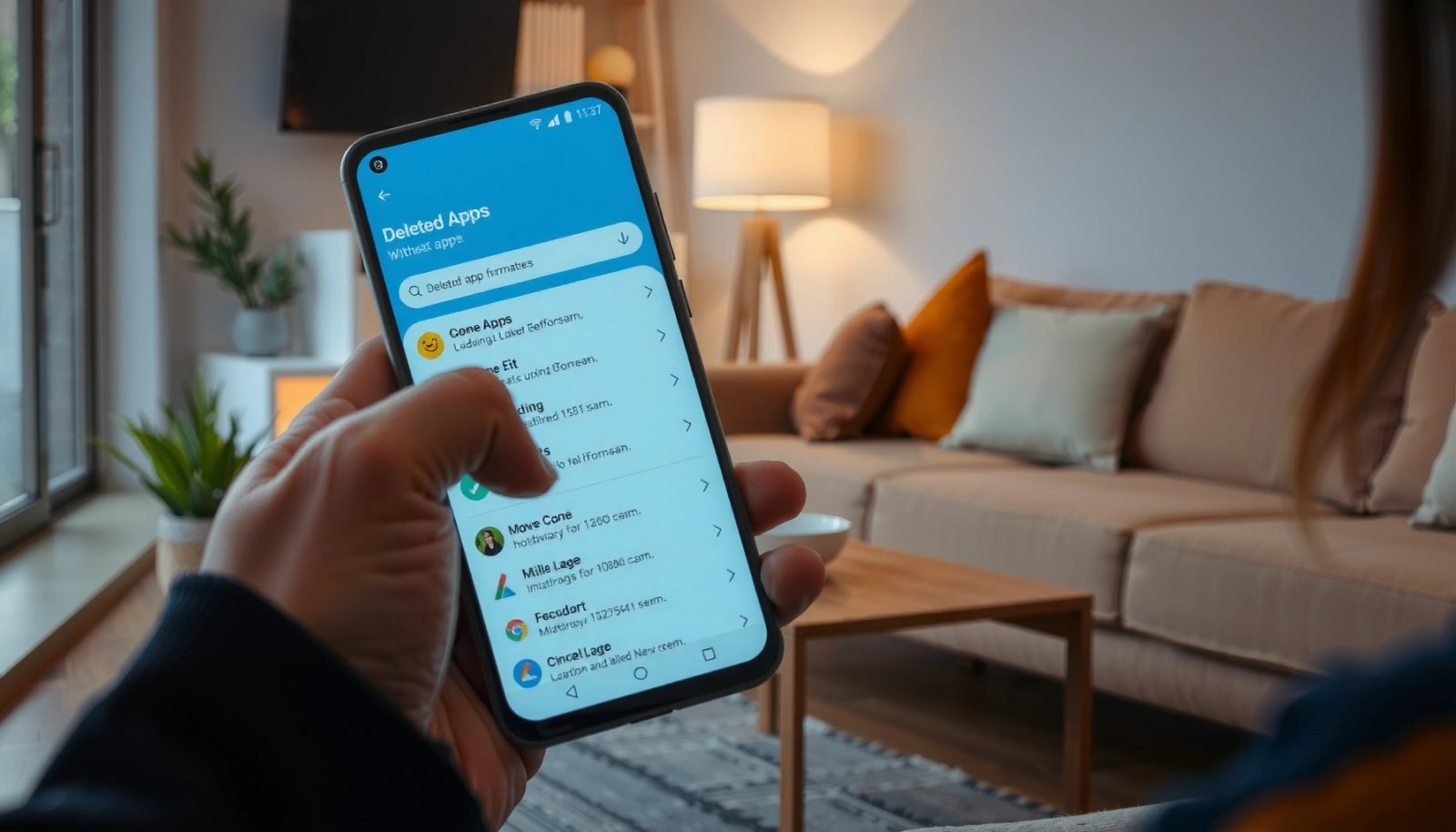
How to Restore Deleted Apps on Android: Step-by-Step

You can restore deleted apps on Android by reinstalling them from the Google Play Store and, if needed, recovering them from your app library or backups. In most cases this takes just a few minutes and requires only access to the same Google account used on the phone. Follow the steps below to get your...

How to Check Deleted Apps on Android

Need to check deleted apps on Android—fast and accurately? The quickest method is to review your Google Play activity (and the install/uninstall timeline) because it records app changes tied to your account. If the app wasn’t installed from Play Store or you cleared data, you’ll need to check device backup history and recent system logs...