Tag

blocked numbers

How to Check Spam Messages on Android

To check spam messages on Android, you’ll get the fastest path through the built-in Messages app and your phone’s Spam filter. If you want the clear winner for most users, use the Messages app’s Spam or Blocked section first—then verify by checking Settings for spam filtering on your carrier and device. You’ll also learn where...


How Do I Unblock Text Messages on Android?

If your Android is blocking text messages, you can unblock them fast by turning off the right spam and block settings in the Messages app and checking that the contact or number isn’t in your block list. This guide walks you through the exact switches—spam protection, blocked numbers, and carrier-level filtering—so your texts start coming...

Why Am I Not Getting Texts on My Android? Troubleshooting Guide

Not getting texts on your Android usually comes down to a few fixable settings—this guide shows the fastest path to restore SMS delivery. You’ll get a clear, step-by-step troubleshooting checklist for the most common causes, from messaging app and notifications to carrier blocks and SIM/account issues. Follow it in order to identify exactly why your...

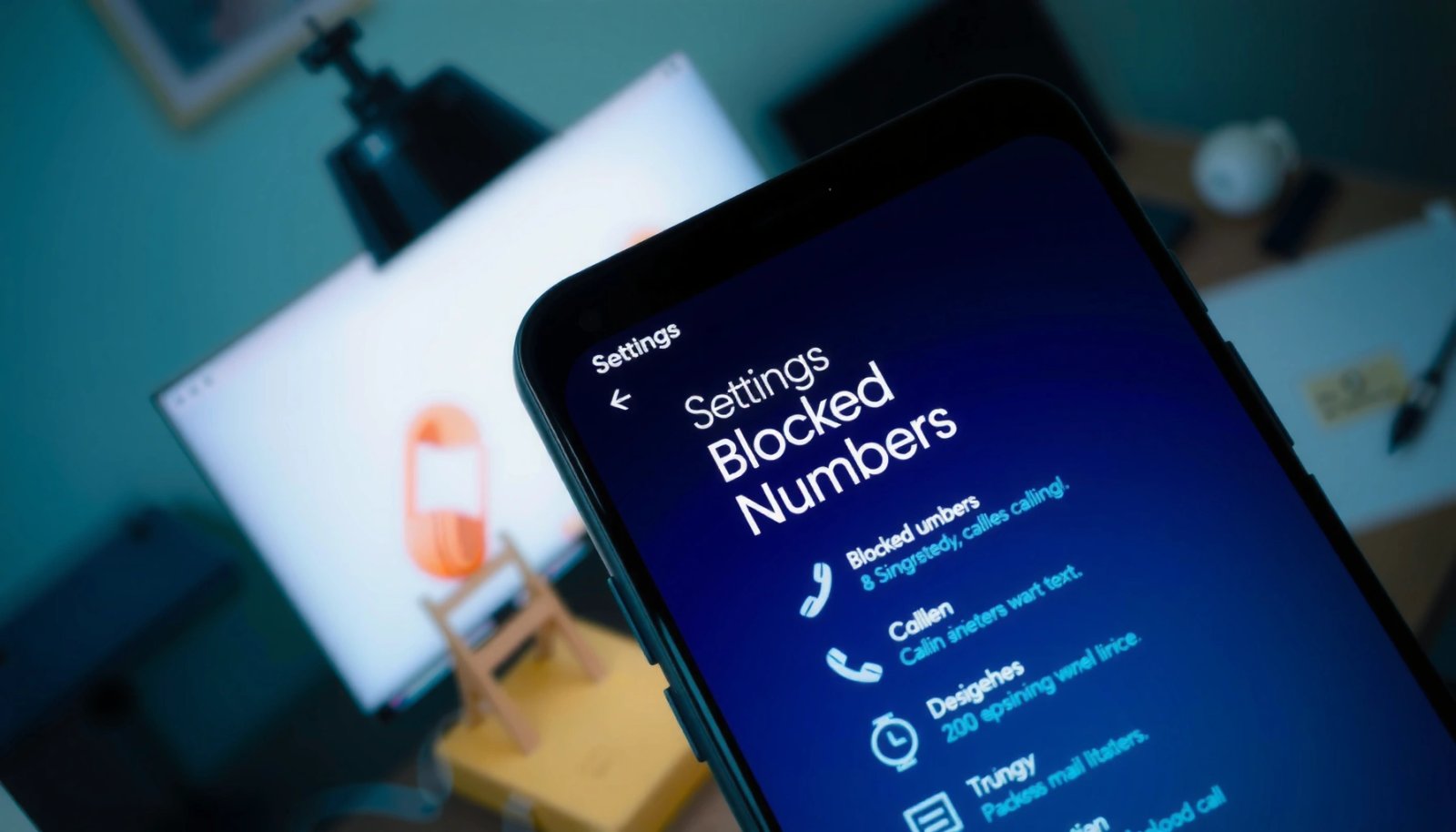
How to See Blocked Numbers on Android: Step-by-Step

Want to see blocked numbers on Android? This step-by-step guide shows exactly where blocked callers and texts are stored and how to review that list in seconds. If your goal is to check who you’ve blocked (and confirm details), these are the fastest paths that work on most Android versions. You can see blocked numbers...