Tag

SD card not detected

Why My SD Card Is Not Showing in Android: Fixes

If your SD card is not showing in Android, the fix is usually about the storage being detected incorrectly—starting with reseating the card, checking file-system format, and verifying it isn’t disabled in Storage settings. This guide walks you through the most common causes that prevent Android from recognizing your SD card and gives you the...
How to Format an SD Card in Android: Step-by-Step

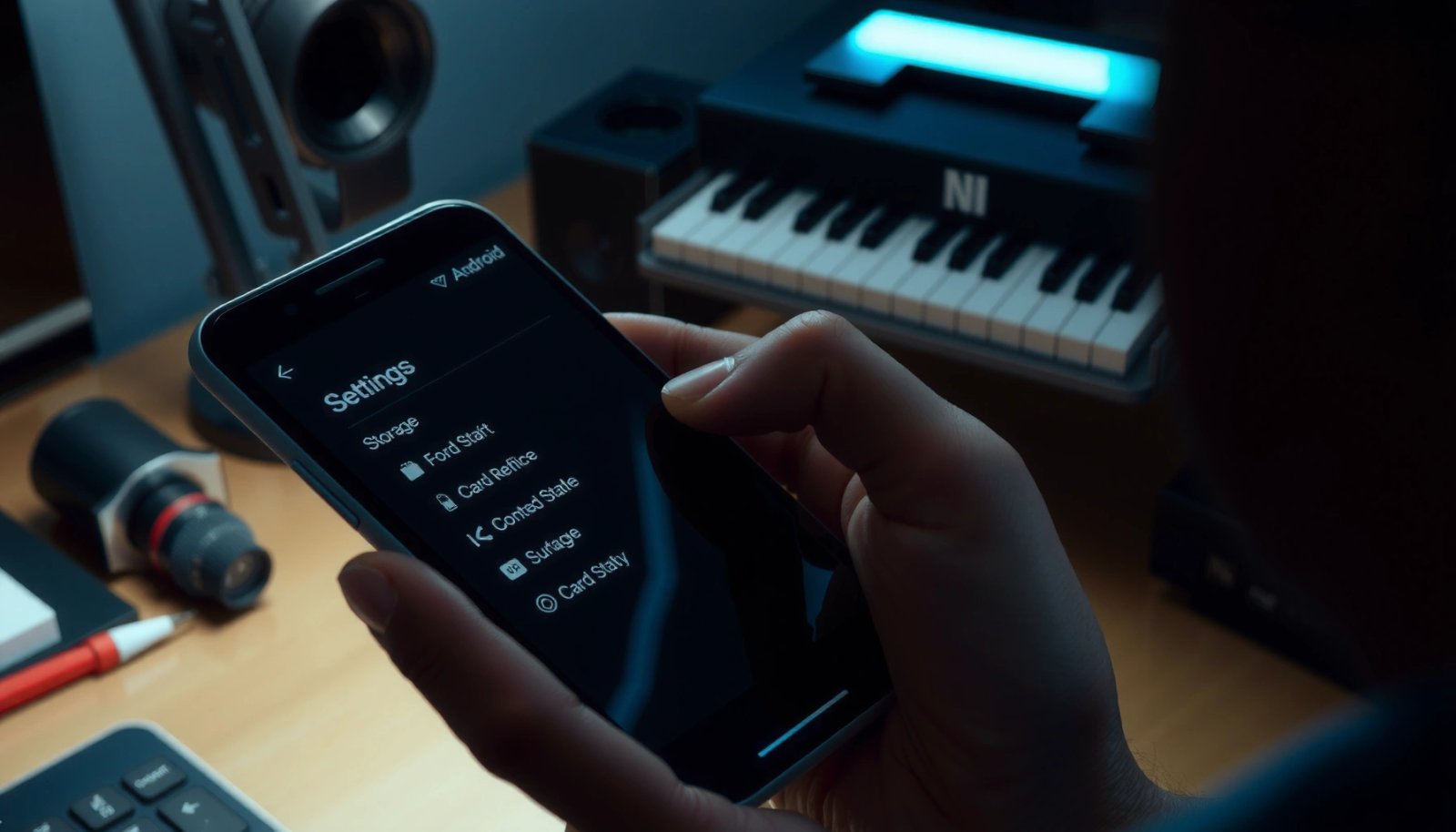
Want to know how to format an SD card in Android the right way—without breaking apps or losing your data? This step-by-step guide walks you through backing up, choosing the correct storage option, and formatting safely from Android’s Settings. Follow it and you’ll finish with a working card ready for photos, downloads, and app storage....

How to Find SD Card on Android: Quick Steps

Need to find the SD card on Android fast? Start by checking your device’s Settings under Storage, where the SD card name and available capacity show up immediately. If you don’t see it there, confirm the card is seated in the slot and then look in a File Manager app under “SD card” or “Removable...