Tag

manage files

How Do I Clear Downloads on My Android Phone? Quick Steps

Clearing downloads on your Android phone is fastest when you use the built-in Files or Downloads app—delete files there in seconds. This step-by-step walkthrough shows exactly how to remove items from the Downloads folder, confirm what’s safe to delete, and free storage right away. You’ll know what to tap and what to avoid so your...
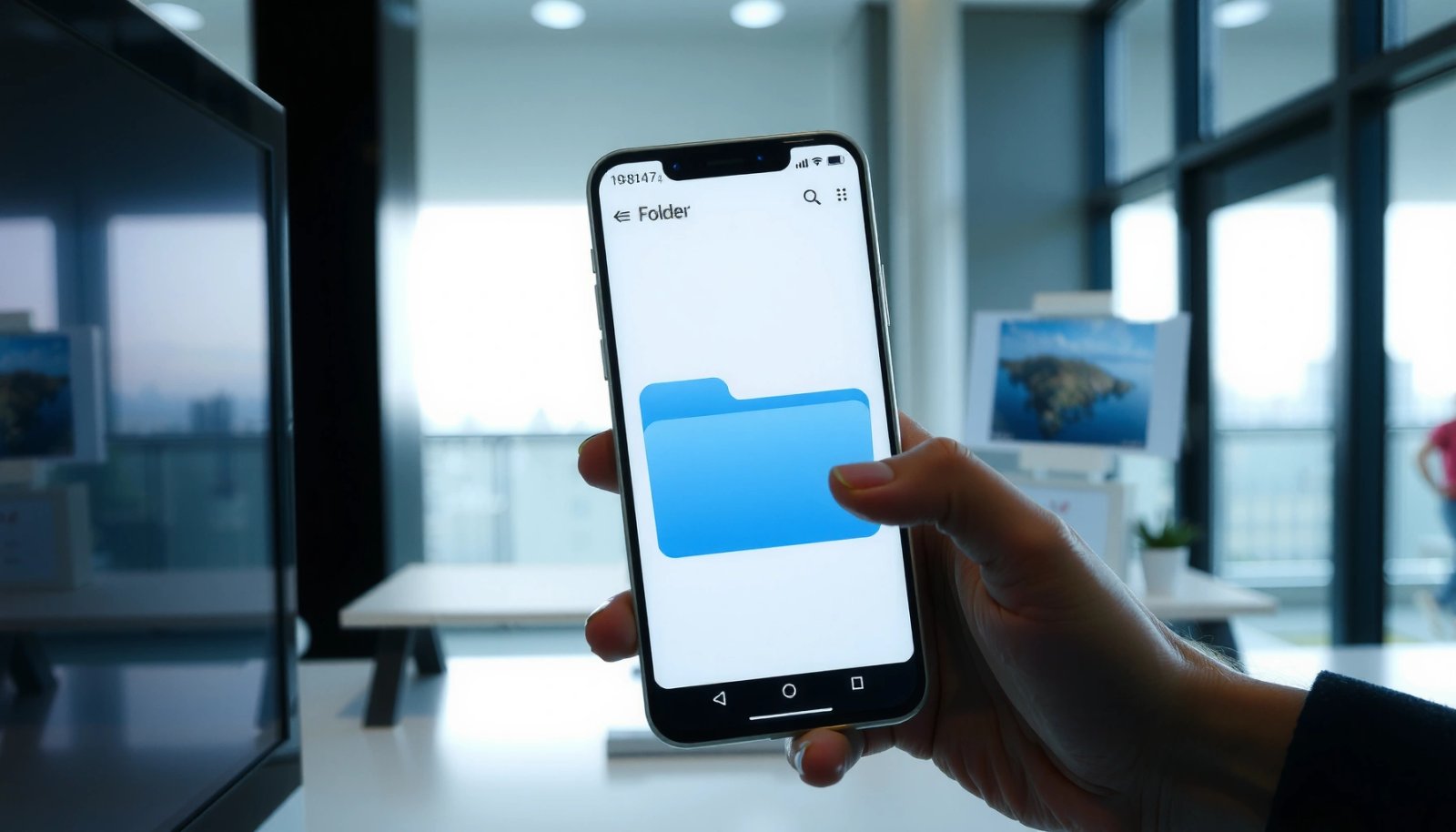

How Do I Create a Folder in Android? Simple Steps

To create a folder in Android, the fastest way depends on where you want it: inside your Files app for simple organization, or within your app’s internal/external storage using the Android APIs. This guide walks you through the exact steps to make a new folder, pick the right storage location, and avoid the common permission...

How to Rename Folder in Android: Step-by-Step Guide

Renaming a folder in Android is easiest with a file manager app that supports folder editing, and the steps are straightforward when you follow the on-device workflow. This guide walks you through exactly how to rename a folder on your Android phone or tablet, from locating the directory to applying the new name. If you’ve...

How to Make a New Folder on Android: Quick Steps

Need to know how to make a new folder on Android fast? This guide walks you through the quickest, most reliable method to create a folder on your phone or tablet in just a few taps. You’ll learn where to add the folder—via Files by Google or your built-in file manager—and how to confirm it...

How Do I Delete Downloads on Android Phone?

To delete Downloads on your Android phone, you can clear the file folder in seconds using the built-in Files or My Files app—no extra tools required. This is the fastest, most reliable method when your goal is to remove downloaded files and free storage. You’ll also learn what to do when downloads don’t show up,...