Tag

about phone

How to Know My Android Version: Quick Steps

If you’re trying to know my Android version, you can get the exact answer in under a minute using your phone’s Settings. This guide walks you straight to the version number from the About phone or About device screen—no guessing or app installs needed. You’ll also learn how to verify it when your display or...

How Can I Check My Android Version? Quick Steps

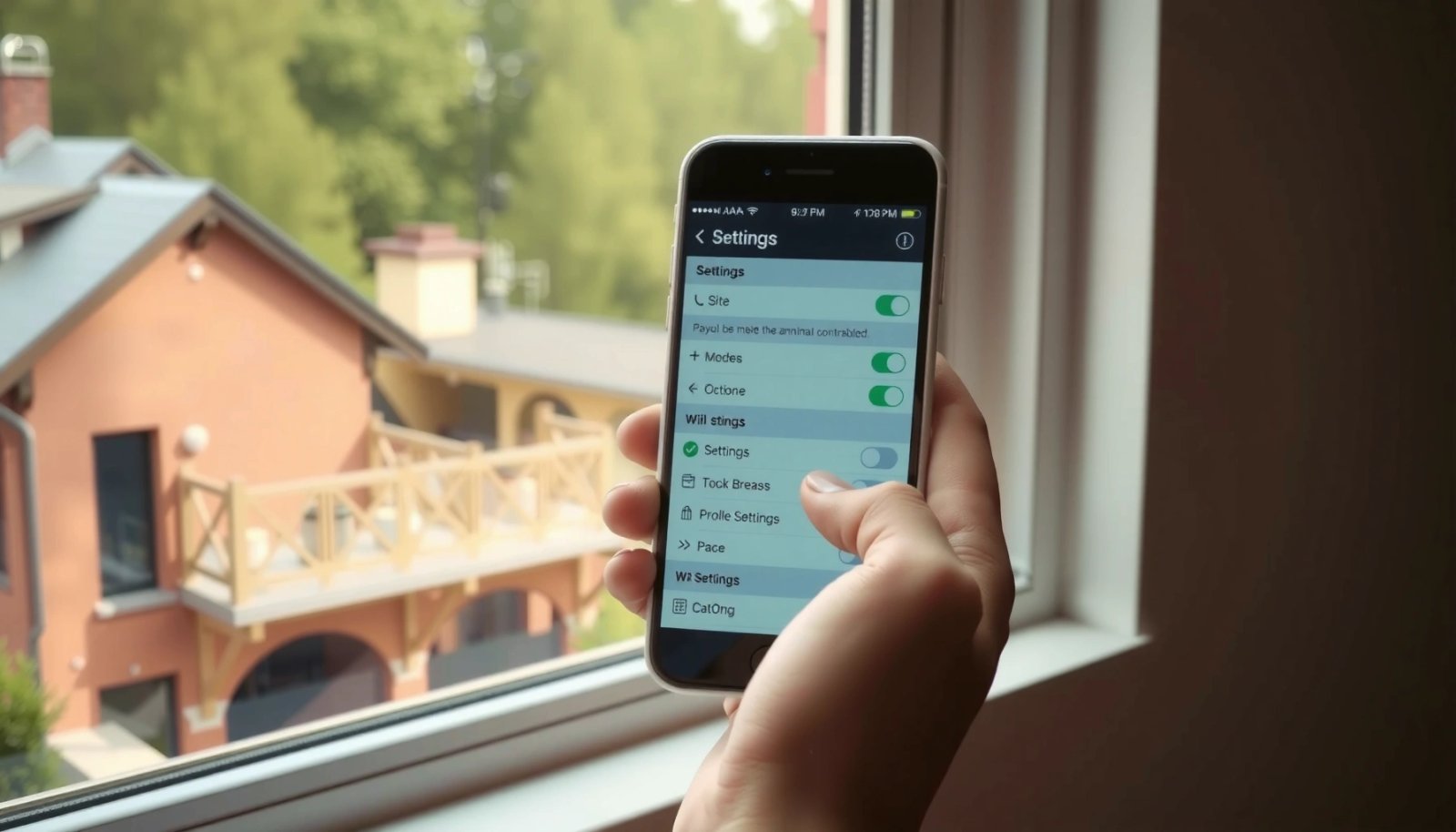
To check your Android version, use the fastest path: open Settings and go to About phone (or About device) to see your Android version number. If you need more detail or your phone doesn’t show it there, check Settings → System → System update for version info. Follow these quick steps and you’ll know your...